
Affiliate Disclosure: Some links on this page are affiliate links. As an Amazon Associate, we earn from qualifying purchases — at no extra cost to you. We do not buy, install, or physically handle the cameras we cover; our rankings come from aggregated owner reviews, ratings and expert consensus. Commissions never change our verdicts. We're reader-supported: commissions fund hosting, research and updates, so if a guide helped, buying through our links keeps it going. How we rank · full disclosure.
This security camera buying guide exists because the two decisions that determine whether you like your security cameras are made before you pick a model. Decision one is where the video lives — a paid cloud subscription, or a card and drive you own. Decision two is where the power comes from — a battery you recharge, a cable you run, or a solar panel. Get those two right and almost any well-rated camera will do the job. Get them wrong and you will be replacing the system inside two years, which is the single most common story in the owner reviews we read.
How we work: we do not buy, install or physically handle any of these cameras. There is no test rig behind these buying guides and we are not going to pretend otherwise. Our rankings come from aggregated owner ratings weighted by review volume, the complaints that repeat across thousands of reviews, spec verification and expert consensus. The full method is on how we rank, and the commercial arrangement is spelled out on affiliate disclosure.
In Plain English
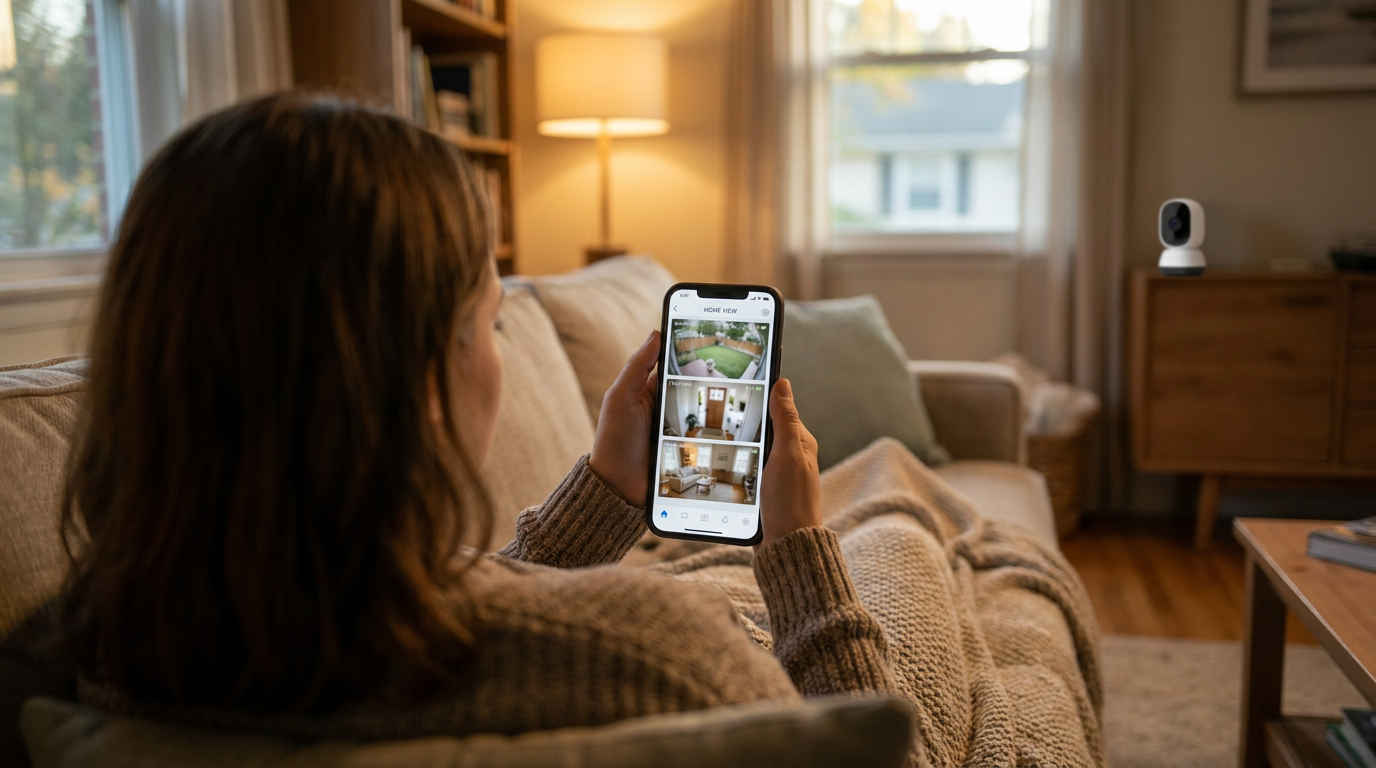
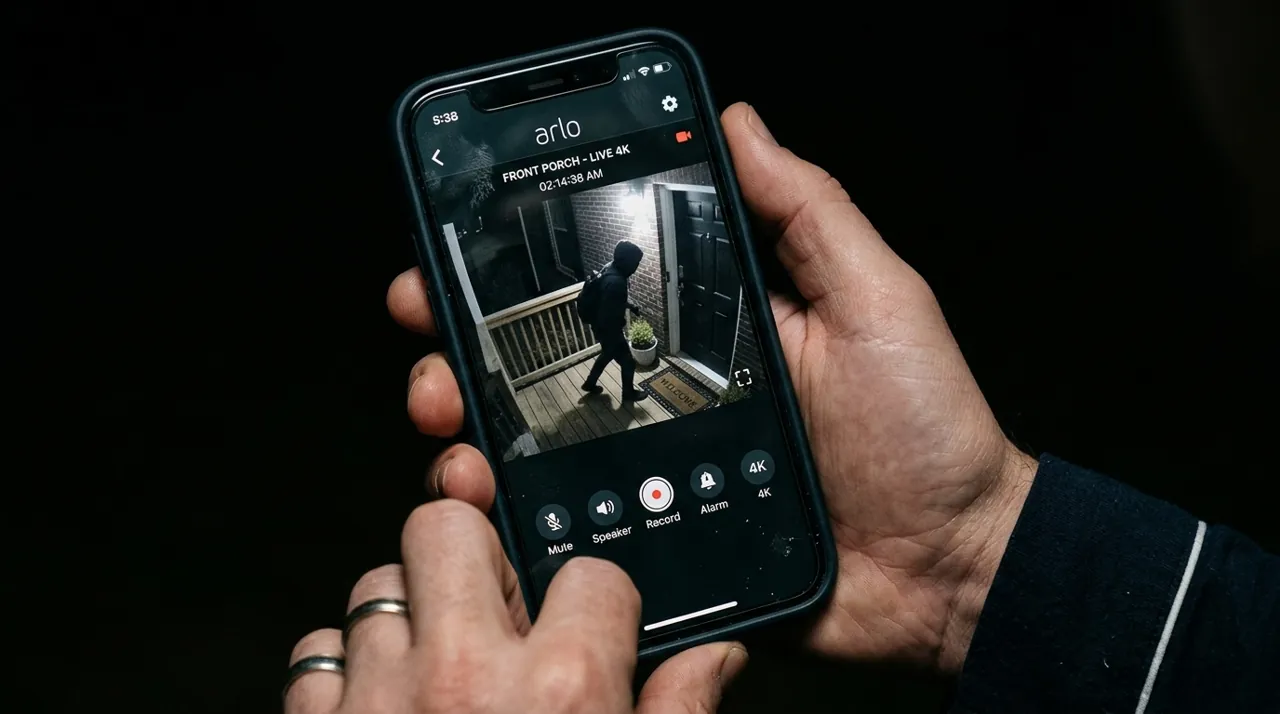
Before choosing any camera, make two decisions. First: where will your video be kept? Either online for a monthly fee (a cloud subscription), or on a memory card, hub or recorder you own at home (local storage). Second: how will the camera get power? A battery you recharge, a plug, a single network cable that carries both power and data (PoE), or a solar panel.
It is like buying a car: decide gas or electric, and where you will park it, before you compare colors. Get those two answers right and almost any well-rated camera will do. Then think about the exact spot and how dark it gets at night, and only then read the spec sheet. Before you buy, check the Wi-Fi signal where the camera will go. After setting it up, walk past it and make sure you can actually find the saved clip.
The Subscription Question Comes First
The direct answer: decide whether you are willing to pay monthly before you look at a single camera, because that one choice eliminates about half the market and it cannot be reversed cheaply.
Here is what buyers keep discovering after the box is open. A cloud-first camera bought at an entry-level price does not record anything you can go back and watch unless you subscribe. Live view works, motion notifications work, but the clip of the person who took your package is either kept for a few hours or not kept at all. Across the mainstream brands the paid plan runs a modest monthly fee for a single camera and more for unlimited cameras at one address. Over five years, a two-camera household on a whole-home plan pays a substantial sum in fees — routinely more than the hardware cost.
The alternative to cloud storage is local storage, and it is a genuine alternative rather than a compromise. Cameras that record to a microSD card, to a base station with built-in storage, or to a network video recorder keep the footage on your property with no recurring bill. The tradeoffs are real: remote access can be clunkier, a thief who takes the camera takes the card with it unless there is a hub, and you are responsible for the drive when it eventually fails. Our NVR camera systems hub is the deep end of this approach, and the no-WiFi and cellular cameras hub covers the properties where there is no broadband to stream to in the first place.
If you are already leaning toward the biggest name in the category, read is Ring worth it first. It runs the subscription arithmetic honestly and names the situations where a cheaper ecosystem is the better buy.
Power: Battery, Wired, PoE or Solar
The second structural decision is how the camera stays alive, and it drives everything about installation.
Battery cameras are why this category exploded. No electrician, no drilling into brick, no cable run through an attic — a bracket, three screws and an app pairing, done in twenty minutes. They are also the only realistic option for renters. The cost is the recharge cycle. Manufacturer claims vary widely, from about three months per charge (eufy's SoloCam S340) to up to two years on AA lithium cells (Blink Outdoor 4, at default settings); owner reviews consistently report shorter real-world intervals on a camera in a busy location, because every motion event costs power. Full picture in wireless and battery cameras.
Wired cameras plug into an outdoor outlet. Continuous power means continuous recording and no ladder trips, at the price of being tethered to wherever an outlet exists. This is the sweet spot for porches, garages and anywhere a builder was thoughtful enough to put a socket.
PoE cameras carry power and data down a single Ethernet cable from a switch or recorder. It is the most reliable arrangement available to a homeowner, it does not touch your WiFi bandwidth, and it is the standard professionals use. It is also the one that involves pulling cable. See wired PoE cameras.
Solar cameras are battery cameras with a panel bolted on, and in a sunny mounting position they genuinely end the recharge problem. In a north-facing corner under a tree, they do not. Owner reviews split almost entirely along that line. See solar cameras.
When you have chosen, how to install a security camera walks the physical job — mounting height, weatherproofing, signal strength and the mistakes that cause a camera to come back down within a week.
The Specs That Matter and the Ones That Do Not
Camera boxes shout about resolution because it is a big number. It is not the number that decides whether footage is useful.
Resolution sets detail. 1080p tells you a person is there. 2K, now the mainstream default, is usually enough to recognize a face at porch distance. 4K matters when one camera covers a wide area and you expect to crop into the recording afterward.
Field of view decides how much of the scene you get at all, and it trades directly against detail. A 130-degree lens covers a whole backyard at the price of making a face at the fence line small. A doorbell with a tall head-to-toe view is deliberately narrow-and-tall because a package on the mat matters more than the street behind it.
Night vision is where cheap cameras fall apart, and it comes in two kinds. Infrared gives you a black-and-white image and works in complete darkness. Color night vision needs a spotlight or ambient light, and it delivers the detail that actually identifies someone — clothing color, vehicle color. If a camera covers an entry point, color night vision earns its price.
Motion detection quality is the single biggest source of complaints in owner reviews across every brand. A camera that alerts on every passing car and every swaying branch gets muted within a month, and a muted camera is decoration. Person detection, vehicle detection and adjustable activity zones are what fix this — and on several brands they are subscription features, which loops straight back to the first decision on this page.
What Each Budget Actually Buys
The tiers are reasonably clean. Entry-level gets a competent indoor camera — 1080p or 2K, two-way talk, microSD recording — and the value at this end is genuinely good, covered in budget cameras. The lower-mid tier is the heart of the market: a solid outdoor battery camera or a mainstream video doorbell. The upper-mid tier buys a floodlight camera or a strong 2K outdoor unit with color night vision. The premium tier puts you into 4K sensors, on-device AI and multi-camera kits, which is the territory of premium cameras and NVR systems.
One cost that hides: the microSD card is rarely included, and cheap unbranded cards are the most common cause of a camera that appears to record but has nothing when you look. Buy a high-endurance card rated for continuous video and treat it as part of the camera price.
The Mistakes That Show Up Again and Again
Read enough owner reviews and the same self-inflicted problems repeat regardless of brand.
- Mounting too high. A camera at gutter height gives you a lovely picture of the top of a hat. Ring, for example, recommends 8 to 10 feet for outdoor cameras with a slight downward tilt, and about 48 inches for doorbells.
- Buying before checking WiFi. The corner of the yard where you want a camera is frequently the corner where your router does not reach. Check signal at the exact spot first.
- Not turning on activity zones. Default motion settings alert on the street. Ten minutes of setup is the difference between a useful system and a silenced one.
- Assuming the recording exists. Owners routinely discover during an actual incident that they were on the free tier and there is no clip. Verify by triggering the camera and going to find the footage.
- Mixing four brands. Every brand wants its own app. Four cameras from four companies means four apps and no single timeline. Pick an ecosystem and stay in it.
How to Choose a Security Camera: What to Look For
If you want the decision compressed into one pass, work down this order and stop when the answer is obvious.
- Where does the video live? Cloud with a monthly fee, or a card and drive you own. This eliminates half the market first.
- Where does the power come from? Battery, outdoor outlet, PoE cable or solar panel. This decides how hard the installation is.
- What is the position? A doorway, an open yard and a rented living room want three different products.
- What is the light like at 10pm? Spotlight or floodlight support matters more than resolution in any dark position.
- Only then, the spec sheet. Resolution, field of view and detection type, in that order of usefulness.
A first-time buyer who runs those five questions before opening a product page almost never regrets the purchase. A first-time buyer who starts from a star rating usually buys a camera that is excellent somewhere other than where they needed it.
Types of Security Camera and the Storage Options Behind Them
There are fewer real types of camera than the shelf implies. Video doorbells use a tall vertical frame so a face and a parcel fit together. Outdoor bullet and turret cameras cover an approach or a yard. Spotlight and floodlight cameras add their own light, which is the single biggest upgrade in any dark position. Indoor and pan-tilt cameras cover a room from one shelf. PoE and NVR systems wire a whole property to a recorder.
Storage options split three ways underneath all of that. Cloud recording keeps clips off-site and charges monthly. MicroSD recording keeps them in the camera at no cost, and disappears if the camera does. A hub, base station or network video recorder keeps them on your property with the resilience of the cloud approach and none of the bill. Most buyer regret in this category traces back to picking a camera without ever consciously picking one of those three. Ring, Arlo, Google Nest and Blink are built around the cloud route; Eufy, Reolink, Wyze and TP-Link Tapo all support the local route, and Reolink sits at the recorder end of it.
Total Cost of Ownership: Subscription Cost, Warranty and Return Policy
Price a camera the way you would price a car, not a kettle. The honest number is hardware, plus five years of subscription cost, plus a microSD card if the camera takes one, plus a mesh node if the position is far from the router.
On the recurring side, the mainstream monthly fee sits at a modest level for one camera and higher for a whole household, and those figures have historically moved up rather than down. Over five years a two-camera home commonly pays more in fees than it paid for the cameras.
Two smaller items are worth checking before checkout rather than after. Warranty on consumer cameras is typically one year, sometimes extended while a subscription is active, which quietly ties the hardware cover to the recurring bill. Return policy matters more here than in most categories, because the WiFi at the mounting point is the thing you cannot verify until the camera is in your hands. Buy from a seller with a straightforward return window, and test the signal and the recording chain inside it.
Which Camera to Buy: Reading This Security Camera Buying Guide in Order
The fastest route through this hub is to read the two decision pages first and the category hubs second. Is Ring worth it settles the subscription question using the biggest brand as the worked example, and the same arithmetic applies to Arlo, Nest and Blink. How to install a security camera settles the power and setup question, because a cable route you are not willing to attempt rules out a whole category before you shop.
With those two answered, the category hubs stop being a wall of options and become a shortlist. The frequently asked questions below cover the cost, legality and resolution questions buyers ask most often on the way there.
Going Deeper: Recording Laws, Audio and Your Neighbors
Video and audio are treated differently in U.S. law, and cameras increasingly record both. The Reporters Committee for Freedom of the Press recording guide explains that federal law requires the consent of at least one party before recording in-person, telephone or electronic conversations, and that about 11 states require the consent of all parties, including California, Delaware, Florida, Illinois, Maryland, Massachusetts, Michigan, Montana, New Hampshire, Pennsylvania and Washington. A few states split the rule: Missouri and Oregon require all-party consent for in-person conversations but only one-party consent for calls, while Connecticut and Nevada do the opposite.
Courts weigh whether people had a reasonable expectation of privacy, looking at the totality of the circumstances — where the conversation took place, what was being discussed and how loudly people were talking — according to the same guide. Video has its own rules: every state and the District of Columbia outlaws certain uses of hidden cameras in private places, although many of those laws are specifically limited to recording nudity. Where a hidden-camera law covers only video, the guide notes, the audio portion of a recording is governed by the state’s general recording law instead. That is why a camera’s audio setting can matter more legally than its lens.
Manufacturers point owners toward the same caution. Ring’s positioning guide tells owners to follow local regulations on audio and video recording near neighboring properties, alongside its practical mounting advice: outdoor cameras at 8 to 10 feet with a 20-degree tilt, and doorbells at 48 inches. The practical step before switching on audio recording is to check your own state’s consent rule and your camera’s audio settings. This is general information rather than legal advice; for an unusual situation, such as a shared driveway or a rental, it is worth asking a local lawyer.
Where to Start
If you are buying your first camera, the front door is almost always the right first position, and best security camera for front door covers that specific decision. Renting, start with best security camera for apartment, which is built entirely around installs a landlord will not object to. Covering ground behind the house, go to best security camera for backyard. And if you already know you want the market leader and just want the honest cost picture, is Ring worth it is the page to read before the checkout button.
Sources & References
- Introduction to the Reporters Recording Guide — Reporters Committee for Freedom of the Press
- Understanding Ring subscriptions — Ring
- Nest camera and doorbell video history without a subscription — Google Nest Help
- Blink storage options — Blink
- Blink Outdoor 4 Camera Tech Specs — Blink
- eufy SoloCam S340 — eufy
- Positioning doorbells and security cameras — Ring
- Do I need to subscribe to a cloud storage plan to record video? — eufy