
Affiliate Disclosure: Some links on this page are affiliate links. As an Amazon Associate, we earn from qualifying purchases — at no extra cost to you. We do not buy, install, or physically handle the cameras we cover; our rankings come from aggregated owner reviews, ratings and expert consensus. Commissions never change our verdicts. We're reader-supported: commissions fund hosting, research and updates, so if a guide helped, buying through our links keeps it going. How we rank · full disclosure.
Short version: to reset a Ring camera, try a soft reset (power cycle) before a full factory reset — it fixes most Ring cameras that have frozen or stopped responding without wiping any settings. A factory reset should be the second step, reserved for WiFi network changes, persistent app errors, or preparing to sell the device, because it erases everything and requires setting the camera up again from scratch.
In Plain English
There are two kinds of reset for a Ring camera or doorbell. A soft reset is just turning it off and on again. A factory reset wipes it back to how it came out of the box, so you have to set it up from scratch.
It’s a bit like a frozen computer. Most of the time you restart it, and it’s fine. You only wipe the whole thing if something is badly wrong, or you’re giving it away.
This matters because a factory reset erases your Wi-Fi details, motion zones and alert settings. It also doesn’t do what many people expect when selling or buying a used Ring. A reset doesn’t unlink the device from the old owner’s account (the Ring login it was registered to). That has to happen in the Ring app.
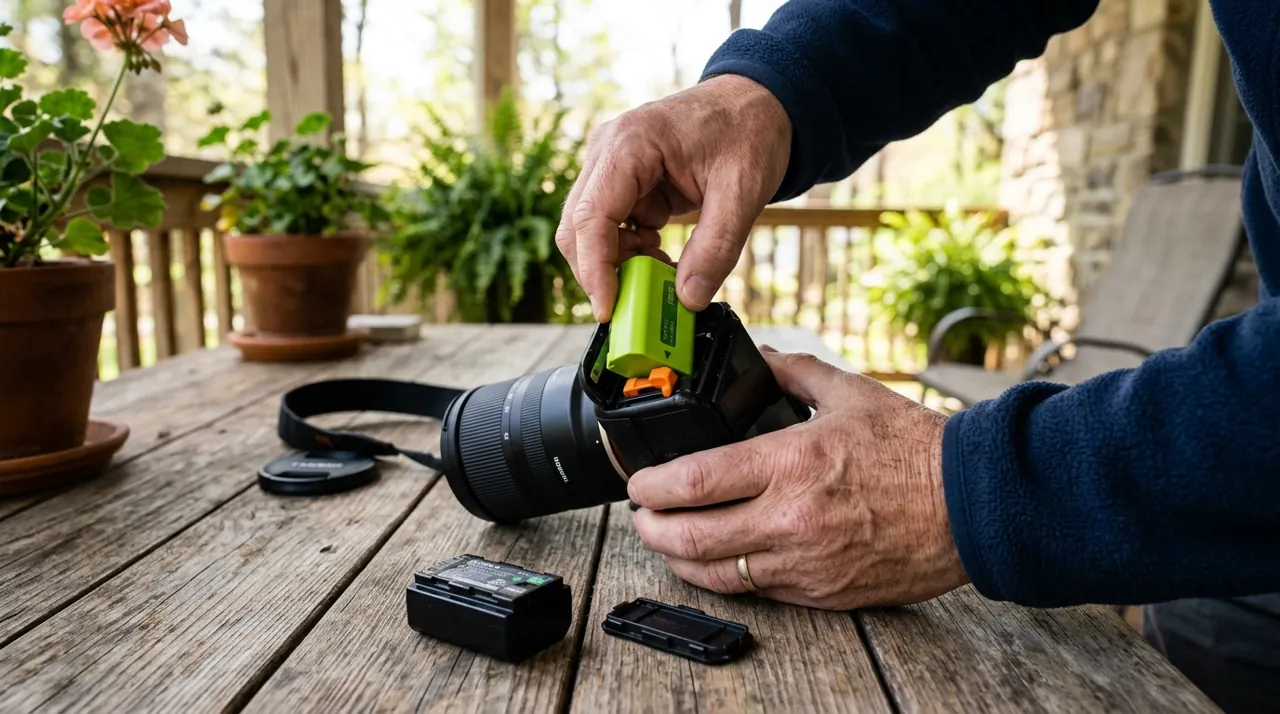
The one thing to do: take the battery out, or switch the power off, for about 10 seconds first. Only reach for the setup button if that doesn’t work.
Ring Devices This Guide Applies To

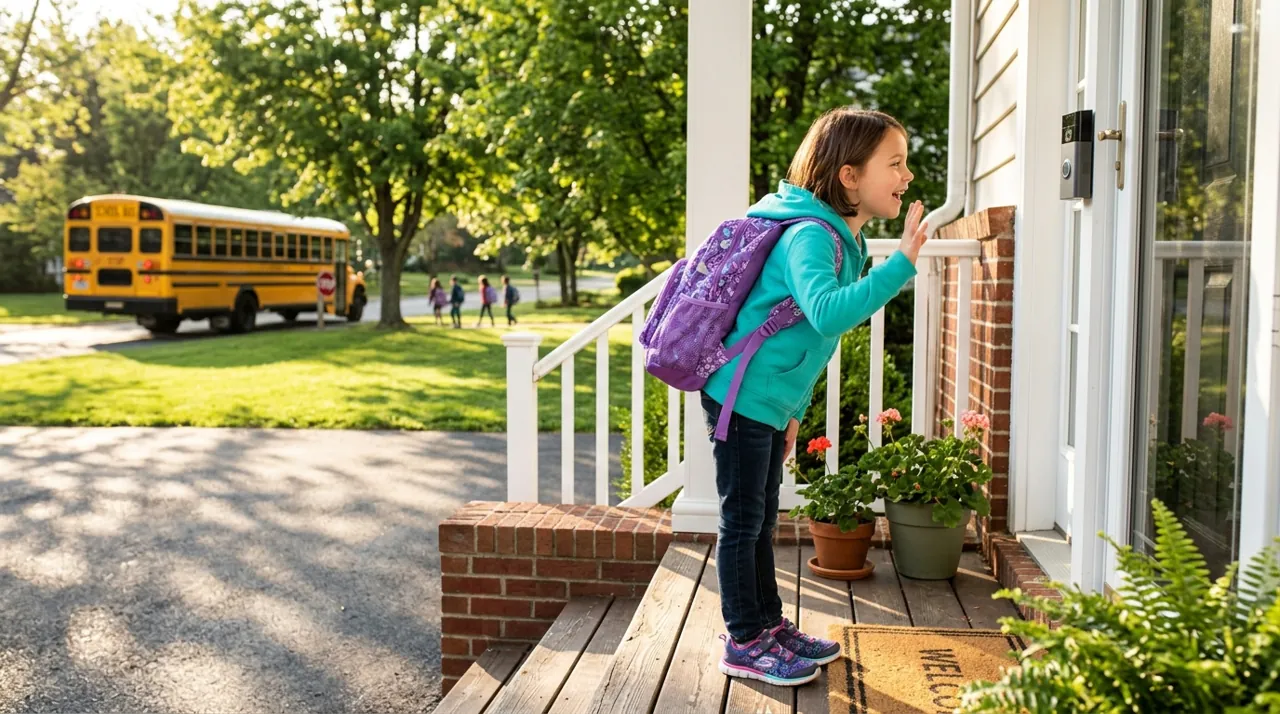
The most-reviewed video doorbell tracked on this site with one of the deepest, highest-rated review bases we track. Its head-to-toe view shows the package on the mat. It runs on a removable rechargeable battery with a straightforward reset button.
Why You Should Get This
If you own this doorbell and need reset guidance, this is the most-documented Ring device.
Benefits
- Deepest review base of any doorbell tracked on this site.
- Simple reset button access.
- No wiring required.
Pros and Cons
- Largest, most trustworthy review base.
- Extensive community troubleshooting resources.
- Live view works with no plan.
- Recorded clip history needs a Ring subscription.
- 1080p rather than 2K.
- Factory reset requires full re-setup.
Features
- Head-to-toe 1:1 view.
- Removable battery or hardwiring.
- Two-way talk.

The highest-rated Ring device tracked on this site with one of the highest ratings and deepest review bases we track. Motion-activated LED floodlights pair with 1080p color night video on permanent wired power, with its own documented reset button process.
Why You Should Get This
If you own a wired Ring floodlight camera and need reset guidance, this is the most review-validated model.
| Resolution | 1080p HD |
| Field of view | 140° horizontal |
| Power | Hardwired, existing outdoor fixture |
| Night vision | Color night vision |
| Audio | Two-way talk |
| Siren | 105dB built-in siren |
| Lighting | Motion-activated LED floodlights |
| Smart home | Works with Alexa |
Benefits
- Highest-rated Ring device tracked on this site.
- Never needs a battery recharge.
- Recessed reset button on the housing.
Pros and Cons
- Massive, consistent review base.
- Reliable wired connection.
- Well-documented reset process.
- Needs an existing wired fixture or electrician.
- 1080p rather than 2K/4K.
- Recorded clip history needs a subscription.
Features
- Motion-activated LED floodlights.
- 105dB built-in siren.
- Two-way talk.

The most-reviewed inexpensive indoor camera tracked on this site with one of the deepest, highest-rated review bases in the category. 1080p HD video with two-way talk and a physical privacy cover, with a simple reset process.
Why You Should Get This
If you own this indoor camera and need reset guidance, this is the largest-reviewed indoor Ring device.
Benefits
- Most-reviewed inexpensive camera in the category.
- Simple plug-in reset process.
- Physical privacy cover.
Pros and Cons
- Massive, trustworthy review base.
- Low price for a first camera.
- Straightforward setup after reset.
- Recorded clip history needs a subscription.
- 1080p rather than 2K.
- Indoor use only.
Features
- 1080p HD, two-way talk.
- Physical privacy cover.
- Plug-in power.
Soft Reset a Ring Camera (Try This First)
For battery-powered Ring cameras and doorbells, remove the battery pack for about 10 seconds (Ring’s own guidance), then reinsert it. Plug-in models just need unplugging for 10 seconds. To reset a Ring floodlight camera (the wired Floodlight Cam) or Spotlight Cam Wired, switch off power at the wall switch or breaker, then switch it back on. This clears temporary glitches and refreshes the device’s WiFi connection without touching any settings, and it resolves the majority of "camera won’t load" or "doorbell isn’t responding in the app" reports.
Factory Reset a Ring Camera: Using the Reset Button
Locate the setup button (orange on many models) — on Outdoor Cams it sits inside the battery compartment, on most other Ring cameras it’s on top, and on doorbells it’s on the back or under the faceplate. Ring’s instructions are to hold it for 20 seconds, then release; the device then restarts. Light behavior varies slightly by model, so if nothing happens, check the specific device’s page in the Ring app’s help section.
Alternatively, to reset a Ring camera from the app: open Devices, select the camera, go to Device Health or Settings, and choose Remove This Device. This unlinks it from your account cleanly — and it’s the step that actually releases ownership so a new owner can set it up — though it doesn’t wipe locally stored WiFi credentials the way the physical button does. Before selling a device, do both: remove it in the app, then reset it with the physical button.
Setting the Camera Back Up in the Ring App
After either type of reset, open the Ring app, tap Set Up a Device, and scan the QR code on the camera or enter its setup code manually. You’ll need to re-enter your WiFi password and rebuild any motion zones or notification settings — none of that carries over. Our how to connect Ring to WiFi guide covers the pairing step if it stalls.
Understanding Ring's Light Patterns During a Reset
Ring devices communicate their state through light color and pattern, which is worth learning before you start pressing buttons in confusion. According to Ring’s doorbell light guide, a spinning white light means setup mode (it times out after about 10 minutes), a spinning blue light means the doorbell button was pressed, and a slowly flashing blue light appears during a factory reset on battery-powered doorbells. White flashing repeatedly means a firmware update is running, and a white light flashing on one side during setup points to a WiFi, password or internet problem. Give a firmware update a few minutes before assuming something has failed — the device is usually still working, not frozen. Exact meanings shift slightly across Ring's product range, so check the specific device's help page in the app if a pattern doesn't match what's described here.
How to Reset a Ring Camera for a New Owner (Used or Secondhand)
Buying a used Ring device comes with an extra step most first-time buyers don't expect: the camera is very likely still linked to the previous owner's Ring account. Ring's system won't let a device be set up on a new account while it's still registered to someone else. If the previous owner removed the device from their account before selling it, a standard factory reset via the physical button clears the old WiFi settings and the camera sets up normally. If they didn't, a reset alone won't fix it — Ring says a factory reset, uninstalling the device or cancelling a subscription doesn't release ownership. Ask the seller to transfer or remove it in their app, or use Request Ownership during setup in the Ring app; the previous owner gets up to 15 days to respond, and Ring support can't speed that up.
When to Reset vs When Not To
Reset for:
- A camera that’s completely frozen and unresponsive to a soft reset
- A move to a new WiFi network or router
- Persistent app crashes tied to one device
- Preparing to sell or give away the camera
Don’t reset for a camera that’s simply offline right now — see why is my Ring camera offline first, since that’s usually a signal or power issue a reset won’t fix. If your Ring is online but not recording, see Ring camera not recording.
Accessories Worth Having on Hand
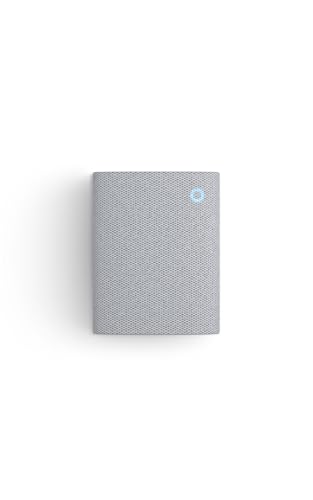

Best for remounting a Ring camera after a factory reset.

Best for local backup on Ring devices that support card storage.
Resetting from a Different Phone or Shared Ring Account
Ring's device management is tied to your account, not to the specific phone that originally set up the device. Anyone logged into that same account, or one with shared or administrator access to the device, can factory reset or remove it through the app. This matters for households where more than one person manages the Ring system, or when the original setup phone is no longer available — there's no need to track down that specific device to reset something.
Resetting One Ring Device Doesn't Affect the Others
A reset stays scoped to the single camera or doorbell you're working on. Other Ring devices registered to the same account and network — additional cameras, a floodlight, a Ring Chime — keep operating normally throughout, whether you reset via the physical button or the app's remove-device option. If you're troubleshooting a household with several Ring devices and only one is misbehaving, resetting just that one is both the correct approach and the one least likely to create new problems elsewhere in the system.
Going Deeper: Why a Reset Doesn’t Change Who Owns a Ring Device
A Ring device has two separate kinds of memory. One is on the device itself: your Wi-Fi name and password, and its local settings. The other is on Ring’s side: which account the device belongs to. The physical reset button only clears the first. That is why a reset camera can still be locked to someone else’s account.
Ring’s ownership article is explicit. To release ownership, you must remove the device in the Ring app. Cancelling a subscription, physically uninstalling the device or deleting the app will not release it. Ownership is a record held by Ring, so only an account action changes it.
When the previous owner can’t be reached, Ring’s Request Ownership process works through that account record. You start it from Set Up a Device in the app and can request one device or every device at that location. The previous owner then gets up to 15 days to respond, and Ring sends them three emails plus app notifications about the request. If they don’t answer, Ring says doorbells, cameras and chimes are removed from their account automatically after 15 days. Ring Alarm, Ring Smart Light, Echo Bridge and Sidewalk devices are not removed automatically. A transfer can’t be cancelled once started, and it does not cancel the device’s existing Ring subscription.
The practical lesson for a seller is to do both steps: remove the device in the app to release the account link, then use the physical button to clear the stored Wi-Fi details. For a buyer, ask the seller to confirm the first step before you pay.
If It Still Won’t Reset
If a full factory reset and fresh app setup still doesn’t fix the problem, that points to a hardware fault rather than a settings issue. Ring covers most devices under at least a one-year warranty, and it’s worth contacting their support directly at that point rather than repeatedly resetting. For the wider decision on whether Ring’s ecosystem and subscription are worth it in the first place, see is Ring worth it, or compare it against the field in Ring’s cameras.