
Affiliate Disclosure: Some links on this page are affiliate links. As an Amazon Associate, we earn from qualifying purchases — at no extra cost to you. We do not buy, install, or physically handle the cameras we cover; our rankings come from aggregated owner reviews, ratings and expert consensus. Commissions never change our verdicts. We're reader-supported: commissions fund hosting, research and updates, so if a guide helped, buying through our links keeps it going. How we rank · full disclosure.
Short version: a video doorbell is the highest-value single purchase in home security, because it covers the one spot where almost everything happens — deliveries, visitors, solicitors, and the front door that most burglaries in single-family homes go through or past. Buy on field of view and notification reliability, not resolution. And read the subscription terms before you read the spec sheet, because that is where the real cost of ownership lives.
How we work: we do not buy, install or physically handle any of these doorbells. Our rankings come from aggregated owner reviews, star ratings weighted by review volume, and expert consensus across the category. Full method on how we rank, and the way the site is funded is on our affiliate disclosure. For specific models, start with the best video doorbell cameras rankings.
In Plain English
A video doorbell is a doorbell with a camera, a speaker and a microphone built in. When someone presses it or walks up, your phone shows who is there and lets you talk to them, even if you are not home.
There are two main types. A wired doorbell connects to the low-voltage doorbell wires many homes already have behind the old button. It never needs charging and can keep your indoor chime ringing. A battery doorbell mounts with two screws almost anywhere and needs recharging every few months.
Think of it like choosing between a lamp you plug in and a flashlight. The lamp is always on. The flashlight goes anywhere, but you have to remember to charge it.
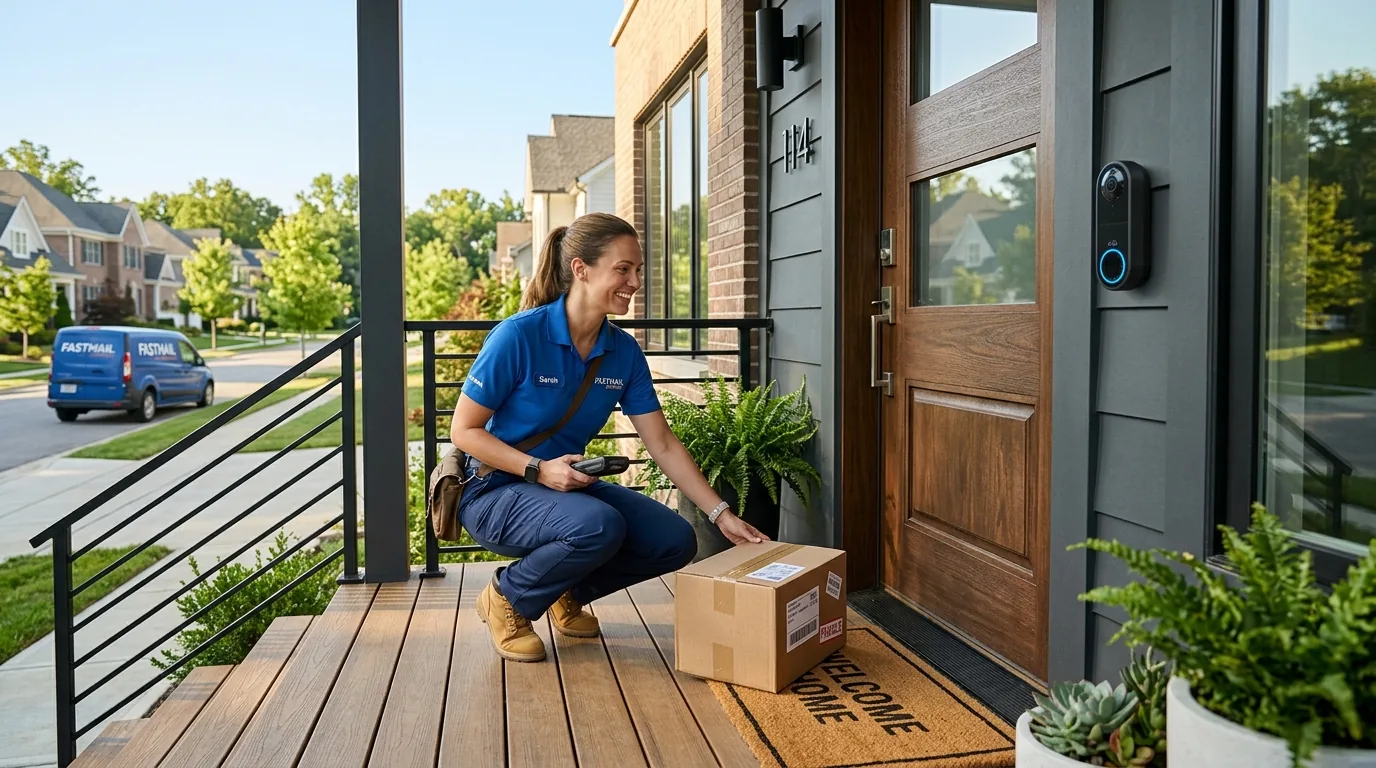
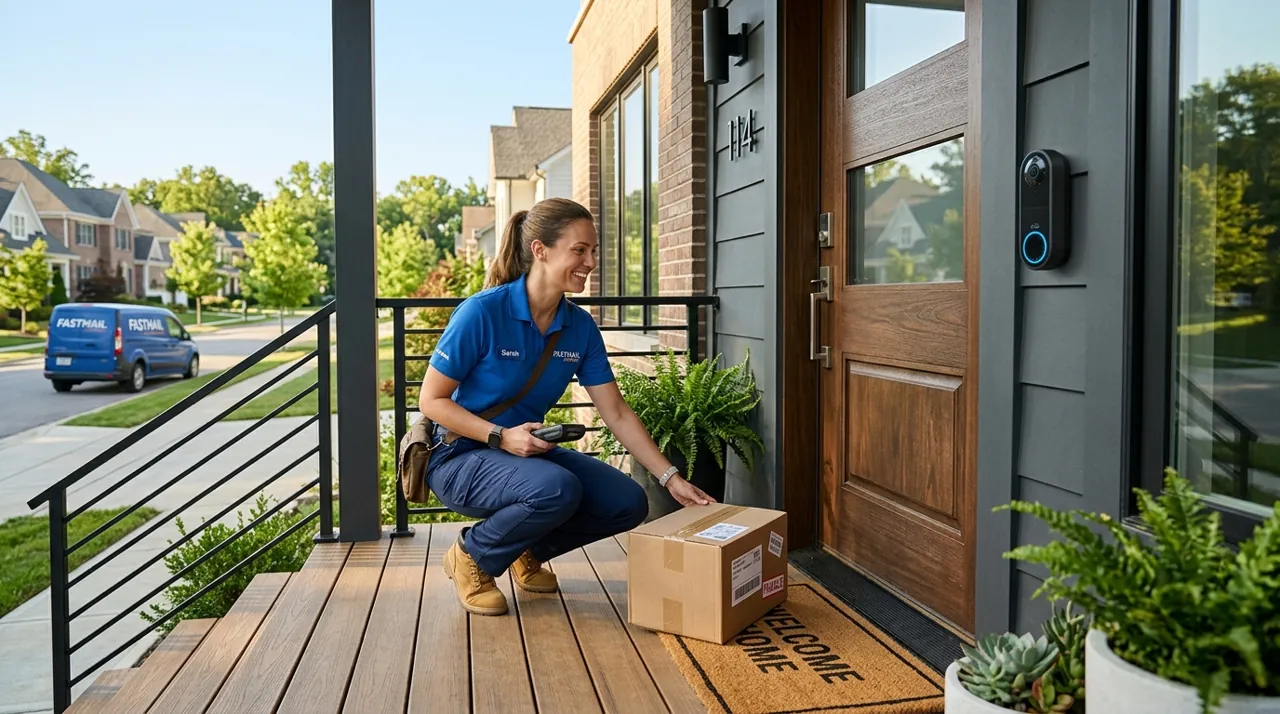
Two things matter more than picture sharpness. The camera should see tall enough to show the parcel on the mat as well as the visitor’s face, and the alert should reach your phone fast. The one thing to check before buying: what the free tier includes. Some brands charge a monthly fee just to keep recorded clips.
Top 3 Recommended Video Doorbells

The Ring Battery Doorbell is the most-reviewed video doorbell on this page, backed by a deep base of owner ratings and a strong average. Its head-to-toe 1:1 field of view shows the package on the mat rather than cropping it out, a genuine improvement over older widescreen doorbells. It runs on a removable rechargeable battery or optional hardwiring, whichever suits your door. Owners consistently rate its alert pipeline as the most dependable of any doorbell tracked on this site.
Why You Should Get This
If you want the single most review-validated video doorbell available, at almost any budget above the entry level, this is the default choice.
Benefits
- Head-to-toe view shows the package, not just a visitor’s face.
- Deepest review base of any video doorbell tracked on this site.
- Battery or optional hardwiring, whichever fits your door.
Pros and Cons
- Largest, most trustworthy review base in the category.
- Motion zones and privacy zones cut sidewalk false alerts.
- Live view with two-way talk and quick replies.
- Recorded clip history needs a Ring subscription.
- 1080p rather than 2K resolution.
- Battery recharge every two to four months on a busy door.
Features
- Head-to-toe 1:1 view.
- Removable rechargeable battery or hardwiring.
- Two-way talk with quick replies.

The Tapo D225 pairs 2K+ resolution with a 180-degree head-to-toe field of view, and it is one of the few doorbells on this site that keeps detection and recording working with no subscription at all. A plug-in chime ships in the box, and it runs on the included battery or existing doorbell wiring. Owners rate it highly and specifically call out avoiding the recurring fee that Ring and Nest require for saved clip history.
Why You Should Get This
If refusing to pay a monthly fee to keep your own doorbell footage is a hard requirement, this is the honest answer.
Benefits
- Subscription-free local storage and on-device detection.
- Plug-in chime included in the box, no separate purchase.
- 180° field of view genuinely shows the doorstep.
Pros and Cons
- No subscription required for full recording and detection.
- Chime included, unlike most competitors.
- Runs on battery or existing wiring.
- Smaller review base than Ring.
- Person/vehicle/package detection accuracy varies by lighting.
- Less mature ecosystem than Ring or Nest.
Features
- 2K+ video, 180° field of view.
- Person, vehicle and package detection on-device.
- Battery or existing-wiring power.

Ring Battery Doorbell 2K steps up from the standard model with sharper 2K resolution and up to 6x enhanced digital zoom on recorded clips, useful on a wide porch or a long approach where detail at distance matters. It keeps the same head-to-toe wide-angle frame, built-in rechargeable battery and Ring app ecosystem. Owners rate it solidly, with the extra resolution most cited as the reason to crop into a face or a package label after the fact rather than guess.
Why You Should Get This
If the standard doorbell’s resolution isn’t enough to make out detail at the far end of your porch or driveway, this is the sharper upgrade within the same ecosystem.
| Resolution | 2K (Retinal 2K) |
| Field of view | 173° diagonal (140° horizontal/vertical) |
| Power | Removable rechargeable battery |
| Night vision | Infrared, illumination to ~6m |
| Zoom | Up to 6x Enhanced Zoom |
| Audio | Two-way talk |
| Install | No wiring required |
Benefits
- 2K resolution with 6x enhanced zoom on saved clips.
- Same trusted head-to-toe wide-angle frame.
- No wiring required, battery powered.
Pros and Cons
- Sharper detail than the standard 1080p Ring doorbell.
- Zoom lets you re-examine a clip after the fact.
- Full Ring ecosystem integration.
- Lower star rating than the standard model in this comparison.
- Recorded history still needs a Ring subscription.
- Higher price than the base Ring doorbell.
Features
- 2K video, up to 6x enhanced zoom.
- Built-in rechargeable battery.
- Two-way talk.
Types of Video Doorbells and How to Choose Between Them
Before the individual models matter, it helps to know that the category splits into four recognizable types. A wired doorbell replaces your existing button and runs on the low-voltage circuit already behind it. A battery doorbell mounts anywhere and recharges every few months. A dual-power doorbell ships as a battery unit but accepts wiring later, which is the safest choice when you do not yet know what is behind your existing button. And a doorbell that pairs with a hub or base station keeps recordings in the house rather than in the cloud, which is the route to no monthly fee.
How to choose between them comes down to three questions asked in order. Do you have usable wiring? Do you need recordings saved, or only live alerts? And does anyone in the household need the doorbell to ring inside the house rather than only on a phone? Answer those three and the shortlist usually reduces to two or three models. The rest of this buying guide works through each of those decisions, and the frequently asked questions at the foot of the page cover the specifics people ask us most.
Wired Doorbell vs Battery Doorbell: The First Decision
The direct answer: if you already have doorbell wiring and a 16V-or-better transformer, buy wired. If you rent, or the wiring is absent or unknown, buy battery and stop worrying about it. Both work; they fail differently.
A wired doorbell draws continuous trickle power from your home’s existing low-voltage doorbell circuit. That gives it three advantages owner reviews return to constantly: it never needs charging, it can support continuous or pre-roll recording on models that offer it, and it keeps the mechanical chime inside the house ringing so the doorbell still works as a doorbell for anyone not holding a phone. The drawbacks are installation — turning off a breaker, working with existing wires, sometimes replacing an under-rated transformer — and the fact that many renters simply cannot do it.
Battery models are the wireless video doorbells most buyers mean: one mounts with two screws in fifteen minutes and needs nothing else. That simplicity is why battery models dominate the category by sales and review volume. What you accept is a recharge every two to four months, the same PIR wake lag that affects all battery cameras, and no mechanical chime unless you add a plug-in wireless one. The recharge is the complaint that shows up most; the wake lag is the one that costs you footage.
A middle option worth knowing about: several battery doorbells can be optionally hardwired. You buy the battery model, and if you later find you do have usable wiring, connecting it keeps the battery topped up permanently. That is the lowest-regret purchase for anyone unsure what is behind their existing button.
What Consumer Reports says. Consumer Reports' video doorbell guide notes that battery models often have quick-release batteries and can be placed almost anywhere, and that many can also be hardwired to existing doorbell wiring for constant power. Wired models, it says, are smaller and need no battery maintenance. CR also reports that doorbell cameras have become “faster at loading videos and live feeds” in its tests. Consumer Reports also notes that no Ring model currently breaks into the very top of its doorbell ratings, though it says that doesn’t make them bad products. Our rankings weigh owner reviews and review volume rather than lab scores, so where a Ring doorbell leads here, the two methods are measuring different things.
Head-to-Toe View and the Wide-Angle Lens: What to Look For
More than resolution, more than night vision, more than anything else on the box: how much of the doorstep can the doorbell see?
Older doorbells used a conventional widescreen frame — wide horizontally, short vertically. The result was a good view of a visitor’s face and torso and nothing below about waist height. For the single most common reason people buy a doorbell, package delivery and package theft, that framing is useless. The box on the mat was outside the picture.
Modern doorbells fixed this with a tall, near-square frame, usually marketed as head-to-toe view or a 1:1 aspect ratio, giving roughly 150 degrees or more of vertical coverage. A wide-angle lens alone does not achieve this — a wide-angle lens in a short 16:9 frame just shows more of the street. You see the visitor’s face, their hands, what they are carrying, and what they left or took from the mat. Reviews of every model that made this transition show the same pattern: it is the upgrade owners mention unprompted.
Mounting height interacts with this. A doorbell mounted at the standard 48 inches with a tall vertical field sees both a face and the doormat. Mounted higher — which people do to reach existing wiring — it looks down at scalps. If the existing hole is too high, a wedge mount that angles the doorbell down is a cheap fix that improves footage more than a resolution upgrade would.
Horizontal angle matters mainly for one reason: whether the doorbell can see somebody standing to the side of the door, out of the direct line. A wide horizontal field is also the reason doorbells pick up the public sidewalk and generate false alerts, which is where motion zones come in.
Motion Zones, Package Detection and Notification Fatigue
The failure mode that ends most doorbell relationships is not a bad camera. It is forty notifications a day until the owner mutes them, and then misses the one that mattered.
Every doorbell worth buying lets you draw motion zones — regions of the frame it will ignore. On a house set back from the street this is trivial. On a townhouse whose door opens onto a public sidewalk it is the entire difference between a useful device and an annoying one. Exclude the sidewalk, exclude the street, exclude the neighbor’s driveway, and keep the walkway and the step.
Person detection is the second layer, and on most brands it is a subscription feature because the classification runs on the company’s servers. A growing number of models run detection on the device itself, which means it keeps working with no plan — a meaningful advantage that rarely gets the attention it deserves in spec comparisons.
Package detection is the feature most specific to this category: the doorbell recognizes a box left on the step and tells you it arrived, and on some models tells you when it leaves. Owner reviews describe it as genuinely useful and imperfect — small envelopes and packages placed outside the frame get missed. It is almost always behind a subscription.
Two-Way Talk and the Indoor Chime
Two-way talk is where doorbells are most often criticized. The recurring complaint is latency: the visitor has already turned away by the time your voice arrives. Some brands mitigate this with quick-reply canned messages that play instantly, which owner reviews describe as more useful in practice than the live conversation.
Porch Pirate Deterrence, Pre-Roll and Visitor Screening
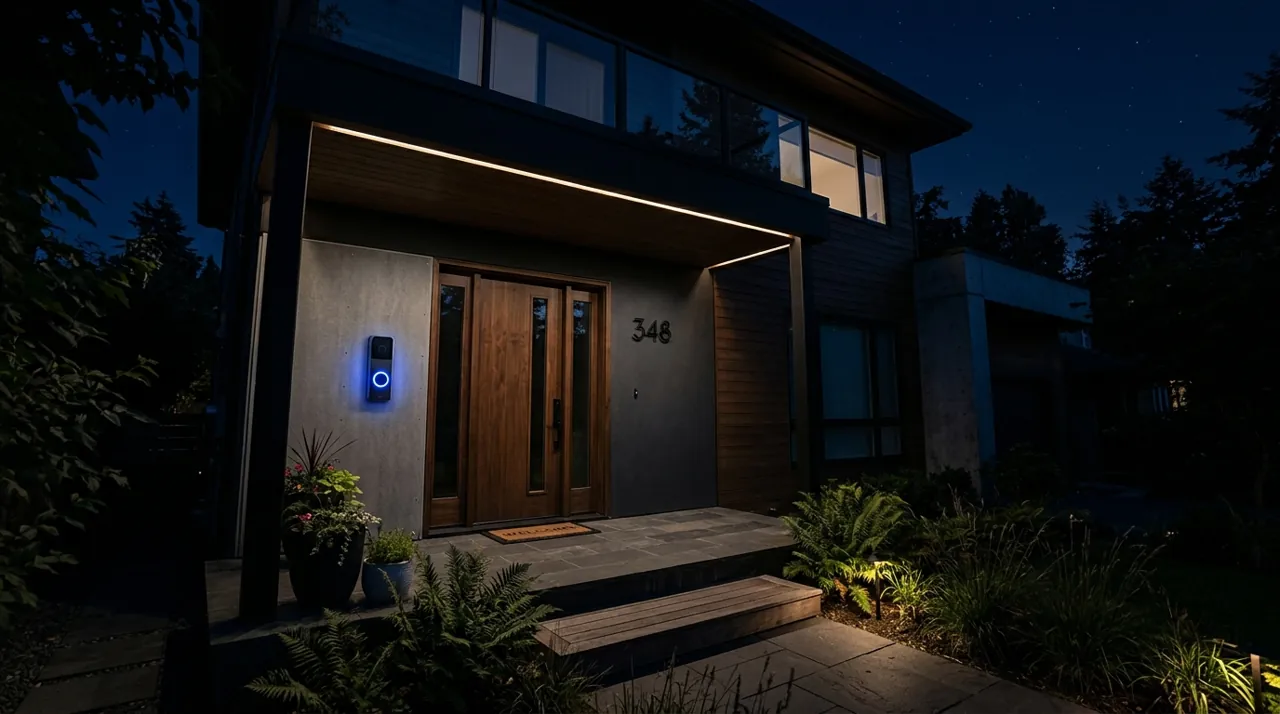
Two jobs account for most doorbell purchases, and they ask different things of the hardware. The first is the porch pirate problem. A doorbell will not physically stop a porch pirate, and owners who expect it to are the ones who leave disappointed reviews. What it does reliably is give you a usable face and a timestamp, alert you while the box is still on the step so a neighbor can retrieve it, and — with a visible unit and a chime or siren — make an opportunist choose an easier porch. Package detection helps here, but only if the vertical frame actually includes the mat.
Pre-roll is the feature that separates a useful clip from a frustrating one. Cameras that only start recording when motion trips the sensor routinely miss the approach and begin with somebody already walking away. Pre-roll models keep a rolling few seconds of low-resolution buffer and stitch it onto the front of the event, so the clip opens with the person arriving rather than leaving. On battery doorbells pre-roll costs battery life, and several brands restrict it to hardwired power for exactly that reason.
The second job is visitor screening: knowing who is at the door before you open it, or answering while you are not home. That is a two-way talk and notification-speed question rather than an image-quality one. For visitor screening, quick-reply messages, a loud speaker and a plug-in chime matter far more than the sensor. For porch pirates, field of view, pre-roll and recorded history matter more.
Accessories Worth Adding

Best for hearing a battery doorbell ring inside the house without a mechanical chime.

Best for eufy doorbell households wanting an audible indoor chime.

Best for local recording on a subscription-free doorbell with a card slot.
Do Video Doorbells Need a Subscription?
The direct answer: assume the subscription is part of the price. A mid-range doorbell on a modest monthly plan adds up to a substantial sum over five years, and the plan is where the features that make it useful actually live.
What a plan typically buys: recorded video history, person and package detection, rich notifications with a preview image, and the ability to share or download a clip — which is the one that matters if you ever need to hand something to police. What usually still works without a plan: live view, motion alerts, and two-way talk.
That gap is bigger than it sounds. A doorbell with no plan tells you something happened and lets you look right now. It does not let you look later. For a lot of buyers that is genuinely enough; for anyone whose reason for buying is package theft or evidence, it is not.
The alternative is a doorbell with local storage — a microSD card in the unit or a hub in the house — which keeps recordings with no monthly fee. Fewer brands do this well, and it is worth seeking out. Our Ring worth-it guide works through the largest brand’s plan structure in detail, and the cameras without a subscription guide covers the alternatives across the site.
Budget Video Doorbells vs Premium: What the Extra Money Buys
The doorbell market runs from entry-level to premium pricing, and the curve is unusually flat in the middle. A budget doorbell gives you 1080p video, motion alerts, two-way talk and an app that works. What it typically lacks is the tall head-to-toe frame, pre-roll, on-device person detection, and a chime kit in the box. Owner ratings on budget models are frequently strong, and the complaints cluster on notification delay rather than picture quality.
The mid-range band is where most buyers land. That is where the near-square frame, reliable person detection and a bundled plug-in chime become standard. At the premium end you are paying for a hardwired unit with continuous or pre-roll recording, a brighter porch light or spotlight on some models, better low-light color, and in a few cases a second lens aimed at the mat. Those are real improvements, but they are refinements — none of them fix a doorbell mounted too high or a motion zone that includes the sidewalk.
If your budget is tight, spend it on the frame shape and on local storage before you spend it on resolution. A 1080p doorbell that sees the whole doorstep and keeps a week of clips with no monthly fee beats a 2K doorbell that sees a chest and charges you a yearly fee to remember anything.
Video Doorbell Installation: Existing Doorbell Wiring, Chimes and Transformers
Battery installation is genuinely a fifteen-minute job: mark the bracket, drill two anchors, screw it on, charge the battery first, pair in the app. Nothing here trips people up except mounting height, covered above.
Wired installation starts with confirming that the existing doorbell wiring is live and adequate, and it has three things that do trip people up, and all three appear repeatedly in one-star reviews that are really installation reviews.
The transformer. Your doorbell’s low-voltage transformer, usually in a basement, closet or near the furnace, was sized for a mechanical chime and may deliver only 8 or 10 volts. Most video doorbells want 16 to 24 volts. A doorbell installed on an under-rated transformer typically powers on, then reboots when you press it or fails to charge. Replacing a transformer is inexpensive but is real electrical work; if that is not something you are comfortable doing, buy the battery model instead.
The chime kit. Wired doorbells generally include a small module that goes inside the chime housing so the mechanical chime still rings and the doorbell still gets power. Skipping it, or wiring it wrong, produces a buzzing chime — one of the most common complaints in wired-install reviews.
The angle. Doors set at an angle to the walkway, or recessed porches, frequently need a wedge or corner mount. Manufacturers sell these cheaply and buyers routinely discover the need after installation rather than before. Look at your door before you order.
One more consideration that is not technical: doorbells get stolen, and the brands respond with theft-replacement policies of varying generosity. If your door is on a street with foot traffic, check that policy before you buy, and use the security screw that came in the box.
More Accessories

Best for a wedge or angled mount for a doorbell on a recessed porch.

Best for a clean, weatherproof wiring entry point for a hardwired doorbell.

Best for protecting exposed wiring near a hardwired doorbell installation.
Going Deeper: How Doorbell Wiring and Transformers Power a Video Doorbell
The wiring behind a traditional doorbell button is a low-voltage circuit fed by a transformer, which is why this guide talks about transformer ratings before anything else. A wired video doorbell needs that circuit to supply power continuously, not just in the moment the button is pressed. Manufacturers publish the range they need as volts of alternating current (VAC) and volt-amperes (VA), and a doorbell that falls outside its range may not run properly.
Ring’s hardwiring guidelines show how much the requirement varies by model. Ring battery doorbells can be connected to a transformer of 8 to 24 VAC at 5 to 40 VA; the Video Doorbell Wired needs 10 to 24 VAC at 8 to 40 VA; and the Video Doorbell Pro, Wired Video Doorbell Pro and Wired Doorbell 2K Plus need 16 to 24 VAC at 10 to 40 VA. That spread is the reason behind the rule of thumb above: a 16V-or-better transformer covers the most demanding wired models, while battery models accept much weaker circuits because the wiring only keeps their battery topped up.
Chimes add a wrinkle. Ring notes that certain models require a diode when connected to a digital chime rather than a mechanical one, so it is worth identifying which kind you have before ordering. Ring also sells DIN rail transformers and a plug-in adapter as accessories for setups where the existing wiring won’t do.
If your transformer falls below a wired model’s minimum, the options are the ones covered in the installation section: replace the transformer — mains-voltage work that many owners hand to an electrician — or choose a battery model and use the existing wiring for trickle charging. Either way, check the specific model’s published range rather than assuming any doorbell will run on whatever is behind your old button.
Where to Start
Most readers should go straight to the best video doorbell cameras rankings, which cover wired and battery models across the price range with verified owner ratings attached. If you are not sure a doorbell is the right shape of product for your entrance — a dark porch, a side door, a long approach — read the best security camera for a front door, which solves the coverage problem rather than assuming the category. If the recurring fee is what is holding you back, read what Ring really costs over time before anything else.
And once the door is covered, the sensible order for the rest of the house is outward then inward: outdoor cameras for the approach and the driveway, then an indoor camera facing the interior side of the main door. The topical map below covers the rest of this hub.
Sources & References
- Best Video Doorbell Cameras — Consumer Reports
- Guidelines for Hardwiring Your Ring Video Doorbell — Ring
- Comparing Ring Home Plans — Ring
- Maximizing Your Smart Lights Motion Detectors — Ring