
Affiliate Disclosure: Some links on this page are affiliate links. As an Amazon Associate, we earn from qualifying purchases — at no extra cost to you. We do not buy, install, or physically handle the cameras we cover; our rankings come from aggregated owner reviews, ratings and expert consensus. Commissions never change our verdicts. We're reader-supported: commissions fund hosting, research and updates, so if a guide helped, buying through our links keeps it going. How we rank · full disclosure.
Short version: the best-reviewed baby monitors on Amazon are overwhelmingly closed-circuit, no-WiFi models. Each pairs a dedicated camera with its own portable screen. There is no app, no cloud account and no internet connection involved. This reflects a clear pattern in what parents actually choose for this specific product category. This page covers what the specifications mean and links to ranked picks. It is general product information, not medical, developmental or safety advice. Always follow safe sleep guidance from your pediatrician and the monitor manufacturer's own setup instructions.
How we work: we do not buy, install or physically handle these monitors. Every ranking here comes from aggregated owner reviews, star ratings weighted by review volume, and expert consensus. Method on how we rank. Funding on our affiliate disclosure. Ready for models? Go to best baby monitor for the full ranked field.
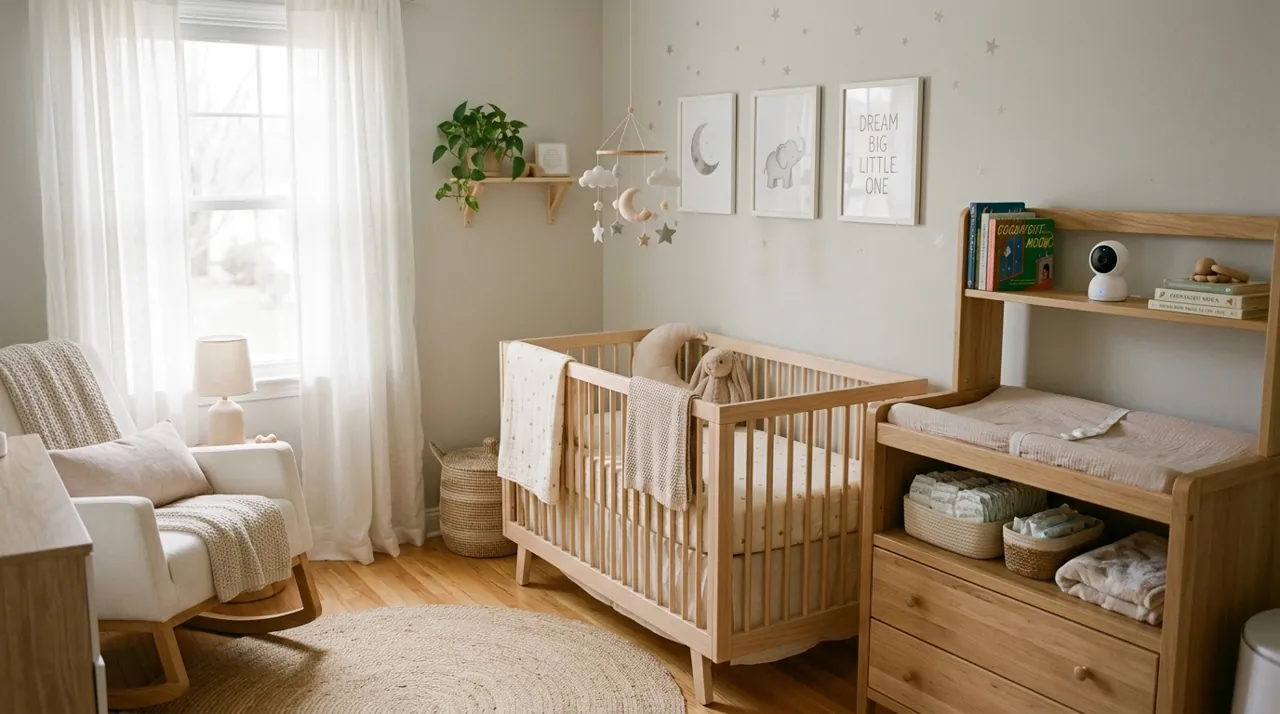
In Plain English
A baby monitor lets you see or hear your baby’s room from somewhere else in the house. Most of the best-reviewed ones are “no WiFi” models. The camera talks straight to its own small handheld screen over a private radio link, a bit like a pair of walkie-talkies that only talk to each other. There is no app, no account and no internet involved.
A WiFi monitor, or a regular indoor camera used as one, works through your home internet and a phone app instead. That lets you check in from anywhere, but it depends on your WiFi and an online account.
A few things are worth comparing: screen size, whether you need one camera or two, and battery life on the handheld screen. Range figures on the box are measured in open space, so expect less through walls.
The one thing to do: whatever you buy, place the camera and its cord more than 3 feet from the crib, where your baby can never reach them.
Top 3 Recommended Baby Monitors

The VTech Baby Monitor holds the deepest review base of any video baby monitor tracked on this site, backed by one of the highest ratings we track, from an established nursery-brand manufacturer. It runs on a closed connection with no WiFi or app involved, delivering up to 19 hours of video battery life and a 1,000ft range in open conditions. Owners consistently value the straightforward, no-app setup. Night vision and two-way talk round out the core feature set.
Why You Should Get This
If you want the most review-validated no-WiFi video monitor available, from a brand with a long nursery-product track record, this is the default.
Benefits
- Deepest review base of any video baby monitor tracked on this site.
- No WiFi or app, a closed private connection.
- Up to 19-hour video battery life.
Pros and Cons
- Largest, most trustworthy review base.
- Long battery life between charges.
- 1,000ft open-conditions range.
- No remote viewing away from the house.
- Single camera in the base package.
- Screen size smaller than some rivals.
Features
- Up to 19-hour video battery life.
- 1,000ft range.
- Night vision, two-way talk.

The HelloBaby HB6550 matches the category leader’s strong rating with a larger 5-inch screen, from a review base deep enough to trust the number. It requires no WiFi or app, keeping the connection private and closed. Night vision and two-way audio are included. Owners consistently cite the larger screen as the reason to pick it over a smaller-screened rival at a similar rating.
Why You Should Get This
If a bigger, easier-to-see screen matters more than saving a few dollars, this matches the category leader’s rating with more real estate.
Benefits
- Larger 5-inch screen than most competitors.
- No WiFi or app required.
- Deep review base backing the rating.
Pros and Cons
- Matches the category-leading star rating.
- Larger screen for easier viewing.
- No subscription or app dependency.
- Higher price than the entry-level VTech.
- Single camera in the base package.
- Bulkier parent unit than smaller monitors.
Features
- 5" video screen.
- No WiFi, no app required.
- Night vision, two-way audio.

The Babysense split-screen monitor is one of the deepest-reviewed two-camera baby monitors tracked on this site, backed by a solid owner rating, built specifically for households needing coverage of more than one room. Its 5-inch HD display shows both cameras split-screen simultaneously with no WiFi required. Owners consistently value covering two children, or a crib and a play area, from one screen. It costs more than a single-camera monitor, reflecting the second camera included.
Why You Should Get This
If you need to watch two rooms — two kids, or a crib and a play area — from one screen, this is the best-evidenced way to do it.
Benefits
- Two cameras included, genuine split-screen viewing.
- No WiFi required for either camera.
- Deep review base for a two-camera product.
Pros and Cons
- Solves the two-room problem other monitors can’t.
- Strong rating for a more complex product.
- No WiFi dependency on either camera.
- Higher price than single-camera monitors.
- Bulkier setup with two cameras to place.
- Split-screen shrinks each individual view.
Features
- 5" HD split-screen display.
- Two cameras included.
- No WiFi required.
Video Monitor vs Audio-Only Baby Monitor
A video monitor shows a live picture on a portable parent-unit screen. Most parents find that reassuring beyond sound alone. You can see a sleeping position or a wide-awake baby without walking to the room. An audio-only monitor is simpler. It generally has a longer battery life. Some parents prefer it for an older child who does not need visual checking as often. Both categories have long track records and deep review bases on Amazon.
Baby Monitors: WiFi vs No-WiFi
A no-WiFi monitor connects the camera directly to its own parent-unit screen over a private radio signal. No home network or internet is involved at any point. This is the type that dominates the top-rated and best-selling baby monitors on Amazon. A WiFi-connected monitor, or a general indoor security camera used as one, connects to your home network instead. It is viewable through a phone app from anywhere with internet access. That adds the convenience of checking in while away from home, at the cost of depending on your WiFi and an app account. Which one suits you is a personal preference about convenience versus a closed, local-only connection. Both are legitimate, widely-used approaches.
What Consumer Reports says: Consumer Reports’ baby monitor buying guide notes that WiFi monitors add extras such as sleep tracking and care logs, but that most of those it tested get middling marks for security and privacy. Monitors with a separate display keep the feed local and are less likely to be hacked. For WiFi models it advises a strong password, multifactor authentication where offered, and checking for firmware updates about once a month.
Baby Monitor Range, Parent Unit and Battery Life
Night vision is standard on nearly every video baby monitor in this category. It is rarely a differentiator worth comparing closely between models. Check the manufacturer's stated range with the expectation that interior walls and floors will reduce it in practice. A monitor rated for 1,000 feet outdoors will cover considerably less inside a typical multi-room home. This is rarely a practical issue for adjacent or nearby rooms, though. Battery life on the portable parent unit varies significantly by model and screen brightness setting. Check current owner reports for real-world battery life rather than relying solely on the box specification.
Baby Monitor Temperature and Humidity Readouts
Many video baby monitors include a room temperature readout on the parent unit. Some add humidity as well. Parents find this useful for a quick check without a separate nursery thermometer. Treat it as a convenient secondary reading, not a certified medical-grade sensor. For anything where precise room-condition accuracy genuinely matters, a dedicated calibrated thermometer is the more reliable instrument. It's a nice-to-have feature worth a glance when comparing models. It is rarely worth paying a large premium for on its own. Most parents treat it as a helpful reference point rather than a primary buying factor.
Accessories Worth Adding

Best for a WiFi baby monitor that records to a card, for local backup footage.

Best for wall-mounting a camera unit more than 3 feet from the crib, with its cord out of a child’s reach.
Baby Monitor Camera and Cord Placement Near the Crib
Regardless of brand or monitor type, keep the camera unit and its power cord well out of the crib; VTech's quick start guide, for example, warns of a strangulation hazard and says to keep cords more than 3 feet away. Keep it out of the baby's reach too, mounted or placed so the cord cannot dangle near the sleeping area. This is a general safety pattern echoed across manufacturer setup guides, not medical advice specific to your child. It applies equally to a no-WiFi monitor and a WiFi indoor camera used as a nursery cam. Always follow the specific manufacturer's own mounting instructions for the exact model purchased. Check current safe sleep guidance from your pediatrician for anything beyond camera placement itself.
One Camera vs a Two-Camera Split-Screen Baby Monitor
A single-camera monitor covers one room. It suits most single-child households without added complexity. A two-camera split-screen kit earns its higher price in two cases: two children in separate rooms, or one parent wanting to see both the crib and a separate play area from a single parent-unit screen. The tradeoff is that each individual camera's view shrinks to make room for the second feed. A family that only ever needs one room in view gains little from the second camera beyond unused capacity.
Audio-Only Baby Monitors Still Have a Place
Not every family wants or needs video. An audio-only monitor is simpler to set up. It generally runs longer on a charge than an equivalent video monitor. Some parents specifically prefer it for an older child who no longer needs frequent visual checking. Audio-only monitors remain a deep, well-reviewed category on Amazon in their own right. They are distinct from, not inferior to, the video monitors that dominate this hub's top picks.
What a Baby Monitor Does Not Replace: Safe Sleep and Your Pediatrician
A baby monitor, video or audio, is a convenience and reassurance tool. It is not a medical device. It is not a substitute for a movement or breathing sensor pad where a pediatrician has specifically recommended one for a documented medical reason. It also does not replace current safe sleep guidance from the American Academy of Pediatrics: a firm, flat sleep surface, an empty crib, and a baby placed on their back. That remains true regardless of how sophisticated the monitor watching the room is. This hub covers product specifications and buying decisions only, not medical or developmental guidance.
Going Deeper: Why the Three-Foot Cord Rule Exists
The cord advice on this hub isn’t a manufacturer formality. The U.S. Consumer Product Safety Commission has warned about baby monitor cords for more than a decade. In a 2012 safety post, CPSC said it knew of seven deaths and three near strangulations since 2002 involving video and audio baby monitors, and set out the rule of keeping the monitor at least 3 feet away. It described that distance as roughly the width of a crib plus 6 inches.
The problem hasn’t gone away. In an April 2026 letter to the ASTM subcommittee that maintains the voluntary baby monitor standard (ASTM F2951), CPSC staff reported 83 incidents involving baby monitors between January 2018 and July 2025, including ten strangulation deaths, seven of which happened after the 2019 revision of the standard. The letter notes it has not been reviewed or approved by the Commission itself, but the findings are specific. Staff said those deaths involved monitors installed on ceilings or high walls above cribs or play yards, where the monitor fell into the crib or a section of cord secured to the wall came loose within the child’s reach.
That detail matters for how you mount a camera. Above the crib looks like the obvious spot for a clear view, but it is the placement tied to these incidents. The same letter says the current standard requires rigid protective cord coverings only for monitors meant to attach to a crib or sit within 36 inches of one. Staff bought nine popular corded monitors in 2025 and found none had such a covering, and some were marketed with images that could suggest use within three feet of a crib was safe.
Manufacturer instructions say the same thing. VTech’s VM819 quick start guide carries a strangulation warning, tells owners to keep the cord more than 3 feet from the crib, and says never to place the camera inside the crib. Put the camera on a wall or shelf well away from the crib, angled toward it, and check that no length of cord can be pulled within reach.
How We Rank Baby Monitors
Every product ranked on this hub is scored the same way the rest of the site is. We weigh aggregated owner star ratings by review volume. We track recurring themes in negative reviews and specification differences owners raise unprompted. We never buy, install or physically test these monitors. Every star rating and review count comes from licensed Amazon data. Full method on how we rank. This hub covers product specifications only. It is not medical, developmental or safety advice. Consult your pediatrician for guidance on infant sleep safety and monitoring.
Sources & References
- Safe Sleep — American Academy of Pediatrics
- Baby Monitor Cords: 3 Feet from Baby — U.S. Consumer Product Safety Commission
- Staff Letter to ASTM F15.68 on Baby Monitor Cord Strangulation (April 2026) — U.S. Consumer Product Safety Commission
- VM819 2.8" Digital Video Baby Monitor — VTech
- VM819 / VM819-2 Video Baby Monitor Quick Start Guide — VTech
- HelloBaby HB6550 5-inch Video Baby Monitor — HelloBaby
- Using IP Cameras Safely — Federal Trade Commission
- Baby Monitor Buying Guide — Consumer Reports