
Affiliate Disclosure: Some links on this page are affiliate links. As an Amazon Associate, we earn from qualifying purchases — at no extra cost to you. We do not buy, install, or physically handle the cameras we cover; our rankings come from aggregated owner reviews, ratings and expert consensus. Commissions never change our verdicts. We're reader-supported: commissions fund hosting, research and updates, so if a guide helped, buying through our links keeps it going. How we rank · full disclosure.
Short version: a security camera system is rarely let down by the camera itself — it is let down by an accessory nobody thought carefully about. A standard SD card wears out under constant overwrite. A generic mount does not fit the actual mounting surface. An underpowered PoE switch starves a camera at the far end of a long cable run. This hub covers the six accessory categories that owner reviews consistently flag as worth getting right, each with picks ranked from verified Amazon ratings rather than a manufacturer’s marketing copy.
How we work: we do not buy or physically install any of these accessories. Every ranking on this hub and its child pages comes from aggregated owner reviews, star ratings weighted by review volume, and expert consensus. Method on how we rank; funding on our affiliate disclosure.
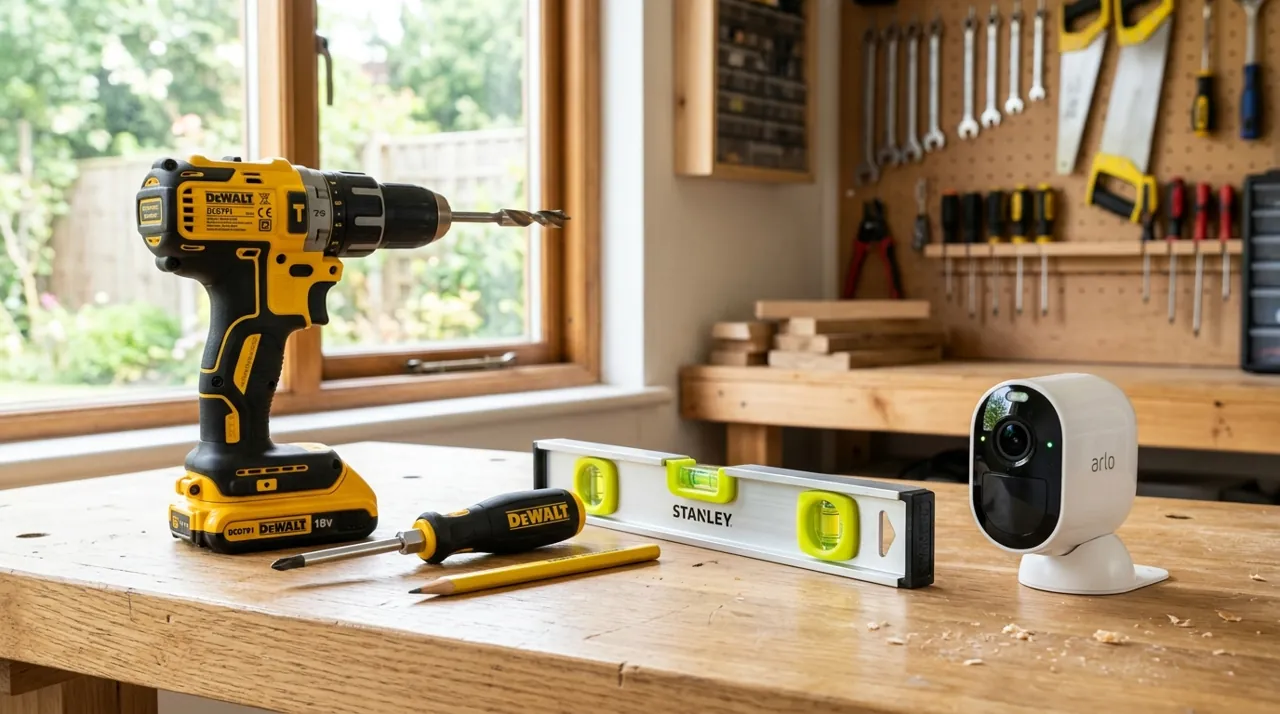
In Plain English
Think of a security camera as a notebook that never stops being written in. When the pages run out, it rubs out the oldest page and writes over it, day and night. An ordinary memory card is like a cheap notebook. It was never meant for that much rubbing out, so it wears thin and can quietly stop recording. That is why the card or hard drive behind your camera matters more than most people expect.
The other accessories fix narrower problems. A solar panel keeps a battery camera charged so you are not climbing a ladder. A PoE switch (a box that sends power and internet down one network cable) runs several wired cameras. A mount holds a camera where its own bracket will not fit. A chime makes a doorbell ring loud enough to hear indoors.
The one thing to do: before you buy anything, look up your camera’s spec page and note the card or plug type it takes and the largest size it supports.
Top 3 Recommended Accessories

The SanDisk 128GB High Endurance card holds the deepest review base of any accessory tracked on this site, backed by one of the highest ratings we track, built specifically for constant overwrite in dash cams and home monitoring systems. Standard consumer microSD cards fail early under the continuous write cycles a security camera demands. Owners consistently cite it as the fix for cameras that kept losing footage or corrupting cards. It is the single most recommended accessory across this site’s camera reviews.
Why You Should Get This
If your camera uses a standard consumer microSD card, this high-endurance card is the single most common upgrade owners wish they’d bought first.
Benefits
- Deepest review base of any accessory tracked on this site.
- Built for constant overwrite, unlike standard cards.
- Fits dash cams and home monitoring systems alike.
Pros and Cons
- Massive, trustworthy review base.
- Purpose-built for continuous camera recording.
- Reasonable price for 128GB of endurance-rated storage.
- Not every camera supports cards this large.
- No cloud backup, purely local storage.
- Still a consumable that wears out eventually.
Features
- 128GB capacity.
- High-endurance, built for overwrite.
- Includes SD adapter.

The Seagate SkyHawk 4TB is a surveillance-rated hard drive built for 24/7 write cycles, holding a solid rating from a deep review base, at a mid-range price. A desktop hard drive repurposed into an NVR is rated for far fewer continuous write hours and fails faster under that load. Owners consistently value the extended retention it adds beyond a system’s included drive. It suits any NVR system with a spare drive bay.
Why You Should Get This
If your NVR’s included drive is filling up too fast, this is the surveillance-rated way to extend retention.
Benefits
- Rated for genuine 24/7 surveillance write cycles.
- Extends recording retention well beyond most included drives.
- Fits standard NVR drive bays.
Pros and Cons
- Purpose-built for surveillance duty cycles.
- Solid review base for a specialized product.
- Meaningfully extends retention.
- Higher price than a repurposed desktop drive.
- Requires physical NVR access to install.
- 4TB may still be modest for a large multi-camera system.
Features
- 4TB capacity.
- Rated for 24/7 surveillance write cycles.
- Standard SATA interface.

The Omada PoE+ Injector holds a solid rating from a smaller review base, delivering up to 30W of Gigabit PoE power for a single camera with no spare NVR port or PoE switch nearby. It sits between an ordinary network switch and a PoE camera, adding power to the line. Owners consistently value it as the cheap, simple fix for adding one wired camera without buying a whole new switch. Past one or two cameras, a proper PoE switch is more cost-effective per port.
Why You Should Get This
If you’re adding one PoE camera to a network with no spare PoE port, this is the cheapest way to power it.
Benefits
- Adds PoE power with no new switch required.
- Up to 30W, Gigabit, UL certified.
- Simple inline installation.
Pros and Cons
- Cheapest way to power a single extra PoE camera.
- Solid, well-reviewed brand.
- Gigabit speed, no bandwidth compromise.
- Not cost-effective past one or two cameras.
- One injector per camera, doesn’t scale like a switch.
- Adds one more inline point of failure.
Features
- Up to 30W PoE+ output.
- Gigabit throughput.
- UL certified.
Storage: SD Cards and NVR Hard Drives
Storage is the accessory category with the clearest right answer, because the physics are unambiguous. A security camera writes footage in a continuous loop, overwriting the oldest clips once storage fills, which is a fundamentally different workload from the occasional read/write a standard SD card or desktop hard drive is built for. Buying the wrong storage does not usually fail immediately — it fails quietly, months in, exactly when you need the footage most. See best SD cards for security cameras for single-camera storage and best hard drives for NVR systems for multi-camera NVR and DVR setups.
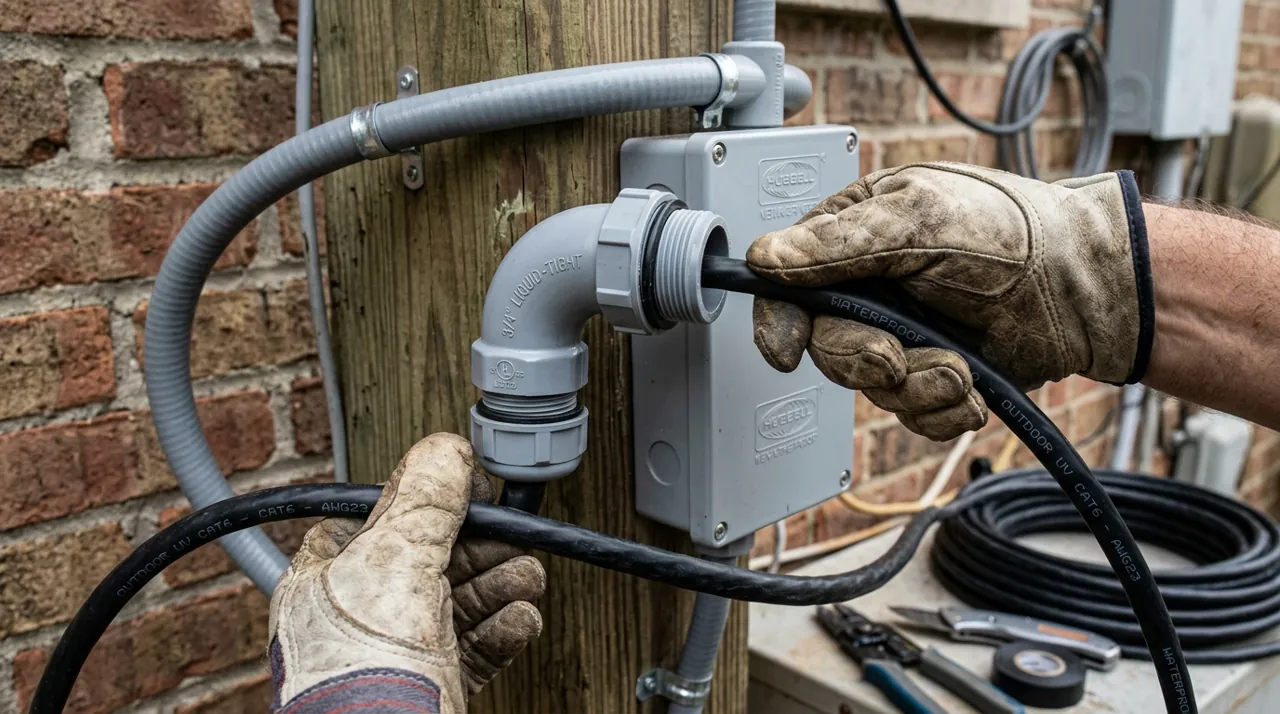
Power: Solar Panels and PoE Switches
Power is the second-biggest source of accessory regret, and it splits into two entirely separate problems depending on camera type. Battery cameras need a way to stay charged without a recurring ladder trip — that is what a solar panel solves, and sizing it correctly depends on real sun exposure at the mounting spot, not the panel’s rated wattage alone. Wired PoE cameras need enough power delivered over the Ethernet run itself, which is what a PoE switch or injector solves (per NETGEAR, IEEE 802.3af PoE supplies up to 15.4W and 802.3at PoE+ up to 30W per port at the switch, and Reolink caps camera runs at 100m, or 328 ft, on Cat 5e) — undersizing this is a common, avoidable cause of a camera that drops out under load. See best solar panels for security cameras and best PoE switches for security cameras.
Mounting and Audio: Brackets and Doorbell Chimes
The remaining two categories are smaller but still matter to specific installs. A mount or bracket matters when a camera’s included hardware does not suit the actual mounting surface — a corner, a soffit, a pole, or a position that needs a junction box for clean cable routing. A doorbell chime matters for anyone who has missed a delivery because a phone was on silent or out of earshot — an indoor chime plugs the gap between a battery doorbell’s notification and a household actually hearing it. See best security camera mounts and best doorbell chimes.
Which Category to Budget For First
Not every home needs every accessory on this hub, and buying all six categories at once is rarely the right call. Storage is the one exception worth treating as close to mandatory: a camera recording to a standard SD card or a repurposed desktop hard drive is one silent failure away from having no footage exactly when it's needed. Everything else on this hub is genuinely conditional — a solar panel only matters for a battery camera in a hard-to-reach spot, a PoE switch only matters once a wired install grows past what an NVR's built-in ports handle, a mount only matters when the included hardware doesn't suit the actual wall, corner or pole. Working through the six sections above in order of what your specific setup actually needs, rather than buying reflexively, is the more cost-effective approach most owners land on after their first camera purchase.
A Quick Compatibility Check Before Buying
The single most common accessory-buying mistake owner reviews surface is a compatibility mismatch discovered after the purchase — a solar panel with the wrong connector, an SD card the camera's firmware won't format past a certain capacity, a mount that doesn't fit an unusually shaped soffit. Before adding anything to cart, confirm three things specific to your camera model: the physical connector or card slot type, the manufacturer's stated maximum supported capacity or wattage, and whether the camera uses a proprietary charging or mounting system versus an open standard. Five minutes checking the camera's own spec page against the accessory listing avoids the large majority of return-and-reorder cycles reported across this hub's reviews. When a listing doesn't clearly state compatibility with your exact camera model, the manufacturer's own support page or a search of that model's dedicated forum thread is usually faster and more reliable than guessing from a generic product description.
How We Rank
Every product ranked across this hub is scored the same way the rest of the site is: aggregated owner star ratings weighted by review volume, recurring themes in negative reviews, and specification differences that owners raise unprompted. We never buy, install or physically test these accessories, and every star rating and review count comes from licensed Amazon data — a product with no verified rating shows no stars at all rather than an estimate. Full method on how we rank.
Seasonal Accessory Maintenance
Accessories are the part of a camera system most likely to be forgotten once installed, and a handful of them genuinely benefit from a seasonal check rather than a set-and-forget approach. Solar panels lose real output to dust, pollen and, in colder regions, snow cover across a season, so a quick wipe-down a few times a year keeps charging closer to rated capacity. SD cards and NVR hard drives are consumables with a finite write-cycle lifespan; checking recording history for gaps once or twice a year catches a failing card before it fails completely rather than after. PoE switches and injectors benefit from confirming their mounting location still has reasonable airflow, especially if a garage or utility closet has become more cluttered since install. None of this takes more than a few minutes per category, and it's cheaper than discovering a failure the day footage is actually needed.
Going Deeper: Why Camera Storage Wears Out
The storage advice on this hub comes down to one mismatch: a camera writes all the time, and most consumer storage is designed for occasional use. Western Digital says it plainly in its WD Purple data sheet: an average desktop drive is built to run only for short intervals, not a 24/7 surveillance system. WD rates WD Purple for a workload of up to 180TB a year, which it puts at up to three times that of desktop drives. Seagate’s SkyHawk data sheet lists the same 180TB-a-year workload and 8,760 power-on hours a year, which is every hour of a 365-day year.
Surveillance drives also deal with things a desktop drive rarely meets. Western Digital says WD Purple is engineered to withstand the heat swings and vibration inside NVR enclosures, and its AllFrame technology helps reduce dropped video frames. Seagate builds rotational vibration sensors into SkyHawk so drives hold their performance in multi-bay recorders.
Memory cards get rated a different way. Instead of a yearly workload, SanDisk rates its High Endurance card in hours of Full HD recording: up to 2,500 hours for 32GB, 10,000 hours for 128GB and 40,000 hours for 512GB, with fewer hours for 4K video. Each doubling of capacity doubles the rating. That fits simple arithmetic, because a card twice the size takes twice as long to fill before it starts writing over old footage.
Speed labels answer a separate question. The SD Association explains that speed class symbols indicate a minimum writing speed, because video needs a constant minimum write speed to avoid dropped frames. It also notes that repeatedly deleting and writing files gradually fragments a card’s data area, which affects write speed. So you want both labels. The speed rating says the card can keep up, and the endurance rating says how long it is built to keep doing it.
Sources & References
- What Is Power over Ethernet (PoE)? — Cisco
- PoE Standards Explained — NETGEAR
- WD Purple Surveillance Hard Drive Data Sheet — Western Digital
- SkyHawk 3.5 Hard Drive Data Sheet — Seagate
- SanDisk High Endurance microSD Card Data Sheet — SanDisk (Western Digital)
- Speed Class Standards — SD Association
- Reolink Ethernet Cable FAQ — Reolink
- RLC-1224A 12MP PoE Camera specifications — Reolink
- SkyHawk Surveillance Hard Drives — Seagate
- Tapo C100 specifications (microSD support) — TP-Link Tapo