
Affiliate Disclosure: Some links on this page are affiliate links. As an Amazon Associate, we earn from qualifying purchases — at no extra cost to you. We do not buy, install, or physically handle the cameras we cover; our rankings come from aggregated owner reviews, ratings and expert consensus. Commissions never change our verdicts. We're reader-supported: commissions fund hosting, research and updates, so if a guide helped, buying through our links keeps it going. How we rank · full disclosure.
The direct answer: yes, a security camera system is worth it for most homeowners, with real caveats worth understanding before you buy. A camera system is a genuine, moderate deterrent and a useful source of evidence after an incident — it is not a guarantee against crime, and its ongoing cost (subscription or otherwise) needs to be weighed honestly against what you’ll actually use it for.
In Plain English
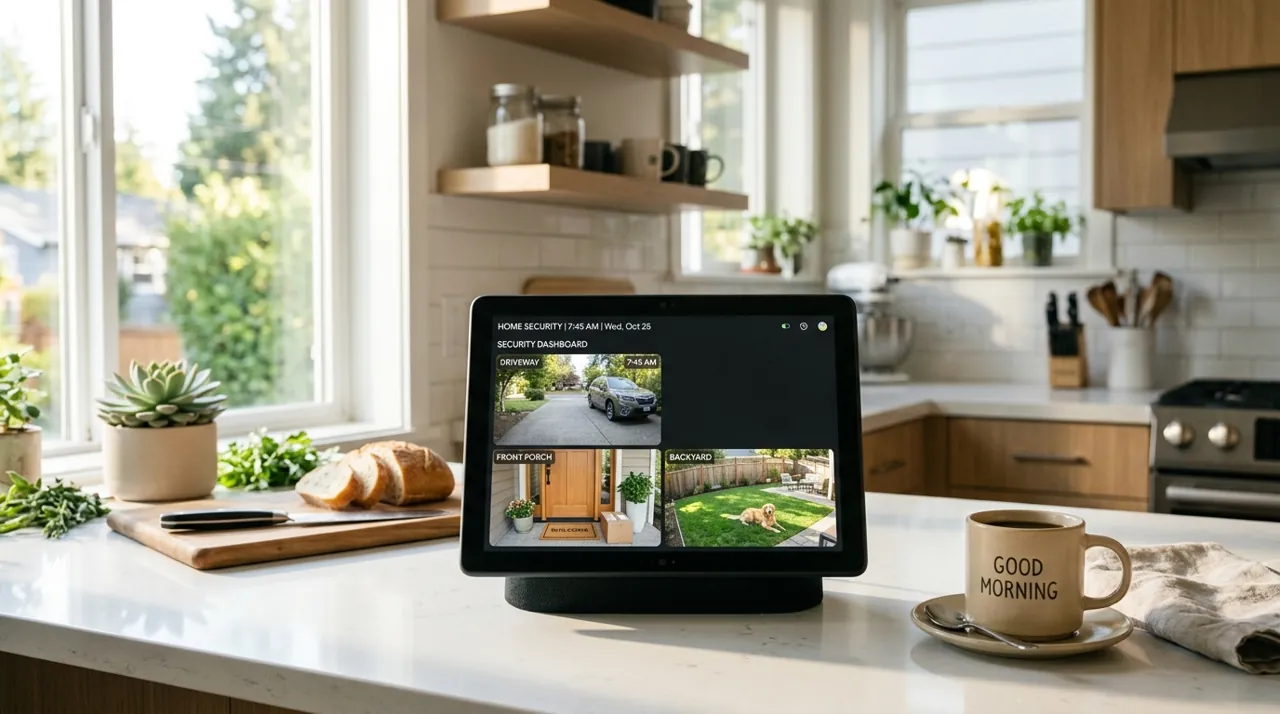
A security camera system is a set of cameras that watch different parts of your property and save the video, either online or on a recorder in your home.
Think of it like a smoke alarm for break-ins. It won’t stop every problem, but it makes your home look like harder work, and it gives you a record if something does happen. Most burglaries are opportunistic, so looking like a harder target nudges many would-be thieves somewhere else.
The real question is cost. Some systems charge a monthly fee per camera to save video in the cloud (online storage). Others save video on a recorder at home called an NVR (network video recorder), with no monthly fee but more work to install.
The one thing to do: start with one or two cameras at the spots that matter most, usually the front door and driveway. Add more only when you notice a real gap. And before you buy, ask your insurer what they need to see to give you a discount.
An Example of the System This Question Is About

The REOLINK RLK8-410B4 carries the largest review base of any complete NVR system tracked on this site, with a solid owner rating, pairing four 4MP bullet cameras with an 8-channel PoE NVR and a 2TB HDD for 24/7 local recording. Person and vehicle detection cuts false alerts. There is no subscription at any point. Owners consistently cite it as the honest starting point for a first full system.
Why You Should Get This
If you’re weighing whether a full system is worth it over single cameras, this is the most review-validated complete system to compare against.
| Camera resolution | 4MP Super HD (2560x1440), 4 bullet cameras |
| NVR | 8-channel PoE NVR |
| Storage | 2TB HDD pre-installed, 24/7 recording |
| Connectivity | PoE, single cable per camera |
| Detection | Person and vehicle detection |
| Night vision | Infrared, up to 30m range |
Benefits
- Largest review base of any complete NVR system tracked on this site.
- 2TB HDD pre-installed, 24/7 continuous recording.
- No subscription at any point.
Pros and Cons
- Deep, trustworthy review base.
- True 24/7 recording, not event clips only.
- Expandable, 8 channels for 4 cameras.
- 4MP rather than 4K resolution.
- Real installation project running cable.
- Higher upfront cost than a single camera.
Features
- 4MP Super HD cameras.
- 8-channel PoE NVR.
- 2TB HDD pre-installed.
The Deterrent Case
Research on burglar decision-making supports visible security as a meaningful, if imperfect, deterrent. In a University of North Carolina at Charlotte survey of incarcerated burglars, about 83% said they would try to find out whether an alarm was present before a burglary, 60% said they would seek another target if one was, and 41% described their burglaries as mostly spontaneous. Most burglary is opportunistic. A visible camera signals a harder target and pushes an opportunistic intruder toward an easier one nearby. This effect is real but not absolute. A determined, targeted intruder who has cased a specific property is not stopped by a camera alone. Treating a system as a complete security solution, rather than one layer of it, is the most common overestimation buyers make.
The Evidence Case
Beyond deterrence, a working system gives you something to review after an incident: a package theft, a vehicle break-in, an attempted entry. This is where the subscription-versus-local-storage decision matters most. A camera with no recorded history — free-tier Ring, for instance — gives you a live view in the moment but nothing to go back to. That defeats much of the evidentiary purpose for many buyers.
Running the Honest Cost-Benefit
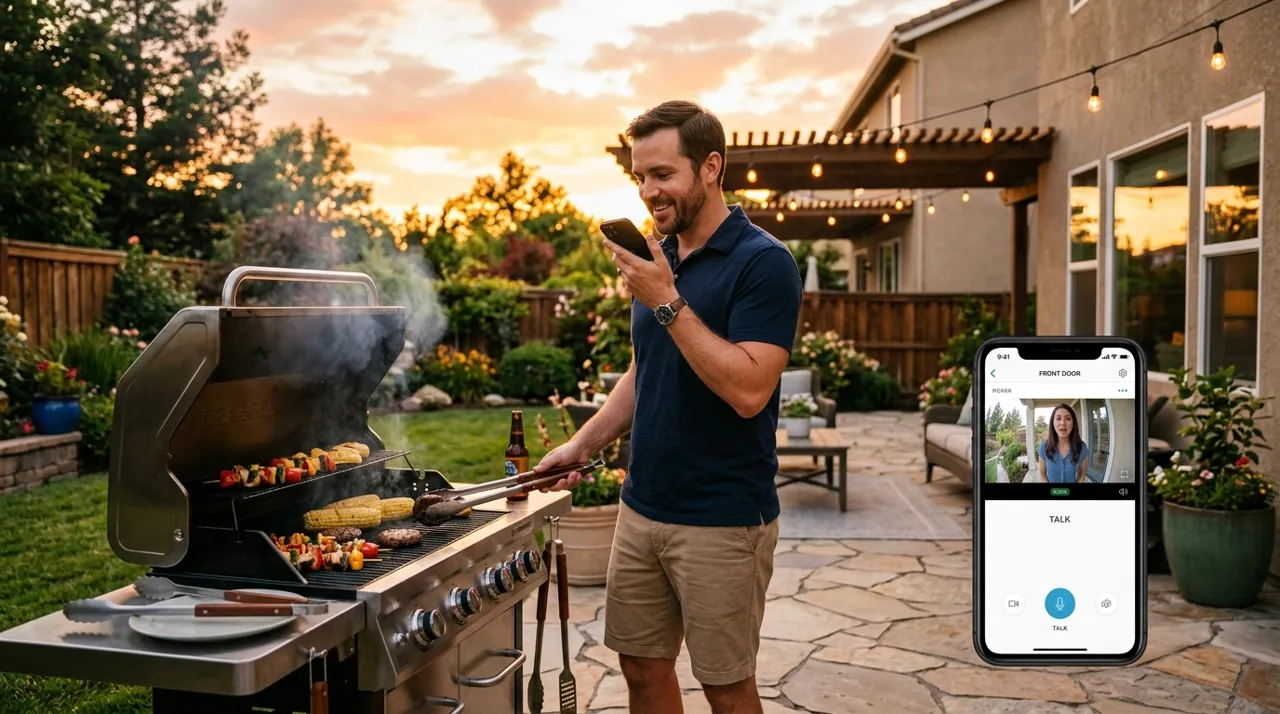
A basic system (one or two cameras) runs a modest hardware cost, plus nothing to a modest annual subscription depending on brand. Against that: potential insurance discounts (the Insurance Information Institute cites at least 5% for a burglar alarm with many insurers, more for a centrally monitored system), reduced risk of package theft, and the practical value of remote visibility when you’re away. For most households, this math favors having at least a front-door camera. It favors a full whole-property system less universally — that decision depends more on the specific property (isolated, high-value items outdoors, prior incidents) than on a blanket recommendation. Call your insurer directly and ask what documentation they need to apply a discount, since some require proof of a monitored or recording system rather than accepting a camera's presence on its own.
Tip Call your insurer directly and ask what documentation they need to apply a discount. Some require proof of a monitored or recording system rather than accepting a camera's presence on its own.
System Alternatives: Cloud Subscription vs Local NVR vs Single Camera
Three genuinely different approaches solve this problem. Picking the wrong one for your situation is the most common source of buyer's remorse in this category. A cloud-subscription system (Ring, Arlo, Nest) is the fastest to set up and the easiest to expand incrementally, camera by camera, at the cost of a recurring fee that compounds with every device added. A local NVR system with local storage trades a harder first install and a larger upfront hardware cost for zero ongoing fee and true 24/7 continuous recording, rather than event clips only — see NVR camera systems for that route in full. A single well-placed camera, with no system at all, remains the right starting point for a large share of buyers who assume they need a full kit before actually confirming which positions matter on their specific property.
Which one is worth it depends less on budget and more on how you actually plan to use the footage. A household that wants to glance at a phone notification occasionally is well served by a basic cloud camera. A household that wants an unbroken timeline to review after the fact, across several positions, is better served by local NVR recording. Most buyers land somewhere between these two extremes, and starting smaller than you think you need — then expanding once an actual gap in coverage shows up — is the pattern owner reviews most consistently endorse in hindsight.
What Consumer Reports says: Its home security camera buying guide notes that cloud subscriptions run from about $1 to $30 a month, while local storage on a microSD card or internal memory avoids monthly fees. Consumer Reports also cautions that self-monitored systems are not watched around the clock by trained professionals, a point covered in its home security system guide, so your own response to alerts is part of the system.
Who Should Buy a Full System
A full system suits:
- Properties with multiple vulnerable entry points
- Detached structures (garages, sheds) worth covering separately
- Homes with a documented prior incident
- Households that specifically value continuous whole-property recording rather than event-triggered clips
See NVR camera systems for the whole-property route.
Who Should Start Smaller
Most first-time buyers are better served starting with one or two cameras at the highest-value positions (front door, driveway) and expanding only where an actual gap shows up, rather than buying a full kit on day one. See how many cameras do I need for that decision.
What Owner Reviews Say About Full Systems
Owners who buy a complete multi-camera system, rather than a single camera, report a different set of concerns than single-camera buyers. The most common regret is under-planning coverage — picking a 4-camera kit and discovering a fifth blind spot within the first month, which is why sketching every entry point before buying, not after, is the single piece of advice that shows up most often in long-term reviews. The most common compliment is the shift from reactive to routine: owners describe checking a multi-camera dashboard the way they'd check a weather app, a habit that rarely forms with just one camera. Installation effort is the most polarizing theme. Wireless battery kits get praised for a same-day setup and criticized months later for battery-swap fatigue across several units at once, while wired NVR kits draw the opposite pattern — a harder first weekend, then years of maintenance-free operation.
Pros and Cons of a Full System vs a Single Camera
Pros of a full system: no single blind spot, continuous property-wide awareness rather than one covered angle, evidence from multiple perspectives if an incident occurs, and (with a local NVR) no per-camera recurring fee that scales against you as coverage grows.
Cons of a full system: meaningfully higher upfront cost than a single camera, more setup time and more devices to maintain, and — on a cloud-subscription brand specifically — a monthly fee that can multiply per camera rather than staying flat per household. A single well-placed camera remains the better starting point for most first-time buyers, with expansion driven by an actual observed gap rather than a worst-case assumption.
Going Deeper: How Insurance Discounts and Deterrence Actually Work
Two of the benefits people expect from a camera system, a cheaper insurance premium and fewer break-ins, work in different ways, and neither is automatic.
Start with insurance. The Insurance Information Institute says you can usually get discounts of at least 5 percent for a smoke detector, burglar alarm or dead-bolt locks. The bigger reductions, which some companies put at as much as 15 or 20 percent, are for more elaborate setups. The III gives the example of a sprinkler system plus a fire and burglar alarm that rings at the police, fire or other monitoring stations. In other words, the larger discounts are tied to systems that alert a monitoring station, not just systems that record. The III also warns that not every system qualifies. It advises you to find out which kind your insurer recommends, what it costs and how much you would save before buying. A camera that only saves clips to your phone may earn nothing on its own. That is why this page suggests calling your insurer first.
Deterrence works on a different principle: what an offender notices before acting. In the UNC Charlotte survey of 422 incarcerated burglars, the question was mainly about alarms. When burglars discovered one during an attempt, half said they would stop, another 31 percent said they would sometimes retreat, and only 13 percent said they would always continue. Visible security changes behaviour for most, but not for a committed minority. Those are the people a system won’t stop outright, which is why the verdict below treats cameras as one layer, not the whole plan.
Put together, the value of a system depends on what it connects to. Recording gives you evidence. Visible hardware gives you deterrence. A discount usually needs monitoring or an insurer-approved setup, so check those terms before you size the system.
Verdict
A security camera system is worth it for the large majority of homeowners, provided you’re realistic about what it does (deter opportunistic crime, provide evidence) and doesn’t do (stop a determined intruder outright), and you’ve budgeted the real cost including any subscription. Start with best security camera for front door if you’re buying your first camera, or leading security camera systems if you’ve decided a full multi-camera kit is the right scope.
Sources & References
- Home Security Camera Buying Guide — Consumer Reports
- How to Pick a Home Security System — Consumer Reports
- Through the Eyes of a Burglar: Study Provides Insights on Habits and Motivations — University of North Carolina at Charlotte
- 12 Ways to Lower Your Homeowners Insurance Costs — Insurance Information Institute
- Understanding Ring Protect subscriptions — Ring
- Learn what you get with a Google Home Premium subscription — Google Home and Nest Help