
Affiliate Disclosure: Some links on this page are affiliate links. As an Amazon Associate, we earn from qualifying purchases — at no extra cost to you. We do not buy, install, or physically handle the cameras we cover; our rankings come from aggregated owner reviews, ratings and expert consensus. Commissions never change our verdicts. We're reader-supported: commissions fund hosting, research and updates, so if a guide helped, buying through our links keeps it going. How we rank · full disclosure.
Short version: budget in three parts, not one. Hardware for a basic setup (a doorbell plus one outdoor camera) is a modest first outlay; expanding to four-camera coverage is a bigger step up; a wired PoE or NVR kit with local recording is a bigger hardware investment again. Then add the recurring cost most buyers forget to budget: a cloud subscription commonly runs a modest monthly fee for one camera and more for a whole household, which over five years frequently exceeds what the hardware itself cost.
In Plain English
A security camera system costs more than the price on the box. Budget in three parts: the cameras, the installation, and any monthly fee for storing video online (a cloud subscription).
The monthly fee is the part people forget. It is like a phone contract: the handset looks cheap, but the plan adds up. Over five years, a two-camera home on a cloud plan often pays more in fees than it paid for the cameras. Cameras that record to a memory card or a recorder at home (local storage) cost more at first but nothing each month, and usually work out cheaper after two or three years. Also budget for a proper memory card, a Wi-Fi booster if the signal is weak, and an electrician for any camera wired into your home’s electrics.
Real Cost Examples, Budget to Complete System

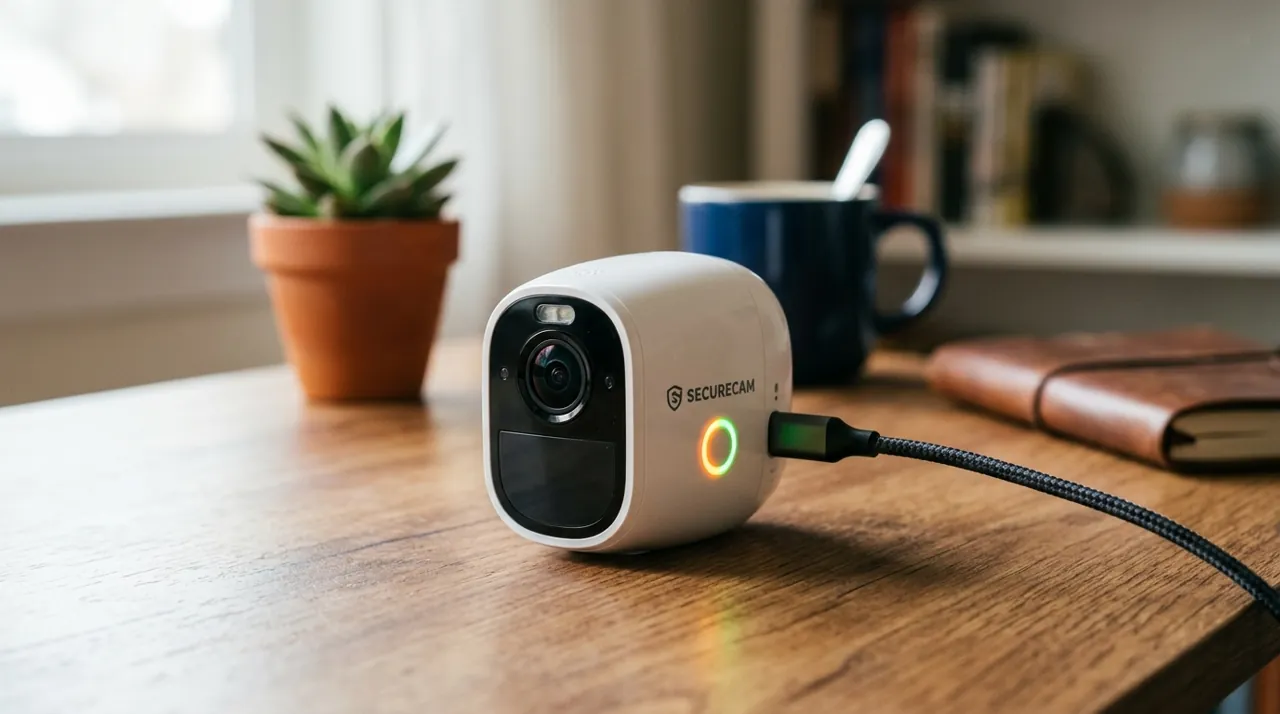
The cheapest genuinely well-reviewed entry point tracked on this site, with a solid rating from a deep review base. It records 1080p video with night vision and two-way audio, storing locally to a microSD card with no forced subscription. This illustrates the true low end of the cost range — a single camera can start at a genuinely entry-level price.
Why You Should Get This
If you want to see the genuine low end of what a security camera costs, this is the honest example.
| Resolution | 1080p HD (1920x1080) |
| Field of view | 117° diagonal (98.8° horizontal) |
| Power | Plug-in, standard outlet |
| Night vision | Infrared, up to 30ft |
| Audio | Two-way audio |
| Storage | MicroSD up to 128GB, or cloud |
| Smart home | Works with Alexa and Google Home |
Benefits
- Cheapest genuinely well-reviewed camera tracked on this site.
- MicroSD local recording with no forced subscription.
- Real single-camera starting cost.
Pros and Cons
- Very low price for the review volume behind it.
- No subscription required for core recording.
- Illustrates the true budget end of the market.
- Fixed lens, no pan-tilt coverage.
- Basic motion detection.
- 1080p rather than 2K.
Features
- 1080p, night vision.
- MicroSD local recording.
- Two-way audio.

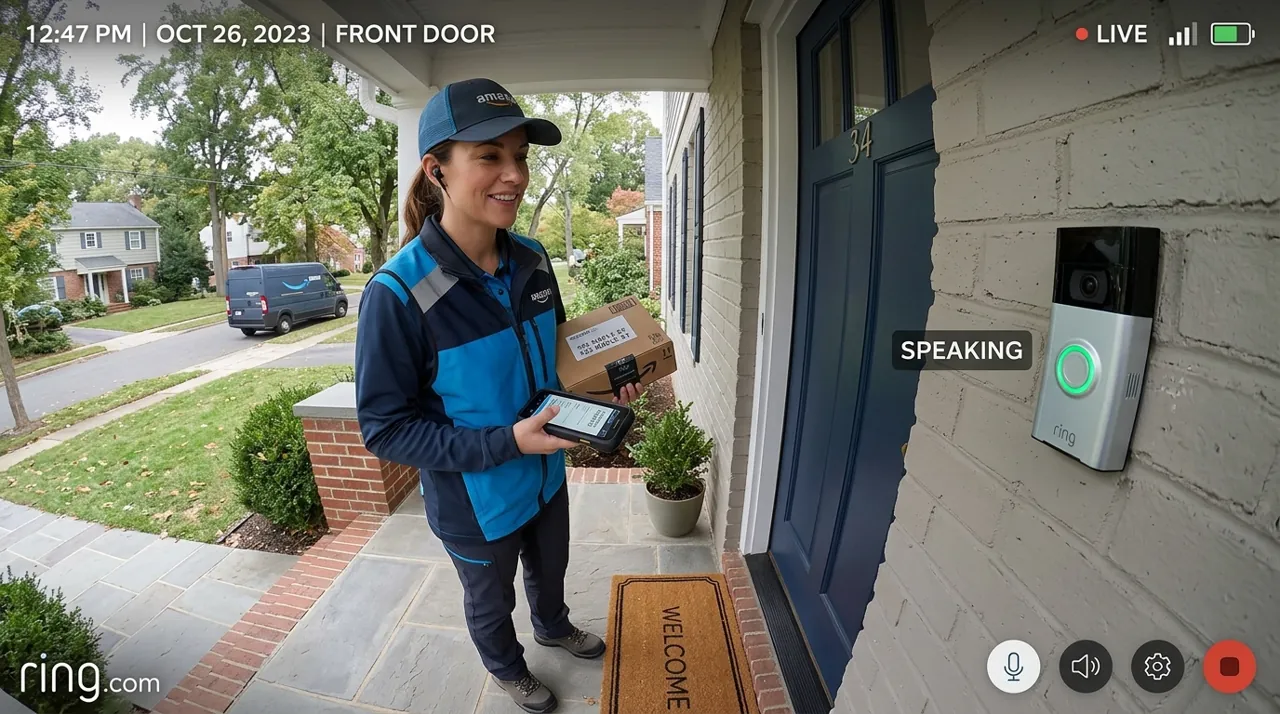
The most-reviewed video doorbell tracked on this site, illustrating the typical mid-range single-device cost once a subscription is factored in. It holds one of the deepest, highest-rated review bases we track. Recorded clip history requires a Ring Protect subscription, the recurring cost most buyers underestimate when totaling up a system.
Why You Should Get This
If you want a realistic mid-range figure including the ongoing subscription cost most buyers forget to budget for, this is the example.
Benefits
- Illustrates the typical mid-range single-device cost.
- Shows the real ongoing subscription cost most buyers miss.
- Deepest review base of any doorbell tracked on this site.
Pros and Cons
- Largest, most trustworthy review base.
- Head-to-toe view shows the whole doorstep.
- No wiring required.
- Recorded clip history needs a Ring subscription.
- 1080p rather than 2K.
- Subscription cost compounds over years.
Features
- Head-to-toe 1:1 view.
- Removable battery or hardwiring.
- Two-way talk.

A complete whole-home system illustrating the top of the realistic cost range, pairing four cameras with an 8-channel PoE NVR and a 2TB HDD. It holds a solid rating and the largest review base of any complete NVR system tracked on this site. There is no subscription at any point, which changes the five-year total-cost math significantly versus a subscription-based single device.
Why You Should Get This
If you want to see what a genuinely complete whole-home system costs, and how that compares to years of subscription fees on single devices, this is the example.
| Camera resolution | 4MP Super HD (2560x1440), 4 bullet cameras |
| NVR | 8-channel PoE NVR |
| Storage | 2TB HDD pre-installed, 24/7 recording |
| Connectivity | PoE, single cable per camera |
| Detection | Person and vehicle detection |
| Night vision | Infrared, up to 30m range |
Benefits
- Illustrates the top of the realistic cost range for a complete system.
- No subscription at any point after purchase.
- 24/7 continuous recording included.
Pros and Cons
- No recurring cost after the initial purchase.
- True 24/7 recording across four cameras.
- Deep, trustworthy review base.
- Highest upfront cost of the three examples here.
- Real installation project running cable.
- 4MP rather than 4K resolution.
Features
- Four 4MP cameras.
- 8-channel PoE NVR.
- 2TB HDD pre-installed.
Single Camera Costs by Type
Budget indoor/outdoor (no subscription): the entry-level tier. Tapo, Wyze and similar brands dominate this tier, recording locally to a microSD card with zero required fee.
Mainstream battery camera (subscription model): the mid-range tier. Ring, Arlo, Nest and Blink devices sit here, with hardware price varying by resolution and whether it’s a doorbell, floodlight, or standard outdoor camera.
PoE camera (single unit): a comparable mid-range to upper-mid-range outlay. Reolink, Amcrest and Ubiquiti products in this range typically need an existing NVR or switch, or you’re buying into a complete kit instead.
Solar-powered camera: a modest premium over a comparable battery-only model, offsetting the recharge cycle rather than the base hardware.
Whole-Home System Costs
Basic starter setup (doorbell + 1 outdoor camera): a modest hardware outlay. This is the most common first purchase, covering the front door and one additional position.
Four-camera coverage: a bigger step up in hardware, whether that’s four individual smart cameras or entry into a mid-size PoE kit.
Complete PoE/NVR kit (4-8 cameras, recorder and storage included): a substantial hardware investment, scaling with camera count and resolution. A complete 8-channel 4K kit with 2TB of storage, for example, sits in the mid-tier of that range for standard-definition-plus setups and higher for full 4K across every channel.
Large-property systems (12-16 channels): a genuinely large hardware investment, moving into commercial-grade territory.
The Subscription Cost Most Buyers Forget
This is where the real five-year cost gap opens up. Ring and Arlo gate cloud-recorded video behind a paid plan, Google Nest gives newer cameras only a few hours of free event history, and Blink needs either a plan or a Sync Module with local storage to save clips. As for how much security cameras cost per month, typical pricing runs from a modest monthly fee for a single camera up to a somewhat higher one for unlimited cameras at one address. Over five years, a two-camera household on a whole-home plan can pay a substantial sum in fees — routinely more than the hardware itself cost.
Eufy, Reolink, Wyze and TP-Link Tapo, along with any PoE/NVR system, avoid this recurring cost by recording locally. Their hardware runs somewhat higher up front, but the total cost of ownership is very often lower within two to three years. See is Ring worth it for the exact math on the largest subscription-model brand.
Hidden Costs Worth Budgeting For
A microSD card rated for continuous surveillance recording is a small extra cost, often not included and easy to forget until the camera has nothing saved on it.
A mesh WiFi node or outdoor access point adds a noticeable amount if a camera position has weak signal — test before buying rather than discovering this after installation.
An electrician call-out for a hardwired floodlight camera is a real line item if you’re not comfortable at a breaker panel yourself.
Professional monitoring adds a recurring monthly fee if you want a monitored alarm system rather than self-monitored camera alerts — see security camera vs monitored alarm system for that comparison.
A shorter warranty than expected on a budget camera is worth checking before you buy rather than after something fails — a one-year standard warranty is typical across this category, and an extended warranty is rarely worth the extra cost on an inexpensive camera where replacing it outright costs about the same.
The Five-Year Total, Written Out
Take a typical two-camera household. A subscription-model setup (Ring): a modest hardware outlay plus a substantial sum in fees over five years, for a sizeable total. A local-storage setup (eufy or Reolink equivalent): a somewhat higher hardware outlay and nothing in fees, for a total meaningfully lower despite the higher sticker price. The crossover point where local storage becomes cheaper is typically two to three years in, and it only gets more favorable from there as you add cameras.
How Many Cameras Do You Actually Need?
Most homes need fewer cameras than the marketing suggests. See our how many cameras do I need guide for the position-by-position breakdown, but as a starting budget: one at the front door, one covering the driveway or main approach, and additional cameras only for genuine blind spots.
Labor Cost to Install Security Cameras: DIY vs Professional
The large majority of consumer cameras covered on this site are DIY, at no installation cost beyond your own time. Battery and plug-in models are built specifically for a homeowner to mount and pair with an app in well under an hour. A hardwired floodlight camera that ties into existing house power, or a PoE/NVR system that needs cable run to several positions, is where a professional install cost becomes a real line item — an electrician for a wired fixture, or a low-voltage installer for a multi-camera cable run. Get a quote before committing to a wired system if you are not comfortable doing the run yourself, since installation labor can meaningfully change the total project cost on a larger system.
Financing and Buy-Now-Pay-Later Options
Several retailers offer installment financing at checkout for a larger camera system purchase, splitting the hardware cost into monthly payments rather than one upfront charge. This can make sense for a complete PoE/NVR kit where the upfront hardware cost is the main barrier, but read the terms carefully: a 0% promotional period that reverts to a high interest rate if not paid off in time can turn a reasonable purchase into an expensive one. Compare the total cost paid over the financing term against simply saving for a few months and buying outright before assuming financing is the better option.
Typical Cost by Home Size
Apartment or small home: often just one or two cameras — an indoor unit at the entry door plus optionally a video doorbell — keeping the hardware outlay modest and avoiding a whole-home subscription tier entirely. Average single-family home: the two-to-four-camera range covered throughout this guide, where the subscription decision has the biggest effect on the five-year total. Larger property or acreage: often where a PoE/NVR system starts making more financial sense than adding individual smart cameras one at a time, since per-camera subscription costs would otherwise scale directly with camera count.
Going Deeper: How Plan Structures Drive the Five-Year Cost
Subscription costs scale in one of two ways: per camera or per address. Ring’s subscription guide describes Ring Solo for a single device and Ring Multi for all Ring devices at one location, with recorded videos kept for up to 180 days. Blink’s plan notice describes a Basic plan and a Plus plan that covers unlimited eligible devices, and Wyze’s plan page contrasts per-camera Cam Plus with Cam Unlimited, which covers unlimited cameras on one plan. Once a household owns several cameras, the per-address plan usually becomes the cheaper route, which is why camera count matters so much to the five-year total.
Plan prices also move, and generally upward. Blink says its U.S. prices increased on October 8, 2025, for the first time since 2021, with the Plus plan going from $10 to $11.99 a month and the Basic plan from $3 to $3.99. Plans are sticky in another way too: Ring’s plan-management page says subscriptions auto-renew until cancelled and that when a plan ends you lose access to all of your recorded videos, so stopping a plan has a cost beyond the monthly fee.
Local storage swaps the recurring fee for a one-off purchase. Blink’s storage options page lists saving clips to a USB drive on a Sync Module 2, or a microSD card on a Sync Module XR, with no subscription. Not every local option is fee-free, though: Ring Edge needs a Ring Alarm Pro and an eligible Ring subscription. For card-based cameras, the card becomes the running cost; SanDisk’s High Endurance data sheet rates its 128GB card for up to 10,000 hours of Full HD recording and its 256GB card for up to 20,000, so a card eventually needs replacing — a small line item next to five years of subscription fees.
Next Steps
Once you’ve settled on a budget, work through is Ring worth it or the equivalent brand page if you’re leaning toward a subscription model, and best cameras without a subscription if the recurring fee is the deciding factor. For the physical installation costs and process, see how to install a security camera.
Sources & References
- Understanding Ring Protect subscriptions — Ring
- Can you use a home security camera without a subscription? — Arlo
- Learn about event and 24/7 video history — Google Nest Help
- Blink Storage Options — Blink Support
- Blink subscription plan changes — Blink
- Wyze service plans — Wyze
- Subscribe to and manage a Ring plan — Ring
- Store and process videos locally with Ring Edge and Ring Alarm Pro — Ring
- SanDisk High Endurance microSD card data sheet — SanDisk (Western Digital)