
Affiliate Disclosure: Some links on this page are affiliate links. As an Amazon Associate, we earn from qualifying purchases — at no extra cost to you. We do not buy, install, or physically handle the cameras we cover; our rankings come from aggregated owner reviews, ratings and expert consensus. Commissions never change our verdicts. We're reader-supported: commissions fund hosting, research and updates, so if a guide helped, buying through our links keeps it going. How we rank · full disclosure.
The direct answer: a security camera and a monitored alarm system solve different problems, and the right choice depends on what you actually want the system to do. A security camera shows you what happened (or is happening) within its field of view. A monitored alarm system detects an intrusion event (a door opening, a window breaking, motion in a zone) and can dispatch professional monitoring or emergency services, with or without a camera involved at all.
In Plain English
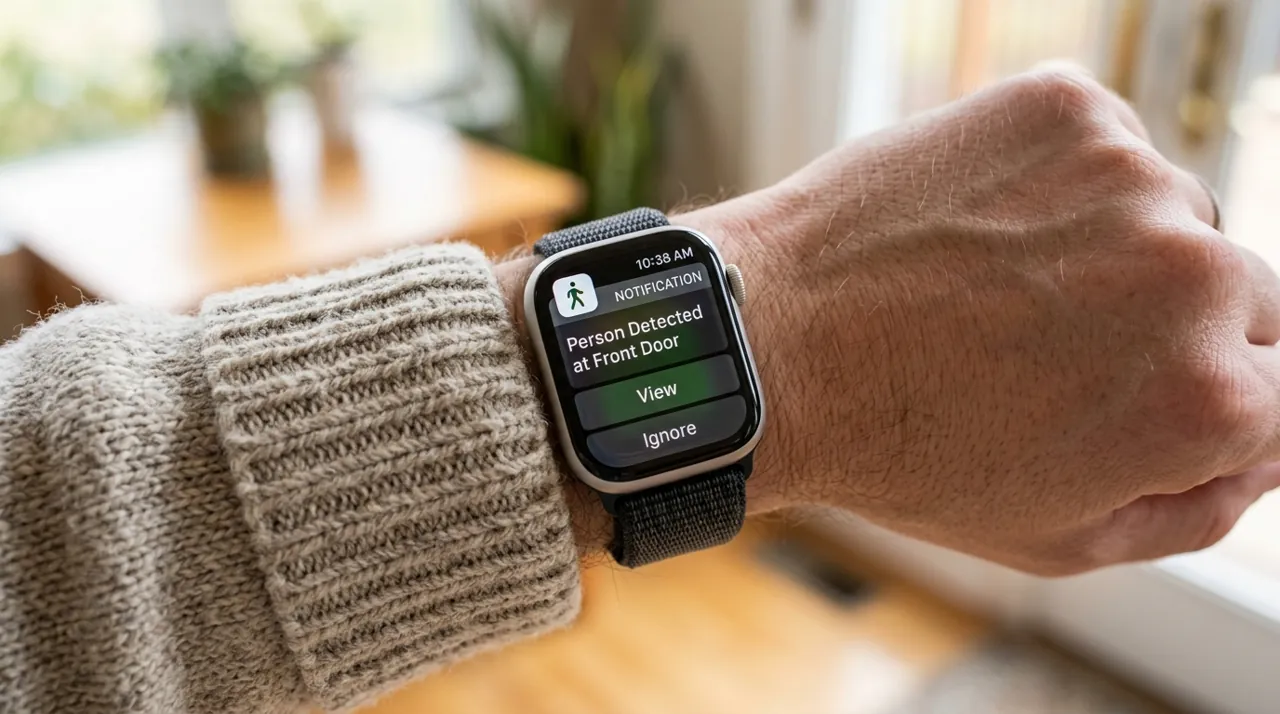
A security camera and a monitored alarm sound alike, but they do different jobs. A camera is a set of eyes. It records what happens in front of it and sends a note to your phone. Then it’s up to you to look and decide what to do.
A monitored alarm works more like a doorbell wired to a call center. Small sensors on your doors and windows notice the moment one opens. If the system is armed, a monitoring center (trained staff who watch for alarm signals) gets the signal, checks it, and can send police, fire or medical help, even if you’re asleep or at work.
Why does this matter? A camera tells you what happened. A monitored alarm can get help moving while it’s happening. The one question to ask yourself: do you want to be the person who reacts to every alert, or do you want someone doing that for you? If you’re happy to be hands-on, a camera may be enough. If not, look at monitoring, or run both.
A Camera Example and a Monitored System Example

The highest-rated standalone camera tracked on this site with one of the highest ratings and deepest review bases we track, representing the camera-only side of this comparison. Motion-activated LED floodlights pair with 1080p color night video. It records and alerts on its own, with no professional monitoring center watching on your behalf.
Why You Should Get This
If you’re weighing a standalone camera against a monitored alarm, this is the most review-validated example of the camera-only approach.
| Resolution | 1080p HD |
| Field of view | 140° horizontal |
| Power | Hardwired, existing outdoor fixture |
| Night vision | Color night vision |
| Audio | Two-way talk |
| Siren | 105dB built-in siren |
| Lighting | Motion-activated LED floodlights |
| Smart home | Works with Alexa |
Benefits
- Highest-rated standalone camera tracked on this site.
- No monthly monitoring fee, only an optional recording plan.
- You review the footage yourself, no third party involved.
Pros and Cons
- Massive, consistent review base.
- Cheaper ongoing cost than professional monitoring.
- Motion-activated floodlights double as a deterrent.
- No professional response if you miss an alert.
- Needs an existing wired fixture or electrician.
- Recorded clip history needs a subscription.
Features
- Motion-activated LED floodlights.
- 105dB built-in siren.
- Two-way talk.

A representative professionally-monitored system, backed by a deep base of owner ratings, illustrating the monitored-alarm side of this comparison. It includes an 8-piece wireless sensor kit with optional 24/7 professional monitoring. Unlike a standalone camera, a monitored system can dispatch a real response when a sensor trips, whether or not you see the alert.
Why You Should Get This
If you want a professional response even when you miss the alert yourself, this is the representative example of what a monitored system provides.
Benefits
- Optional 24/7 professional monitoring dispatches help even if you miss the alert.
- 8-piece sensor kit covers multiple entry points.
- Wireless, no complex wiring.
Pros and Cons
- Professional response, not just a notification.
- Multiple sensor types in one kit.
- Solid review base for a monitored system.
- Professional monitoring carries an ongoing monthly fee.
- Sensors alone don’t provide visual verification like a camera.
- Higher total cost of ownership than a camera-only setup.
Features
- 8-piece wireless sensor kit.
- Optional 24/7 professional monitoring.
- Wireless installation.
What Each System Actually Does
Security cameras (Ring, Arlo, Nest, Wyze, Reolink and similar) record video, triggered by motion or continuously depending on the model, and send you a notification. You are the one who reviews the alert and decides what to do about it — call the police yourself, or do nothing if it’s a false alarm.
Monitored alarm systems (SimpliSafe and similar) center on door/window sensors, motion detectors and a keypad, with an optional professional monitoring service that reviews alerts on your behalf and can dispatch police, fire or medical response without you needing to be watching your phone at that moment.
The Practical Difference: Detection Point and Response
A door sensor detects the moment a door opens — before an intruder is anywhere near a camera’s field of view. A camera detects motion within its frame, which could be seconds after entry, or might miss an approach from an unwatched angle entirely. This is the core reason the two are complementary rather than substitutes: sensors catch the earliest possible moment, cameras show you the visual detail. Both also work as visible deterrents — in a UNC Charlotte survey of 422 incarcerated burglars, about 60 percent said they would seek an alternative target if an alarm was present, and outdoor cameras were among the security signs they weighed.
On response, self-monitored cameras rely entirely on you noticing and acting on a notification. Professional monitoring means someone is watching on your behalf around the clock, which matters most for the scenario where you’re asleep, at work, or simply not checking your phone when it counts.
Cost Comparison
A camera-only setup: a modest to mid-range hardware cost depending on scope, plus nothing to a modest annual subscription depending on brand and whether you choose a local-storage option. A monitored alarm system: comparable or somewhat higher hardware cost for the sensor kit, plus professional monitoring commonly running a noticeable monthly fee — a materially higher recurring cost than most camera subscriptions, in exchange for the dispatch capability.
Installation: DIY Kit vs Professional Setup
Most current camera systems and most current alarm systems are both sold as DIY-friendly, and that is a genuine shift from a decade ago when a monitored alarm almost always meant a technician visit. A battery camera mounts with a bracket and screws in minutes. A modern wireless alarm kit — door and window sensors, a motion detector, a base station — typically peels-and-sticks in an afternoon with no drilling into a door frame required for the sensors themselves. Professional installation is still available and sometimes bundled with certain monitoring contracts, and it remains the more thorough option for a larger home with real wiring considerations, but it is an option rather than a requirement for either category today.
Reliability: What Happens When Power or Internet Goes Down
This is where the two categories genuinely diverge. A cloud-connected security camera depends on both mains power and an active internet connection to notify you or save footage remotely; lose either and the camera stops functioning as a smart device until service is restored, though a battery model with local microSD storage keeps recording locally through an internet outage even if it cannot alert you. A monitored alarm system is built with the failure scenario in mind from the start: most professionally monitored panels include a battery backup that keeps the system armed through a power cut (SimpliSafe quotes up to 24 hours for its Base Station), and many also include a cellular backup connection, usually tied to a monitoring plan, that keeps the panel talking to the monitoring center even if the home's internet and landline both go down — a level of redundancy most camera systems simply do not build in, because a camera's job is visual record-keeping rather than guaranteed alarm transmission.
Monitoring: Self-Monitored vs a Real Monitoring Center
Camera "monitoring" and alarm "monitoring" mean different things, and the terminology overlap causes real confusion. A self-monitored camera sends you a push notification and expects you to look at it and decide what to do. Professional camera monitoring exists as an add-on from some brands but is less standardized and less universally trusted than alarm monitoring. A monitored alarm system's professional monitoring is a mature, decades-old industry built around trained staff at a monitoring center receiving a signal, attempting to verify it is not a false alarm (often by calling the property first), and dispatching police, fire or medical response under a service agreement — a materially different level of service than a phone notification, and the reason the monthly fee runs higher.
What Consumer Reports says: Its home security system buying guide puts professional monitoring at roughly $15 to $53 a month and notes that self-monitored systems are not watched around the clock by trained professionals, so missing a notification is a real risk. It also says alarm contracts commonly run two to five years, trading lower upfront equipment costs for committed monthly fees.
Who Each System Actually Suits
A camera-only setup suits a household whose main concern is package theft, visitor management, and having footage to review after the fact, and who is comfortable and available to act as their own first responder — checking notifications, deciding what warrants a call, and handling it personally. A monitored alarm system suits a household prioritizing entry-point detection and a guaranteed professional response, particularly one that is frequently empty during the day, travels often, or includes anyone for whom knowing help is dispatched automatically — rather than depending on someone checking a phone — genuinely matters. Renters generally lean toward cameras and a wireless self-monitored alarm kit, since both avoid the wiring and long-term contracts more common with traditional professionally-installed systems, while homeowners planning to stay put longer are the group most likely to find full professional monitoring worth the recurring cost.
Going Deeper: How Each System Actually Notices an Intruder
A door sensor works on simple physics. SimpliSafe describes its Entry Sensor as two parts, a sensor and a magnet: when they’re lined up within two inches of each other the system knows the door or window is closed, and when they move more than two inches apart it sees it as opened, according to SimpliSafe’s installation guide. No picture, lighting or heat is involved, which is why a sensor can register entry the moment a door starts to move.
Camera motion detection works differently. Heat-based PIR (passive infrared) sensing is one common approach, and Ring’s guide to its Smart Lights motion detectors explains that PIRs detect motion by detecting changes in heat. Ring also gives 30 feet as the standard maximum detection range for its devices, per Ring’s motion zones guidance. A motion-triggered camera therefore has to wait for something to move within range and within view, which is the mechanism behind the point above that it may notice entry seconds later, or miss an approach from an unwatched angle entirely.
The monitoring side has its own standard. UL Solutions certifies monitoring stations against UL 827, the Standard for Central-Station Alarm Services; a station must demonstrate compliance, including an on-site examination of the facility and its operation, before becoming UL Listed, and UL audits certified stations every year. When you compare monitored plans, asking whether the provider’s monitoring center is UL Listed is a concrete way to check the service rather than taking a sales page on trust. And SimpliSafe says its Base Station operates on a cellular network instead of Wi-Fi only with a professional monitoring plan, so the plan tier, not just the hardware, decides whether an alarm still gets through when your home internet is down.
Tip When comparing monitored plans, ask whether the provider's monitoring center is UL Listed. It is a concrete way to check the service rather than taking a sales page on trust.
Which Should You Choose?
Camera only: if your priority is seeing who’s at the door, watching a package, or reviewing footage after an event, and you’re comfortable being your own first line of response.
Monitored alarm system: if you want entry-point detection (not just motion-in-frame) and professional dispatch capability, especially for a household that’s frequently away or asleep during vulnerable hours.
Both: a growing number of households run a camera system for visual coverage and package/visitor management, alongside a monitored alarm for entry-point sensing and dispatch — they’re not mutually exclusive, and combining them addresses more of the real threat surface than either alone.
Next Steps
See Ring vs SimpliSafe for a direct product-level comparison of these two approaches, a ranked list of security camera systems if you’ve decided cameras are the right scope, or is a security camera system worth it for the broader cost-benefit question.
Sources & References
- How to Pick a Home Security System — Consumer Reports
- Will My SimpliSafe System Still Work if I Lose Power or Wi-Fi Connection? — SimpliSafe
- Ring Alarm Pro FAQs — Ring
- 12 Ways to Lower Your Homeowners Insurance Costs — Insurance Information Institute (Triple-I)
- Pay False Security Alarm Service Fees — City of St. Louis
- Through the eyes of a burglar: study provides insights on habits and motivations — UNC Charlotte
- Entry Sensor Overview and Installation Guide — SimpliSafe
- Maximizing Your Smart Lights Motion Detectors — Ring
- Using Motion Zones for Cameras and Doorbells — Ring
- Central Station Service Certification — UL Solutions