
Affiliate Disclosure: Some links on this page are affiliate links. As an Amazon Associate, we earn from qualifying purchases — at no extra cost to you. We do not buy, install, or physically handle the cameras we cover; our rankings come from aggregated owner reviews, ratings and expert consensus. Commissions never change our verdicts. We're reader-supported: commissions fund hosting, research and updates, so if a guide helped, buying through our links keeps it going. How we rank · full disclosure.
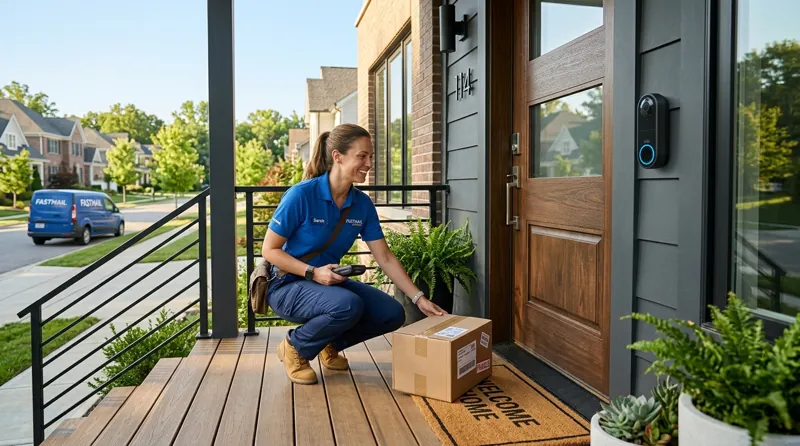
The short version: if you're after the best doorbell camera without subscription fees, sometimes searched as a doorbell camera no subscription required at all, Ring and Nest doorbells are the wrong starting point. Ring needs a paid plan to save any recorded video history, and Nest keeps only a few hours of free event video before a Google Home Premium plan is needed. Without a plan on Ring you get live view and a notification, while the moment passes with nothing kept. The doorbells on this page are built the other way around. Local storage is the default, no plan required, led by the Tapo D210, backed by a solid owner rating, with a genuinely subscription-free storage model.
This page owns the no-subscription doorbell intent specifically. For the broader "best doorbell overall" ranking, including subscription-required models like Ring, see best video doorbell cameras — we never repeat that page’s head term here.
In Plain English
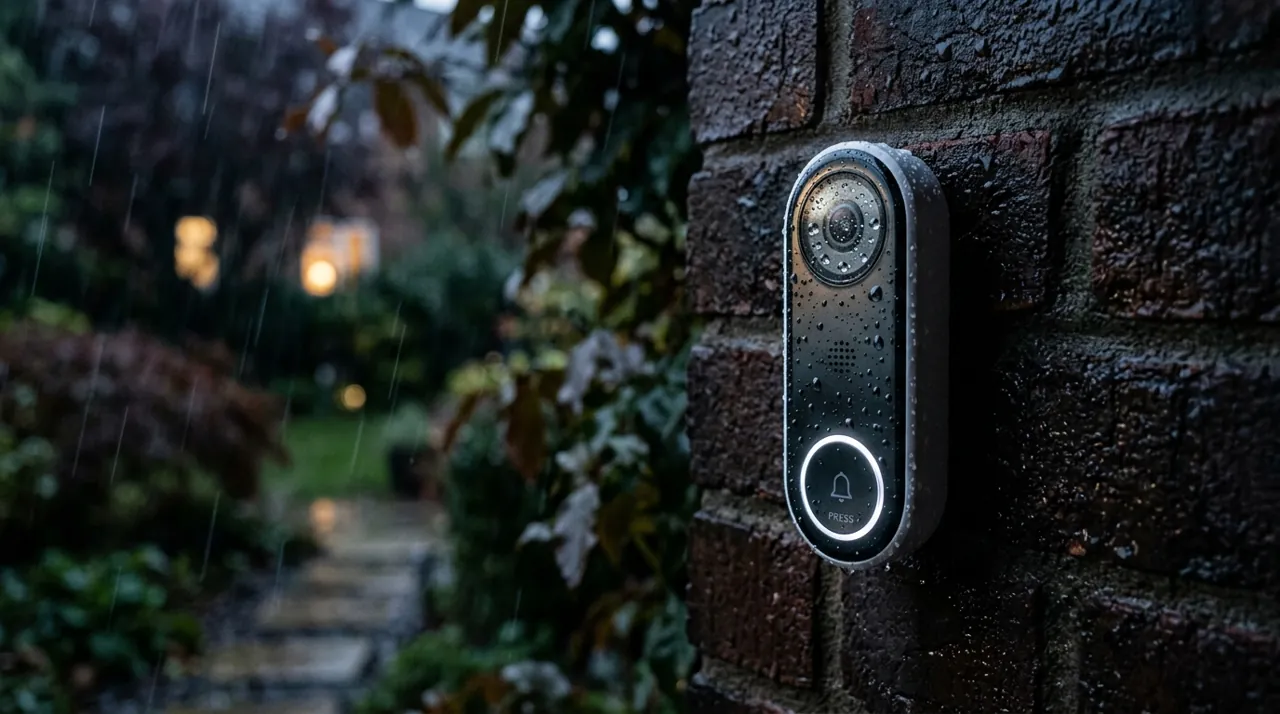
Many video doorbells are sold cheaply and then charge a monthly fee to keep your recordings. Without the plan, you can watch live and get alerts, but the moment is not saved.
The doorbells on this page work the other way. They save clips on the doorbell itself, either in built-in memory or on a small memory card you insert (a microSD card), so there is nothing to pay each month.
Local storage has limits worth knowing. When the card fills up, the doorbell records over the oldest clips, the way a dash-cam does. And if someone steals the doorbell, the recordings on it go too. It is like keeping your photos only on your phone: free and handy, but lost if the phone goes missing.
The one thing to check: that both recording and watching your clips back work without any plan. Some doorbells say “local storage” but still lock playback behind an app subscription. Every doorbell ranked here passes that test.
The Best Wireless Doorbell Cameras With No Subscription, Ranked

Best for buyers who want the strongest all-round no-subscription doorbell.
- 2K resolution with a 160-degree ultra-wide view.
- Subscription-free local storage, with optional cloud as an add-on.
- Person detection and ring-call notifications.
- Two-way audio, works with Alexa and Google Home.
Why buy it: Genuinely subscription-free local storage rather than a limited free tier, at a price close to the subscription-required competitors.

Best for buyers who want the sharpest picture in this comparison.
- 5MP resolution, the highest here.
- No subscription required, 8GB local storage built in.
- Head-to-Toe framing.
- Wireless or wired installation.
Why buy it: The sharpest video on this page and a deep base of owner ratings backing up the no-subscription claim.

Best for the lowest-cost entry into a no-subscription doorbell.
- 2K HD resolution with a 166-degree wide view.
- No subscription required.
- HDR night vision.
- Two-way audio, battery powered with an included chime.
Why buy it: The cheapest doorbell in this comparison, and it still records locally with no ongoing fee.

Best for a smaller, simpler doorbell from the same subscription-free family as the top pick.
- 2K resolution with a 160-degree ultra-wide view.
- Subscription-free local storage.
- Person detection and ring-call alerts.
- Two-way talk, night vision.
Why buy it: The same subscription-free storage model as our top pick, in a more compact housing.
Comparison Table: Resolution, Local Storage and Monthly Fee
| Product | Best for | Buy |
|---|---|---|
| Tapo 2K Wireless Smart Video Doorbell D210 | Best Overall | Price |
| aosu 5MP Ultra HD Wireless & Wired Video Doorbell | Best Premium | Price |
| BOIFUN Video Doorbell Camera Wireless | Best Value | Price |
| Tapo 2K Wireless Smart Video Doorbell D205 | Best Compact | Price |
How We Rank
We do not buy, install or physically handle these doorbells. This ranking is built from aggregated owner star ratings weighted by review volume and the recurring themes inside negative reviews. Every rating and review count above is pulled from licensed Amazon data. Full method on how we rank.
Which No-Subscription Doorbell Should You Buy?
Best all-round pick: the Tapo D210, the strongest balance of price, resolution and a genuinely subscription-free storage model.
Sharpest picture: the aosu 5MP, the highest resolution here at a still-reasonable price.
Lowest cost: the BOIFUN doorbell, which still records locally with zero ongoing fee.
If the subscription is your only objection to Ring specifically, read Ring value for money for the full cost picture before deciding, and for cameras beyond the doorbell, our best cameras without a subscription roundup covers the wider no-fee category.
How These Compare to Ring, Nest, Eufy and Wyze Doorbells
Ring requires a paid plan for recorded video history; its free tier gives live view and alerts, with nothing saved. Nest doorbells keep a short free window of event video (up to three hours on the battery model, up to six hours of previews on the wired 3rd gen) before a Google Home Premium plan is needed. eufy does sell video doorbells with local storage, though none made our verified shortlist here, and its lineup shares the same no-subscription philosophy as the doorbells on this page. Wyze sells a wired video doorbell too, with microSD recording and an optional Cam Plus plan, but it is not in our current ranked data. The Tapo, aosu and BOIFUN doorbells here are the more direct no-fee doorbell alternatives to Ring and Nest specifically.
Warranty and Installation Notes
These doorbells typically carry one-year limited warranties; check each brand’s current terms. Installation is battery-based and DIY across this whole list. A bracket, screws, and app pairing, typically under thirty minutes, no wiring or existing doorbell chime required.
Buying Guide: What "No Subscription" Should Mean for a Doorbell
The direct answer: insist that BOTH recording and playback work with zero paid plan, not just one of the two. Some doorbells advertise local storage but still gate the actual review-footage feature behind an app tier. Every doorbell on this page passes that test. Not every doorbell marketed as "no subscription" does.
Resolution matters more on a doorbell than most outdoor positions. The subject is close, and the goal is usually identification — a face, a delivery uniform, a vehicle. 2K is the practical floor for that job. 1080p works but loses detail at the edges of the frame.
Chime handling is a real differentiator. Some subscription-free doorbells include a physical indoor chime in the box; others rely entirely on a phone notification, which is a problem if you don’t always have your phone nearby. Check this specifically if an audible chime at the door matters to your household.
Managing Local Storage: microSD Cards, Overwrite Cycles and Cloud Backup
A subscription-free doorbell stores footage one of two ways. Built-in storage, like the aosu's 8GB, needs no separate purchase. A removable microSD card, used by the Tapo and BOIFUN models, needs one you supply yourself. Either way, the storage isn't unlimited. Once it fills, the doorbell loops back and overwrites the oldest clips, the same way a dash cam does. This is fine for routine day-to-day coverage. It becomes a problem if you don't check footage soon after a specific incident, since the clip you actually need can get overwritten by ordinary daily activity before you go looking for it. Downloading or locking an important clip through the app as soon as you notice it, rather than assuming it'll still be there next week, is the safest habit with any local-storage doorbell.
Theft and Tamper Risk for a Battery-Powered Video Doorbell
Cloud storage has one genuine advantage local storage can't match: the footage lives somewhere the thief can't take it with them. If a subscription-free doorbell is physically removed from the wall, whatever's on its internal storage or card generally goes with it. Some subscription-free models offer an optional cloud backup tier specifically to close this gap, worth turning on for a doorbell in a position with any history of package or porch theft. A secure mounting screw kit and a visible, well-lit installation also meaningfully reduce the odds of the doorbell being grabbed in the first place, which matters more here than at almost any other camera position on a property.
Wired Chime Compatibility: Check Before You Assume
Every video doorbell covered here connects over home WiFi, includes two-way audio for talking to whoever's at the door, and is primarily a wireless, battery-powered install. Each ships with its own included chime or relies on an app notification instead. That's a different setup from replacing an existing wired doorbell that rings a chime already installed inside the house. Some models in this category do offer wired compatibility as an option; most of the specific picks above don't, and default to battery power with a separate plug-in or app-based chime. Confirm the specific listing's wiring compatibility before ordering if keeping your home's existing wired chime working matters to you, rather than assuming any doorbell-shaped camera will simply drop into the old wiring.
Going Deeper: Choosing and Caring for a microSD Card
For the Tapo and BOIFUN models, the doorbell is only as dependable as the card you put in it, and two ratings on the label tell you most of what you need. The first is speed class. The SD Association, which sets the SD standard, says speed class symbols assure minimum sequential card performance and support “reliable recording (no frame drop).” Its Video Speed Class family, which includes V30, is aimed at video recording, and speed class writes are defined as sequential writes to a completely unfragmented area.
The second is endurance. A security device writes to its card over and over as it loops, and makers of surveillance-oriented cards publish how long that can go on in hours. SanDisk’s High Endurance data sheet, for example, rates its 128GB card for up to 10,000 hours of Full HD recording and its 512GB card for up to 40,000 hours, with a footnote that the total is lower for 4K video. The same sheet lists those cards as Class 10, U3 and V30, with a sustained video capture rate of 30MB/s.
Those ratings connect directly to the looping behavior described above. Each time the card fills, the doorbell overwrites the oldest clips, so over its life the card is rewritten again and again. An endurance rating tells you roughly how much of that rewriting the manufacturer designed the card to handle, and a larger card holds more days of clips before the loop comes back around.
Check your doorbell’s maximum supported card size before buying — Tapo lists the D210 as accepting cards up to 512GB. Then make a habit of saving or downloading any important clip as soon as you notice it, because no card, however durable, can keep a clip the loop has already overwritten.
The Verdict
If a monthly fee is the dealbreaker rather than the doorbell brand, this category has matured to the point where you are not sacrificing much. The Tapo D210 records locally at 2K with person detection and a strong owner rating, at a price close to what Ring charges before the subscription even starts.
Related Accessories
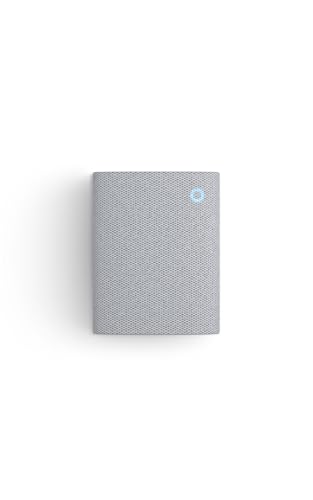

Best for eufy doorbell households wanting an audible indoor chime.

Best for angling a camera precisely under an eave, soffit or shelf.
Sources & References
- Tapo D210 2K Battery Video Doorbell — TP-Link Tapo
- Tapo D205 2K Battery Video Doorbell — TP-Link Tapo
- Comparing Ring Plans — Ring
- How Nest cameras record and save video history — Google Nest Help
- What Arlo subscription plans and cloud recording options are available? — Arlo
- eufy Video Doorbells — eufy
- Wyze Video Doorbell v2 — Wyze
- Speed Class — SD Association
- SanDisk High Endurance microSD Card Data Sheet — SanDisk