
Affiliate Disclosure: Some links on this page are affiliate links. As an Amazon Associate, we earn from qualifying purchases — at no extra cost to you. We do not buy, install, or physically handle the cameras we cover; our rankings come from aggregated owner reviews, ratings and expert consensus. Commissions never change our verdicts. We're reader-supported: commissions fund hosting, research and updates, so if a guide helped, buying through our links keeps it going. How we rank · full disclosure.
Short version: the questions below cover the practical differences between WiFi and no-WiFi monitors, realistic range and battery expectations, and the audio-vs-video decision. This page is general product information based on aggregated owner reviews — it is not medical, developmental or safety advice. Always follow safe sleep guidance from your pediatrician and the manufacturer’s own setup and safety instructions for any monitor you choose. The American Academy of Pediatrics notes there is no evidence that consumer heart-rate or pulse-oximetry monitors reduce SIDS risk, so a monitor is a convenience, not a substitute for safe sleep practices.
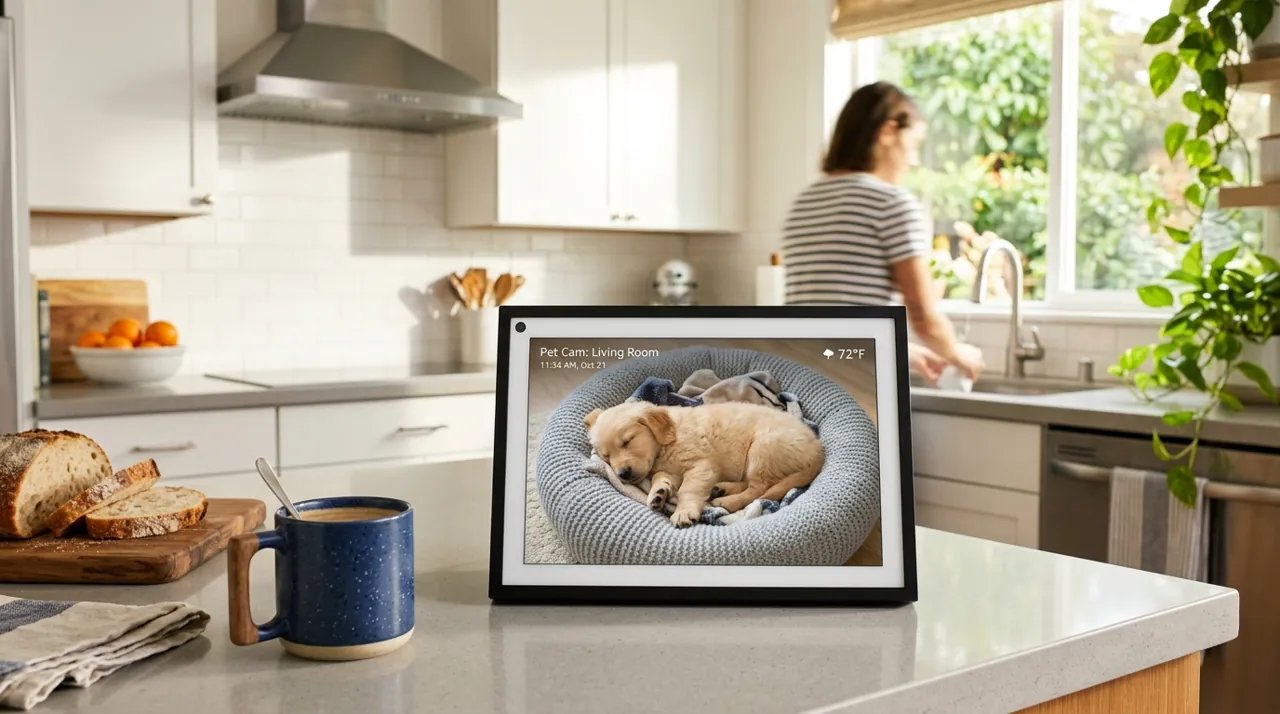
WiFi vs No-WiFi: Choosing a Baby Monitor Type
A closed-circuit, no-WiFi baby monitor operates entirely on its own dedicated radio frequency between the camera unit and a handheld parent unit. There's no connection to the internet at all. That's the main reason many parents choose this type: there's no internet-connected pathway for anyone outside the household to reach in the first place. A WiFi baby monitor connects to your home network and typically a phone app. That adds real conveniences. You can check in from another room over WiFi, or remotely while out. It often adds a wider range of features too, like two-way talk, night-light control and motion or sound alerts. The trade-off is a different risk profile that comes with any internet-connected device, not unique to baby monitors specifically. Following the manufacturer's own security setup steps — a strong unique password, keeping firmware current and turning on two-factor authentication where offered — mirrors what the FTC recommends for any internet-connected camera.
Range: What the Manufacturer Spec Actually Means
Manufacturer-stated range figures on a baby monitor box, often 700 to 1,000-plus feet, are measured in open, unobstructed line-of-sight conditions. That doesn't resemble a typical home. Interior walls, floors and even large appliances all reduce that figure meaningfully once you're inside a real house — the same pattern that affects WiFi router range claims. For the most common setup, the parent unit in an adjacent room or on the same floor, this rarely becomes a practical limitation on any well-reviewed monitor in this category. It becomes more relevant across multiple floors, a larger or oddly-shaped home, or a detached structure like a garage apartment or pool house. In those cases, real-world range can fall well short of the advertised number.
Battery Life on the Parent Unit
Battery life on a portable parent unit varies by model, screen brightness setting, and whether it's video or audio-only. Manufacturer figures should generally be treated as a best case rather than a guarantee. They're typically measured under specific test conditions that don't always match real household use. Video monitors draw noticeably more power than audio-only units, since the screen itself is the biggest single power draw in the device. Turning down screen brightness helps, as does using an eco or standby mode when available. Checking current owner reviews for real-world battery reports on the specific model also helps set realistic expectations before buying.
Audio-Only vs Video Monitor: Making the Choice
This decision comes down to personal preference more than a right or wrong answer. Some parents find real reassurance in a video picture and check it more often than they'd rely on sound alone, especially in the newborn stage. Others find audio entirely sufficient, and prefer the generally simpler setup, longer battery life and lower price of an audio-only unit. Both categories have deep, well-established review histories on this hub. Neither is a compromise pick — it genuinely comes down to which format fits how a specific parent wants to check on their baby.
What Actually Drives the Price Difference
Price in this category mostly reflects screen size, battery life, and the number of cameras included — a second camera for split-screen coverage of two rooms as a child grows. Extra features like remote pan-tilt-zoom, room temperature display or a built-in white noise machine also add to the price. It's rarely a meaningfully different core function between a budget and a premium monitor. Both reliably do the basic job of letting a parent hear or see a sleeping baby. The most-reviewed and highest-rated monitors on this site span a wide price range, from an entry-level audio-only unit to a premium two-camera video system. Each is a well-evidenced choice for its specific use case rather than one simply outclassing the other.
Night Vision: What to Expect After Dark
Night vision on a video baby monitor uses infrared LEDs to produce a visible black-and-white image in a dark room. A standard camera sensor can't capture usable video without light. Image quality after dark varies more between models than daytime image quality does. Some monitors produce a crisp, well-lit picture across the whole crib. Budget models can show a grainy image, or a narrower illuminated area that misses the edges of the room. A small number of monitors add color night vision, using a low-level built-in light instead of pure infrared. That trades a slightly less discreet glow for a color image rather than black-and-white. If a dark nursery is standard in your household, checking owner reviews specifically for night vision clarity is worth the extra few minutes before buying.
Extra Features Worth Weighing
Two-way talk lets a parent speak through the camera unit to soothe a baby without walking into the room, a feature most parents come to rely on once they have it. Temperature display readouts on the parent unit or app give a general sense of nursery conditions, though they're a convenience feature rather than a substitute for a dedicated nursery thermometer if precise temperature monitoring matters to you. Motion and sound-triggered alerts, common on WiFi models, notify a phone when the camera detects movement or noise above a set threshold, which suits a parent who wants to step away from constant live viewing without missing a wake-up. A built-in white noise or lullaby function adds convenience for households that already use sound to help settle a baby, though a dedicated sound machine generally offers more sound options and finer volume control than a monitor's built-in version. None of these extras change the core function of hearing or seeing a sleeping baby — they're worth weighing against price, not treated as a must-have checklist for every household.
Common Questions
For product picks, see best baby monitor, best video baby monitor or best baby monitor no WiFi. For the WiFi-vs-no-WiFi decision in full, see the baby monitors buying guide.
Sources & References
- Securing Your Internet-Connected Devices at Home — Federal Trade Commission
- How To Secure Your Home Security Cameras — Federal Trade Commission
- How to Keep Your Sleeping Baby Safe: AAP Policy Explained — American Academy of Pediatrics (HealthyChildren.org)