
Affiliate Disclosure
Some links on this page are affiliate links. As an Amazon Associate, we earn from qualifying purchases — at no extra cost to you. We do not buy, install, or physically handle the cameras we cover; our rankings come from aggregated owner reviews, ratings and expert consensus. Commissions never change our verdicts. How we rank · full disclosure.
Short version: a security camera system is rarely let down by the camera itself — it is let down by an accessory nobody thought carefully about. A standard SD card wears out under constant overwrite. A generic mount does not fit the actual mounting surface. An underpowered PoE switch starves a camera at the far end of a long cable run. This hub covers the six accessory categories that owner reviews consistently flag as worth getting right, each with picks ranked from verified Amazon ratings rather than a manufacturer’s marketing copy.
How we work: we do not buy or physically install any of these accessories. Every ranking on this hub and its child pages comes from aggregated owner reviews, star ratings weighted by review volume, and expert consensus. Method on how we rank; funding on our affiliate disclosure.
Top 3 Recommended Accessories

The SanDisk 128GB High Endurance card holds the deepest review base of any accessory tracked on this site, backed by one of the highest ratings we track, built specifically for constant overwrite in dash cams and home monitoring systems. Standard consumer microSD cards fail early under the continuous write cycles a security camera demands. Owners consistently cite it as the fix for cameras that kept losing footage or corrupting cards. It is the single most recommended accessory across this site’s camera reviews.
Why You Should Get This
If your camera uses a standard consumer microSD card, this high-endurance card is the single most common upgrade owners wish they’d bought first.
Benefits
- Deepest review base of any accessory tracked on this site.
- Built for constant overwrite, unlike standard cards.
- Fits dash cams and home monitoring systems alike.
Pros and Cons
- Massive, trustworthy review base.
- Purpose-built for continuous camera recording.
- Reasonable price for 128GB of endurance-rated storage.
- Not every camera supports cards this large.
- No cloud backup, purely local storage.
- Still a consumable that wears out eventually.
Features
- 128GB capacity.
- High-endurance, built for overwrite.
- Includes SD adapter.

The Seagate SkyHawk 4TB is a surveillance-rated hard drive built for 24/7 write cycles, holding a solid rating from a deep review base, at a mid-range price. A desktop hard drive repurposed into an NVR is rated for far fewer continuous write hours and fails faster under that load. Owners consistently value the extended retention it adds beyond a system’s included drive. It suits any NVR system with a spare drive bay.
Why You Should Get This
If your NVR’s included drive is filling up too fast, this is the surveillance-rated way to extend retention.
Benefits
- Rated for genuine 24/7 surveillance write cycles.
- Extends recording retention well beyond most included drives.
- Fits standard NVR drive bays.
Pros and Cons
- Purpose-built for surveillance duty cycles.
- Solid review base for a specialized product.
- Meaningfully extends retention.
- Higher price than a repurposed desktop drive.
- Requires physical NVR access to install.
- 4TB may still be modest for a large multi-camera system.
Features
- 4TB capacity.
- Rated for 24/7 surveillance write cycles.
- Standard SATA interface.

The Omada PoE+ Injector holds a solid rating from a smaller review base, delivering up to 30W of Gigabit PoE power for a single camera with no spare NVR port or PoE switch nearby. It sits between an ordinary network switch and a PoE camera, adding power to the line. Owners consistently value it as the cheap, simple fix for adding one wired camera without buying a whole new switch. Past one or two cameras, a proper PoE switch is more cost-effective per port.
Why You Should Get This
If you’re adding one PoE camera to a network with no spare PoE port, this is the cheapest way to power it.
Benefits
- Adds PoE power with no new switch required.
- Up to 30W, Gigabit, UL certified.
- Simple inline installation.
Pros and Cons
- Cheapest way to power a single extra PoE camera.
- Solid, well-reviewed brand.
- Gigabit speed, no bandwidth compromise.
- Not cost-effective past one or two cameras.
- One injector per camera, doesn’t scale like a switch.
- Adds one more inline point of failure.
Features
- Up to 30W PoE+ output.
- Gigabit throughput.
- UL certified.
Storage: SD Cards and NVR Hard Drives
Storage is the accessory category with the clearest right answer, because the physics are unambiguous. A security camera writes footage in a continuous loop, overwriting the oldest clips once storage fills, which is a fundamentally different workload from the occasional read/write a standard SD card or desktop hard drive is built for. Buying the wrong storage does not usually fail immediately — it fails quietly, months in, exactly when you need the footage most. See best SD cards for security cameras for single-camera storage and best hard drives for NVR systems for multi-camera NVR and DVR setups.
Power: Solar Panels and PoE Switches
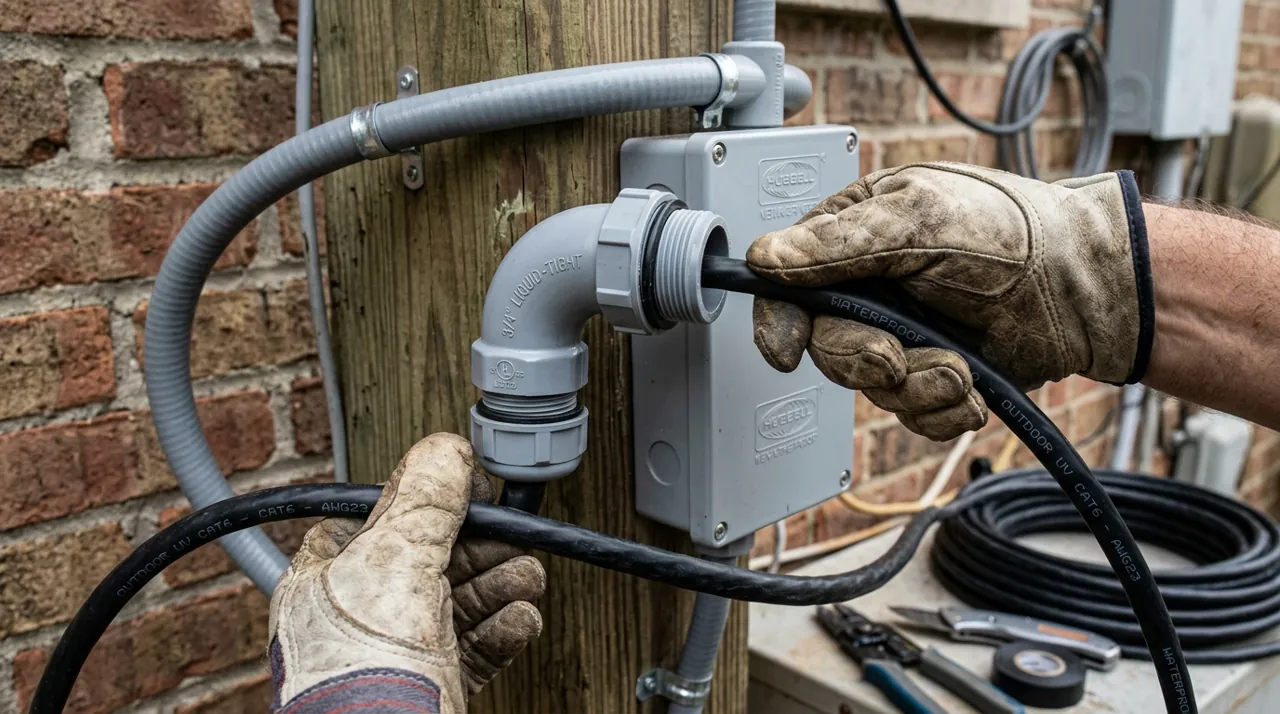
Power is the second-biggest source of accessory regret, and it splits into two entirely separate problems depending on camera type. Battery cameras need a way to stay charged without a recurring ladder trip — that is what a solar panel solves, and sizing it correctly depends on real sun exposure at the mounting spot, not the panel’s rated wattage alone. Wired PoE cameras need enough power delivered over the Ethernet run itself, which is what a PoE switch or injector solves — undersizing this is a common, avoidable cause of a camera that drops out under load. See best solar panels for security cameras and best PoE switches for security cameras.
Mounting and Audio: Brackets and Doorbell Chimes
The remaining two categories are smaller but still matter to specific installs. A mount or bracket matters when a camera’s included hardware does not suit the actual mounting surface — a corner, a soffit, a pole, or a position that needs a junction box for clean cable routing. A doorbell chime matters for anyone who has missed a delivery because a phone was on silent or out of Bluetooth range — an indoor chime plugs the gap between a battery doorbell’s notification and a household actually hearing it. See best security camera mounts and best doorbell chimes.
How We Rank
Every product ranked across this hub is scored the same way the rest of the site is: aggregated owner star ratings weighted by review volume, recurring themes in negative reviews, and specification differences that owners raise unprompted. We never buy, install or physically test these accessories, and every star rating and review count comes from licensed Amazon data — a product with no verified rating shows no stars at all rather than an estimate. Full method on how we rank.