
Affiliate Disclosure: Some links on this page are affiliate links. As an Amazon Associate, we earn from qualifying purchases — at no extra cost to you. We do not buy, install, or physically handle the cameras we cover; our rankings come from aggregated owner reviews, ratings and expert consensus. Commissions never change our verdicts. We're reader-supported: commissions fund hosting, research and updates, so if a guide helped, buying through our links keeps it going. How we rank · full disclosure.
Short version: for a whole-property wired security camera system, the REOLINK RLK8-410B6 is the best-rated pick we track: six 5MP PoE cameras and a recorder that saves footage locally with no monthly fee. For adding a couple of cameras to a PoE network, the RLC-520A 2-pack is the value choice, and if you would rather skip the cabling entirely, a plug-in camera like the Wyze Cam v4 is the easy route.
This page covers every kind of wired camera, including DC-powered and plug-in models. If you specifically want PoE kits with recorders, see our best PoE security camera systems, or start with the wired PoE cameras hub.
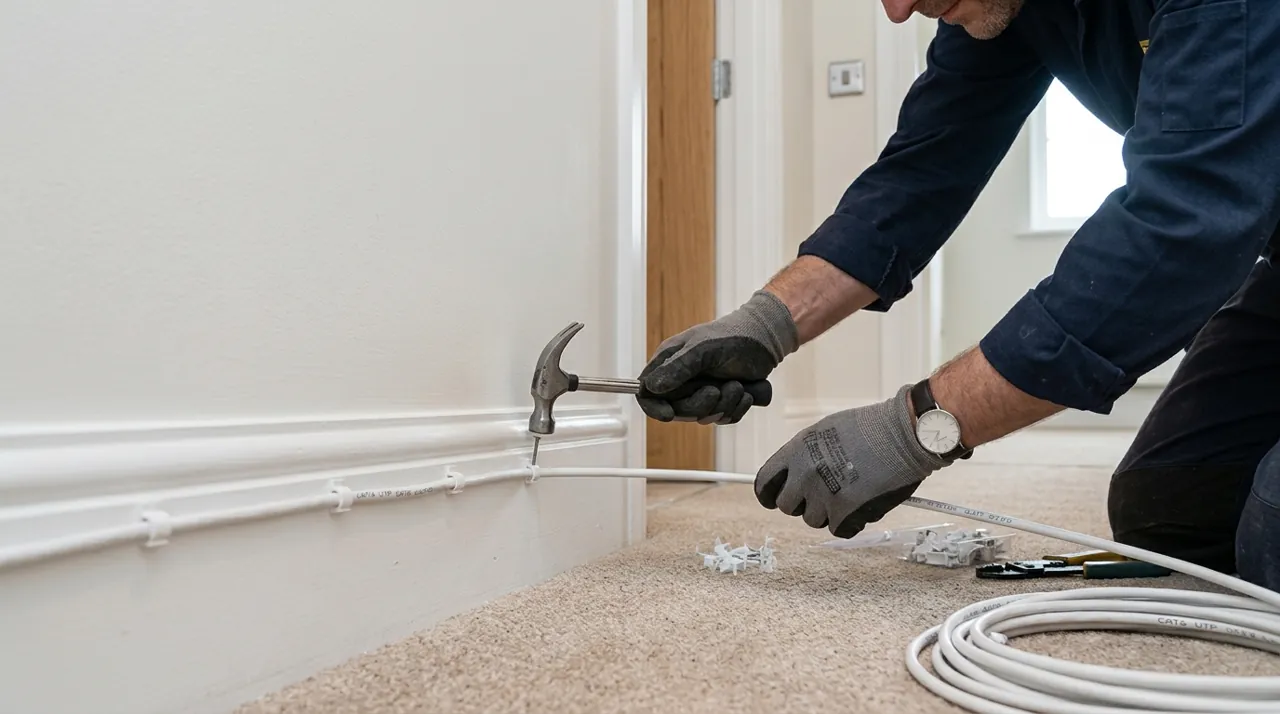
In Plain English
A wired security camera gets its power, and often its video connection, through a cable instead of a battery. That means you never charge it, and it does not depend on a wireless signal that can weaken from one week to the next.
The catch is that the word wired covers three different things. The first is PoE, short for Power over Ethernet: one network cable carries both electricity and video, so each camera needs only a single line back to a recorder. The second is a DC-powered camera, which plugs into a small power adapter and also needs a network connection. The third is a plug-in WiFi camera, which is wired for power but still sends video through the air.
Think of it like a landline, a landline with a separate power brick, and a cordless phone that has to stay on its charging base. All three are attached to something, but only the first is truly cabled.
The one thing to decide before buying is whether you are willing to run cable. If yes, PoE is the most reliable choice. If not, a plug-in camera is the practical compromise.
Top Rated Picks at a Glance
The Ranked Field: Star Rating, Consensus and Price

Best for a whole-property wired system with continuous recording and no monthly fee.
- Six 5MP PoE cameras plus an 8-channel NVR.
- One Ethernet cable per camera carries power and video.
- Local recording to the NVR’s hard drive.
- Two spare channels for growth.
Why buy it: The strongest star rating among the PoE kits we track, and the only pick here that covers a whole house with continuous local recording in one purchase.

Best for adding two wired cameras to a network that already has a PoE switch or NVR.
- 5MP at 30 frames per second, per Reolink.
- PoE (802.3af) with a DC 12V option.
- microSD slot for local recording, up to 512GB.
- IP66 weather rating.
Why buy it: A well-rated, low-cost way to start a wired setup or expand one, because the camera can record to its own card even without a recorder.

Best for the lowest entry price for a single wired PoE camera.
- 5-megapixel turret camera powered by PoE.
- Fixed lens, no pan or tilt.
- Works with Amcrest recorders and network storage.
- Needs a PoE switch, injector or recorder.
Why buy it: The cheapest way into PoE on this list, provided you already have (or budget for) something to power and record it.

Best for a hardwired camera and light for a driveway or backyard, powered from house wiring.
- Hardwired to household electrical wiring.
- Built-in floodlights.
- Connects over WiFi.
- Ring app with optional plan for recorded history.
Why buy it: The deepest review base and highest star rating on this list, with the caveat that it is wired for power but not for network.

Best for an inexpensive plug-in camera that records to a microSD card.
- 2.5K QHD, wired power only via USB.
- microSD support up to 256GB, per Wyze.
- IP65, 2.4 GHz WiFi 6 (no 5 GHz).
- Outdoor use needs the separate Wyze outdoor power adapter.
Why buy it: The simplest wired option: plug it in, add a card, and skip the cabling project entirely.
Availability note: Reolink’s own page for the related RLK8-410B4 kit marks that model as discontinued, so check that the RLK8-410B6 listing is currently in stock and confirm the included hard drive size before you buy.
Comparison Table
| Product | Best for | Buy |
|---|---|---|
| REOLINK RLK8-410B6 8-Channel 5MP PoE System (6 Cameras) | Best Overall | Price |
| REOLINK RLC-520A 5MP PoE Dome Camera (2-Pack) | Best Add-On Cameras | Price |
| Amcrest 5MP Turret PoE Camera | Best Budget PoE | Price |
| Ring Floodlight Cam Wired Plus | Best Hardwired Floodlight | Price |
| Wyze Cam v4 (2.5K) | Best Plug-In | Price |
How We Rank
We do not buy, install or test these cameras. Star ratings and review counts come from licensed Amazon data, and feature claims come from the manufacturers’ published specifications. Where a listing’s exact model or bundle matters, we say to confirm it. Full method on how we rank.
The Three Kinds of Wired Camera
PoE. Power over Ethernet sends electricity and data down one cable, so the camera needs no nearby outlet. Reolink’s documentation says its PoE cameras can be powered by a PoE switch or injector, a PoE NVR or a separate power adapter, and that with a PoE NVR you connect the camera using a single Ethernet cable that provides both power and network connectivity. That is the appeal: every camera is one cable, and the recorder sits somewhere dry and central.
DC-powered. The camera takes power from an adapter, commonly 12V DC, and needs its own network link. Reolink says its PoE cameras that also accept DC use a 12V adapter of 1A or 2A depending on the model. This is a sensible option where you already have a power outlet near the camera and a network connection, but it means two things to run rather than one.
Plug-in WiFi. These cameras need constant power, usually through a USB adapter, but send video over WiFi. The Wyze Cam v4, for example, is powered only through USB, with a 6-foot cable included and a 20-foot extension available, per Wyze. It supports 2.4 GHz WiFi 6 and not 5 GHz. Outdoors it needs Wyze’s separate outdoor power adapter. It removes battery charging, which matters, but it can still go offline if the signal weakens.
There is also a fourth, less common route: hardwired cameras like the Ring Floodlight Cam Wired Plus, which connect to household electrical wiring for power and then use WiFi for video. They suit places where a light and camera already share a junction box.
PoE Basics: Switches, Injectors and Cable Limits
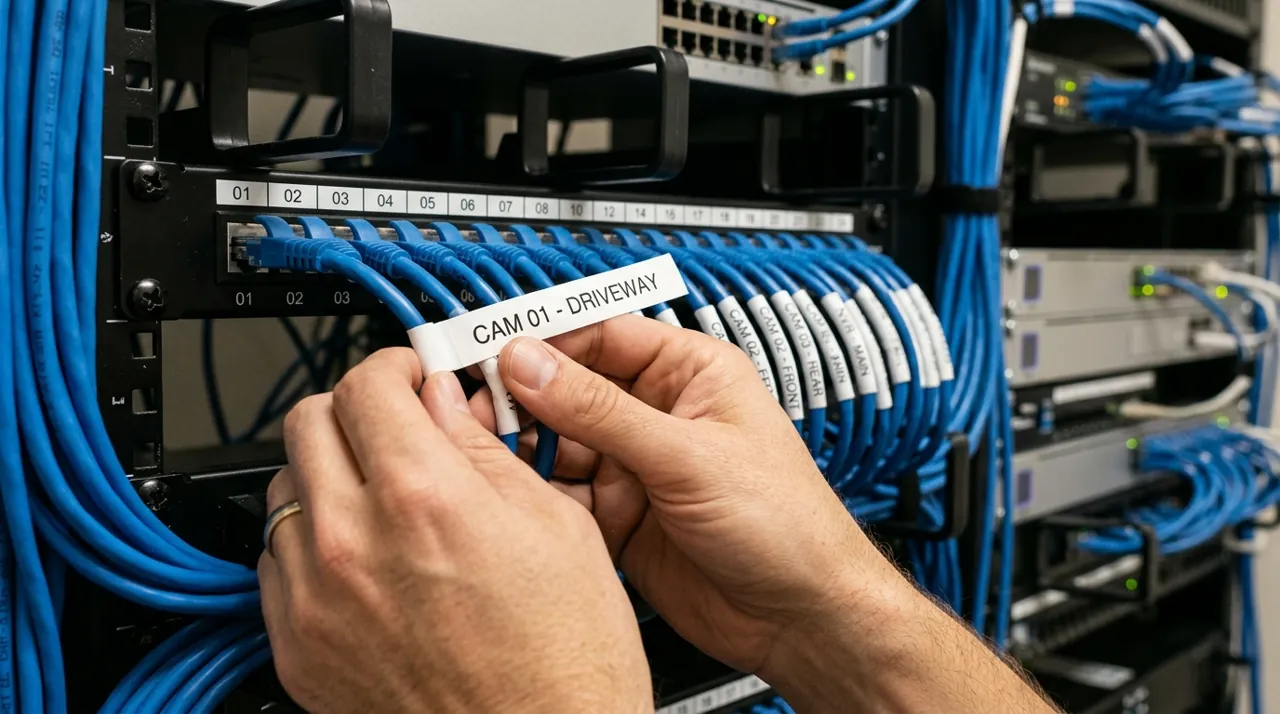
Three details save people from a bad first weekend. First, the power source has to match the camera. Reolink says higher-power models need an IEEE 802.3at compliant, 48V active PoE source, while other PoE cameras need 802.3af, and that you should avoid passive PoE injectors because they are not compatible. The RLC-520A on this list is specified at 802.3af, 48V active.
Second, cable length. Reolink says Cat5e or better cable supports a maximum Ethernet distance of 100 m (328 ft) for its cameras. That is generous for a house, but measure the route through the attic or wall rather than the straight line.
Third, seal the joints. Reolink advises installing weatherproof caps where cables meet the camera. An outdoor connection that is not sealed is the usual reason a wired camera works for a season and then drops out.
Storage: NVR, microSD or Cloud
Wired systems win on storage because recordings stay in your house. A recorder (NVR) holds a hard drive and stores everything all the time; Reolink’s specification for the related RLK8-410B4 lists a pre-installed 2TB drive expandable up to 16TB, with an 8-channel recorder. If you would rather not buy a recorder, the RLC-520A accepts a microSD card of up to 512GB, and the Wyze Cam v4 supports cards up to 256GB, according to each manufacturer.
Plug-in and hardwired WiFi cameras from cloud brands are different. Ring says that without a Ring Protect plan you can view live video and respond to alerts, but a subscription is required to review recorded video, with history kept up to 180 days. Wyze offers optional Cam Plus for extended features, but local recording to a card is available without it. Our NVR buying guide covers drive sizing and channel counts.
Why Wired Cameras Stay Online
A wired PoE camera has no battery to run flat and no wireless link to weaken, which removes the two most common reasons cameras go offline. That does not make it immune. Reolink’s guide to wired cameras going offline lists a defective Ethernet cable, a faulty power supply, and router settings such as firewall rules, MAC filtering and AP isolation. Its fixes are to replace the cable, try a different port and reboot the camera and router. Those are mechanical fixes you can do in minutes, which is why owners tend to describe wired systems as set-and-forget once they are installed properly. See our camera troubleshooting hub for the full offline checklist.
Which Wired Camera Is Right for You?
A whole house, done once: the REOLINK RLK8-410B6 kit, with the NVR and six cameras in one purchase.
Adding to a system or starting small: the RLC-520A 2-pack, which can record to its own card and grows into a recorder later.
Tightest budget and you already have PoE gear: the Amcrest turret at the lowest entry price.
A driveway or backyard with existing wiring: the Ring Floodlight Cam Wired Plus, with the plan caveat above.
No cable project at all: the Wyze Cam v4, plugged in.
Going Deeper: Power, Data and the Trade-Offs Behind the Word Wired
The reason wired systems are so popular with owners who research thoroughly is that they solve the failure modes of wireless ones. Battery cameras go dark when a battery runs down or the temperature falls; Ring says its devices halt charging below 32°F (0°C). WiFi cameras drop when the signal does; Blink says connections below two bars can cause intermittent problems. A PoE camera has neither variable.
What replaces them is a set of one-time decisions that are hard to change later. The first is cable routing. A PoE cable through an attic and down a wall is a few hours of work per camera for a competent DIYer, and much less when the house is single-story with attic access. The second is where the recorder lives. It should be somewhere dry, ventilated and near a router, and ideally on a battery backup so that a power cut does not stop recording. Without it, the whole system stops when the power does, whereas a battery camera keeps going for a while.
The third is the ecosystem. A PoE camera and recorder pair is generally a closed system: a camera from one brand will not necessarily appear in another brand’s recorder, and a consumer WiFi camera will not record to a Reolink NVR. Choosing the ecosystem first, before you choose cameras, avoids buying a second recorder later.
Finally there is security. Wired does not mean safe. The FTC advises against default usernames and passwords, recommends keeping firmware up to date and using an encrypted router network with a firewall enabled, and suggests putting cameras on a separate network from your computers. It also advises disabling remote viewing if you do not need it. A PoE system that never opens the recorder to the internet is in a stronger position than one with remote access enabled, though you lose the convenience of checking it from your phone.
If you want a deeper look at how PoE compares with wireless setups, see PoE vs wireless cameras. If your goal is a recorder-based system, our NVR buying guide covers channels and drives, and the best PoE system kits page ranks the kits themselves.
Sources & References
- How to Power on Reolink PoE Cameras — Reolink
- REOLINK RLK8-410B4 specifications — Reolink
- REOLINK RLC-520A specifications — Reolink
- Reolink Wired Connection Keeps Going Offline — Reolink
- Wyze Cam v4 — Wyze
- Comparing Ring Protect plans — Ring
- Using IP Cameras Safely — Federal Trade Commission