
Affiliate Disclosure: Some links on this page are affiliate links. As an Amazon Associate, we earn from qualifying purchases — at no extra cost to you. We do not buy, install, or physically handle the cameras we cover; our rankings come from aggregated owner reviews, ratings and expert consensus. Commissions never change our verdicts. We're reader-supported: commissions fund hosting, research and updates, so if a guide helped, buying through our links keeps it going. How we rank · full disclosure.
Short version: the Ring Stick Up Cam battery lasts as long as your camera lets it, and the things that shorten it are all things you can change: how often motion triggers it, how strong its WiFi signal is, and how cold it gets. Charge it fully over USB, keep an eye out for the low-battery warning at 30%, and if you are tired of charging, add a solar panel or plug-in power. This page is part of our camera troubleshooting hub.
If you are still choosing a Ring camera, see the best Ring cameras and whether Ring is worth it.
In Plain English
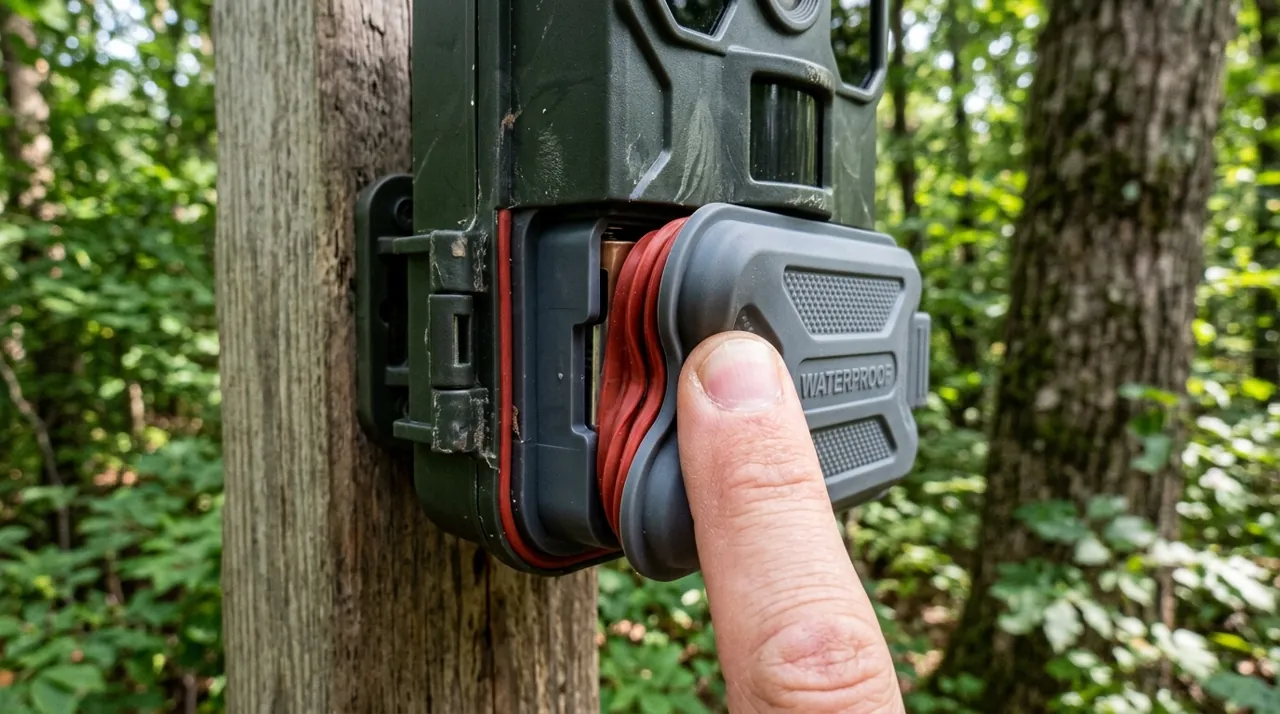
The Ring Stick Up Cam has a rechargeable battery pack, a bit like the battery in a cordless drill. When it runs low you take it out, charge it with a USB cable, and put it back. Nothing else is needed.
How often you have to do that depends on how busy the camera is. Every time it spots movement it wakes up, records a clip and sends it to your phone, and every time you open live view it uses more power. A camera facing a quiet backyard might go a long time between charges, while one pointed at a busy street will need charging much more often.
Cold weather makes the battery weaker, and in freezing weather the camera will not charge at all. WiFi matters too: a weak signal makes the camera keep reconnecting, which wastes power.
The one thing to remember is that a battery camera is only as low-maintenance as its settings allow. If you would rather never charge it, you can add a solar panel or plug it into an outdoor outlet.
Recommended Gear
Ring’s specifications page lists the current outdoor camera, formerly the Stick Up Cam 3rd Gen, with battery, solar and plug-in power options. If you want the camera itself or a solar panel to go with it, these are the picks tracked on this site.

Best for the current Stick Up Cam, which Ring lists with battery, solar and plug-in power options.

Best for keeping a battery camera topped up; confirm the plug fits your camera before ordering.
How Long the Battery Really Lasts
Ring gives no single battery-life figure, and that is the honest answer. Its support pages say that the more Live Views, linked events and motion events your device is performing, the more often you will need to recharge. So the number that matters is not months but events per day.
Three things push the number down. First, motion frequency and sensitivity. A camera on a sidewalk or a road sees traffic all day and records all of it. Second, weak WiFi. Ring says a weak connection causes a device to repeatedly disconnect and reconnect, draining the battery faster, and suggests checking the signal strength under Device Health in the Ring app. Third, cold: Ring says that as temperatures drop around freezing the battery will not last as long.
For a realistic expectation, treat your first month as a measurement. Note the date you fully charge the battery, leave the settings alone, and see when the low battery warning arrives. That single data point tells you more than any published estimate, and it tells you whether you need to change settings, add solar, or move the camera. Our wider guide on how long security camera batteries last sets expectations across brands.
How to Charge the Battery
Remove the battery from the camera, connect it to a USB power source with the supplied cable, and wait. Ring says the battery can take up to 10 hours to charge fully. While it charges, the battery displays two lights, a solid green and an amber. Charge until only the green light remains lit, which means it is full.
Ring’s guide to the battery on Ring cameras adds a few practical points. Removal depends on the model, but generally means opening the battery cover, then pressing the metal release tab to unlock the battery and sliding it out. Reinsert it until it locks into place. If the battery will not charge, Ring suggests testing the outlet with another device and trying a different charging cable.
Ring’s battery guidance also says to avoid overcharging, suggesting stopping at about 90% to extend battery longevity, and notes that solar and plug-in Ring devices stop charging before 100% automatically. In practice most owners simply charge to full when convenient, but if you use a spare battery in rotation, you can stop early with no penalty.
Low Battery Warnings
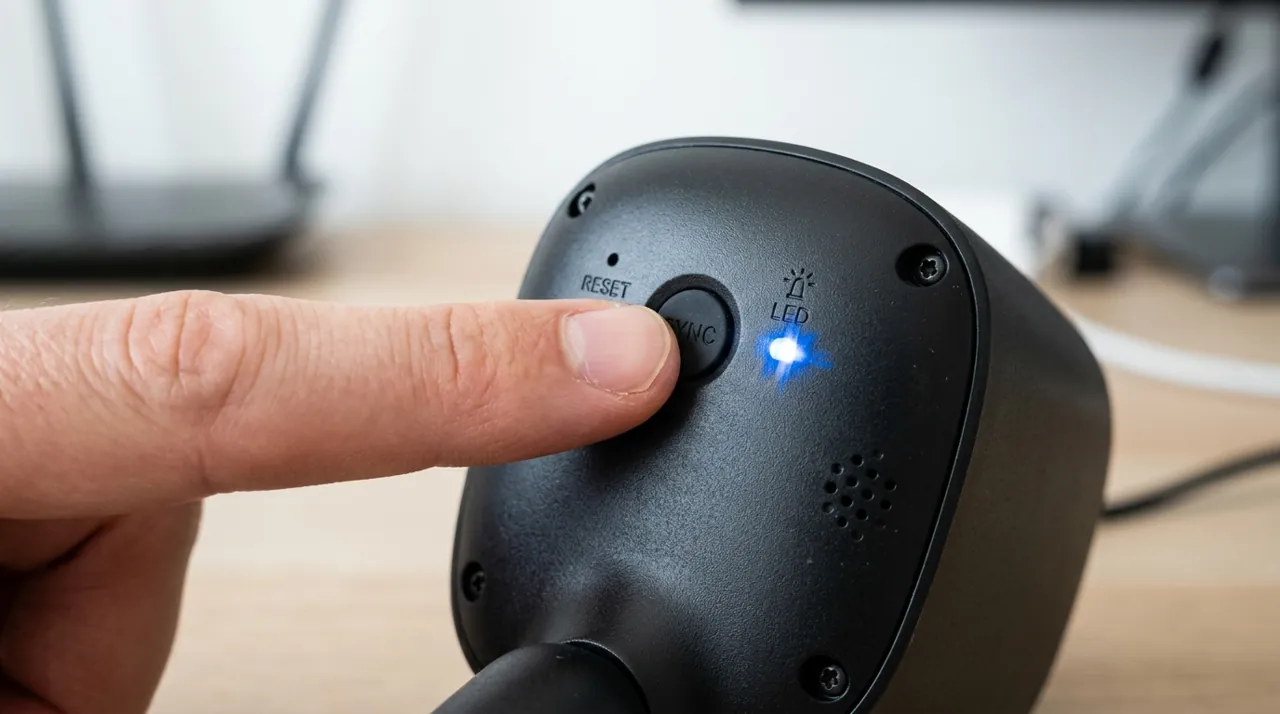
Ring says the app warns you when a battery-powered camera or doorbell falls below 30% charge. The warning appears in three places: as a low battery message similar to a motion alert, as a red Low Battery icon on the device dashboard, and as a red dot with a Battery Tip on the event timeline.
The practical habit is to charge when the first warning arrives rather than waiting for the camera to go offline. If you miss it, a camera that goes offline may simply have run flat, which is worth checking before you start on router troubleshooting; our troubleshooting hub has the full order of checks.
Cold Weather
Ring says its devices operate normally between -4°F and 122°F (-20°C to 50°C), with peak performance around 75°F (25°C). Near freezing, battery life is shorter. Below 32°F (0°C) the device is programmed to halt charging, and Ring says you may need to bring the battery indoors to charge with a USB cable rather than waiting for solar to do it.
The effect is temporary. Ring says the battery returns to normal once it warms and is recharged. So a camera that drains fast in January but is fine in April is behaving as designed, not failing. Keeping a second, charged battery for winter is the simplest fix.
Solar Options
A solar panel can turn a battery camera into one you never touch, but only where the sun cooperates. Ring says the panel needs direct sunlight for a minimum of four to six hours a day, and that nothing should block it. It also says the battery will not exceed approximately 80% charge even in maximum sunlight, to extend battery life. Seasonality and latitude affect solar strength.
Installation steps from Ring: charge and insert the battery first, since the camera still needs it; mount the bracket; slide the solar panel onto the mounting arm; angle it about 45 degrees toward the sun; remove the weatherproofing plug on the camera; secure the cable with clips; and connect the panel. In the Northern Hemisphere, Ring says to orient the panel south.
Check the plug before buying. Ring says the plug from your solar panel must match the socket on your device, and that some versions use USB-C while others use barrel plugs, with adapters available if they do not match. Our best solar security cameras and best solar panels for security cameras pages cover the options.
Plug-In and Dual Power
If you have an outdoor outlet within reach, plug-in power removes charging altogether. Ring’s outdoor cam support page describes a plug-in outdoor power adapter with switchable indoor and outdoor faceplates, and says you can use both battery and plug-in power together in Dual Power mode. That means the battery acts as a backup rather than the main source, which is valuable in winter when solar underperforms.
When to Replace the Battery
Ring says battery performance degrades over years of use. If troubleshooting fails, it suggests testing with a second battery, which is the cleanest way to tell whether the battery is spent or the camera is draining for some other reason. A battery that no longer holds a charge, or that runs out very quickly after a full charge under the same settings, has probably reached the end of its life and should be replaced with a battery for your camera model.
Before you replace it, rule out the causes that mimic a dying battery: heavy motion settings, a weak signal, and cold. Then, if a second battery behaves the same way, look at the camera settings rather than the pack.
Going Deeper: Getting More From Every Charge
Most complaints about a Stick Up Cam battery are really complaints about settings. Ring’s own guidance on battery drain points to the same short list, and working through it in order is the most reliable way to stretch each charge.
Start with motion. Ring says to reduce sensitivity levels, adjust motion zones, and change the frequency to Regularly or Periodically, all of which cut the number of events. Motion zones are the highest-value change on a camera near a road or a walkway: drawing the zone to cover only your own property means passing cars and pedestrians stop triggering recordings. Every avoided event is battery saved.
Next, signal. Ring points to RSSI, the signal strength indicator under Device Health, and says a weak connection drains the battery through repeated disconnecting and reconnecting. Moving the router closer, adding a Chime Pro or mesh node near the camera, or moving the camera itself can extend battery life by fixing this alone. Ring also says its Stick Up Cam family supports single-band 2.4 GHz WiFi on the current model, so range matters more than speed.
Then live view. Ring says Live Views count toward battery use just like motion events, so a habit of opening live view for every alert adds up. Use it when you need it, and rely on the event clip when you do not.
Finally, choose your power strategy to fit the position. A shaded wall wants plug-in power or a spare battery; a sunny wall wants solar; a quiet wall may want nothing at all. Ring’s support pages describe all three, and Dual Power mode combines battery and plug-in. If you have a position where none of those work, a wired camera may suit better; see wired PoE cameras.
A word on the limits of this guide: we did not test any Stick Up Cam battery, and Ring’s documentation does not promise a specific runtime. What this page can do is point you to the documented levers and help you diagnose which one is costing you the most.
Sources & References
- Charging your Ring security camera batteries — Ring
- Troubleshooting battery performance — Ring
- Battery life and the cold — Ring
- Learn About Low Battery Notifications — Ring
- Installing a Solar Panel with Your Security Camera — Ring
- Installing Outdoor Cam (Stick Up Cam 3rd Gen) for battery or solar use — Ring
- Ring Outdoor Camera (formerly Stick Up Cam 3rd Gen) specifications — Ring