
Affiliate Disclosure
Some links on this page are affiliate links. As an Amazon Associate, we earn from qualifying purchases — at no extra cost to you. We do not buy, install, or physically handle the cameras we cover; our rankings come from aggregated owner reviews, ratings and expert consensus. Commissions never change our verdicts. How we rank · full disclosure.
Short version: PoE is the most reliable way to put cameras on a house, and the most work to install. One Ethernet cable per camera delivers power and video, nothing needs recharging, nothing drops off WiFi, and everything records locally with no monthly fee. If you can get cable to your mounting points, this is the category to buy from. If you cannot, buy solar or battery and place it well — that is a better outcome than a compromised wired install.
How we work: we do not buy, install or physically handle these systems. Our rankings come from aggregated owner reviews, star ratings weighted by review volume, and the complaints that repeat at scale. Full method on how we rank. For specific kits, start with best PoE security camera systems, or best security camera systems if you are shopping by recorder rather than by camera.
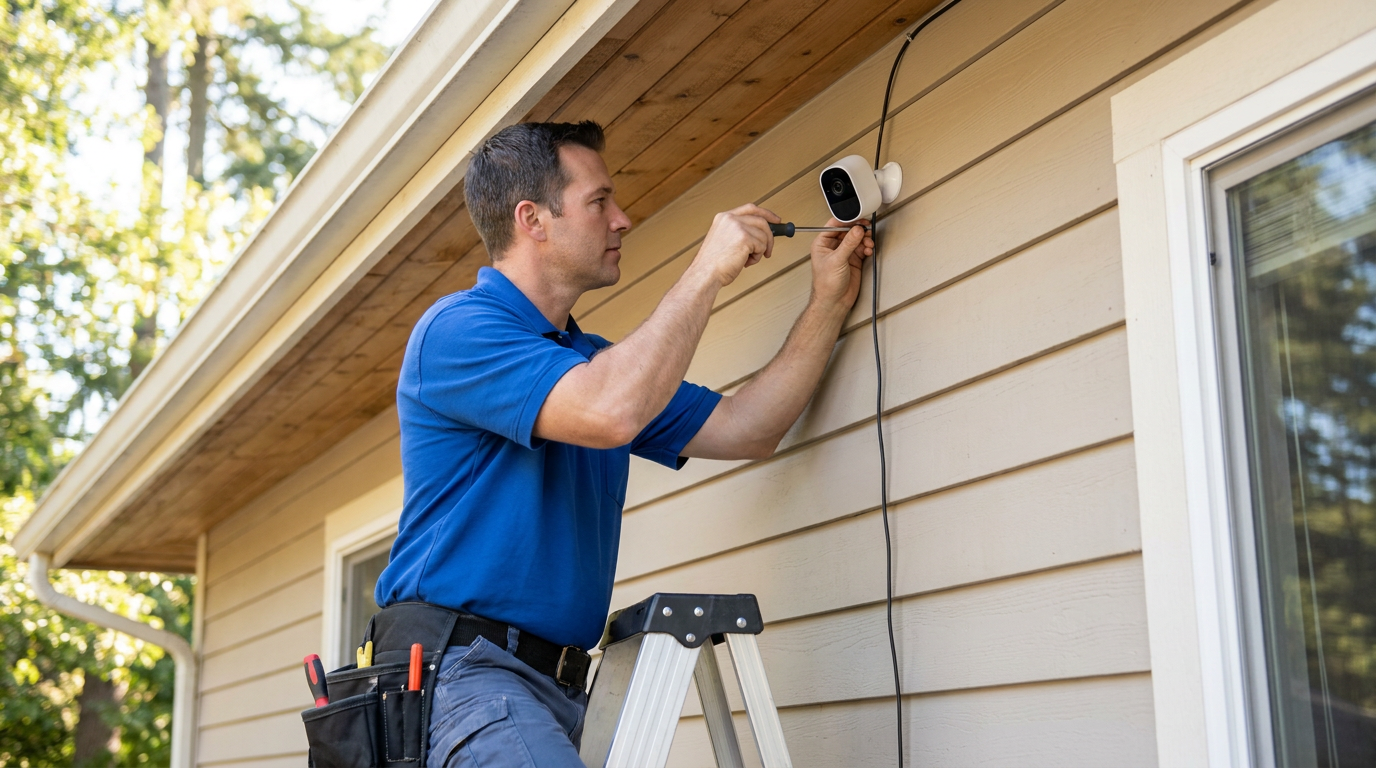
Top 3 Recommended Wired PoE Cameras

The REOLINK RLK8-410B6 is the highest-rated multi-camera PoE kit tracked on this site, covering a whole house with six wired 5MP bullet cameras and an 8-channel NVR. A 2TB hard drive records continuously with no subscription ever. Person, vehicle and pet detection cuts false alerts across all six channels. Owners consistently cite six cameras as the point where a typical house genuinely has no blind side left.
Why You Should Get This
If you want to wire a whole house in one purchase with real headroom to expand, this is the best-evidenced starting point.
Benefits
- Six cameras is enough for most houses to have no real blind spot.
- 24/7 continuous local recording with no subscription ever.
- Person, vehicle and pet detection across all channels.
Pros and Cons
- Highest-rated multi-camera PoE kit on this site.
- No recurring cost after purchase.
- Real installation headroom with 8 NVR channels.
- Real installation project, running six cable runs takes a weekend.
- 5MP rather than 4K.
- Higher upfront cost than a smaller kit.
Features
- Six 5MP wired PoE bullet cameras.
- 8-channel NVR with 2TB HDD.
- Person, vehicle and pet detection.

The RLC-520A is the best cost-per-angle wired camera tracked on this site, at an entry-level price per camera when bought as a 2-pack, for adding wired coverage to an NVR or network you already own. It offers 5MP resolution with infrared night vision to roughly 100 feet and smart human, vehicle and animal detection. It matches the flagship six-camera kit’s rating despite the much lower price. The dome housing resists tampering better than a bullet camera.
Why You Should Get This
If you already own an NVR or PoE switch and just need to add one or two more wired angles cheaply, this is the best value pick.
Benefits
- Best cost-per-angle wired camera tracked on this site.
- Dome housing resists tampering better than a bullet camera.
- Records to microSD up to 512GB or to an existing NVR.
Pros and Cons
- Matches the flagship kit’s owner rating at a fraction of the price.
- Dome housing is harder to knock out of alignment.
- Flexible recording, card or NVR.
- Sold as cameras only, no NVR included.
- Still needs a PoE switch or NVR with a spare channel.
- 5MP rather than 4K.
Features
- 5MP resolution, two cameras.
- Infrared night vision to ~100ft.
- Human, vehicle, animal detection.

The RLK8-800D4 is the 4K upgrade within the same wired ecosystem, pairing four 8MP dome cameras with an 8-channel NVR and a 2TB drive for continuous 24/7 local recording. H.265 encoding keeps 4K storage manageable despite the higher resolution. It sits slightly behind the 5MP flagship kit on owner rating, reflecting the honest tradeoff between resolution and review-base maturity. This is the kit to buy when identifying a face or a plate at distance is the actual goal.
Why You Should Get This
If 5MP isn’t sharp enough for the one or two angles where you genuinely need to identify a person, this is the 4K step up within the same wired ecosystem.
Benefits
- 4K detail is where footage stops recording an event and starts identifying a person.
- H.265 encoding keeps 4K storage manageable.
- 24/7 local recording, no cloud plan ever.
Pros and Cons
- Meaningfully sharper detail than 5MP kits.
- Same no-subscription local-recording model.
- Expandable to eight channels.
- Slightly lower rating than the 5MP flagship kit.
- 4K fills the included 2TB drive faster than 5MP.
- Higher price than the 5MP equivalent.
Features
- Four 8MP/4K dome cameras.
- 8-channel NVR, 2TB HDD included.
- H.265 encoding.
How Power over Ethernet Actually Works
The direct answer: a PoE switch or NVR injects low-voltage DC power onto the same twisted-pair cable that carries the camera’s network traffic. The camera takes power off the line and sends video back down it. One cable, one connector, one run.
Everything good about this category follows from that single design decision. There is no battery, so nothing degrades and nothing needs a ladder in February. There is no wireless link, so the camera at the far corner of the property does not care how weak the WiFi is out there. And because the recorder sits inside the house, footage is safe even if a camera is stolen. Those three properties are exactly the failure modes that dominate negative reviews of wireless cameras, and PoE deletes all three at once.
The cost is equally structural: somebody has to run the cable. That is the honest dividing line for this whole category, and it is worth being decisive about before spending money.
Cabling: Cat5e, Cat6 and Ethernet Cable Runs
Cat5e is sufficient for every home camera on the market, including 4K models. Cat6 costs a little more and gives you headroom you probably will not use. Buy outdoor-rated or direct-burial cable for anything exposed to sun and weather, because standard indoor jacket degrades in UV faster than people expect.
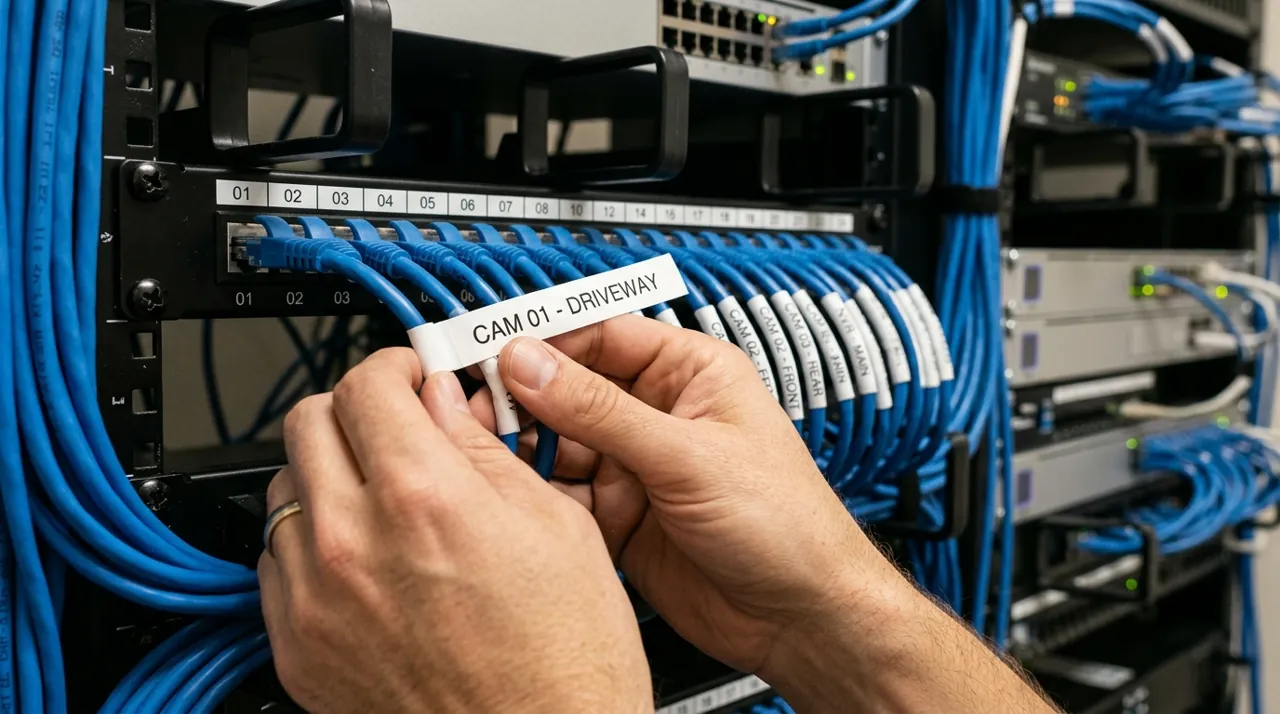
Two practical decisions save most of the frustration in owner reviews. First, buy pre-terminated cable in fixed lengths unless you actually want to learn to crimp RJ45 ends — bad terminations are the most common cause of a channel that will not hold a link. Second, plan the route before you buy anything. The distance that matters is cable length through an attic, down a wall cavity and around two corners, not the straight line across the yard. Standard PoE runs to about 328 feet of cable; a camera that looks close can easily exceed it once the real route is measured.
Where drilling into a wall is not an option, some owners run cable through an existing soffit vent or reuse an old coax path. Where nothing works, this is the point to switch categories rather than to improvise — the solar cameras hub and wireless and battery cameras hub exist for exactly that case.
NVR, PoE Switch and Channel Count
An NVR is the recorder: a box with a hard drive that stores everything every camera sees, continuously, and gives you one timeline to search. A PoE switch just powers cameras and puts them on the network. Most people should buy a kit with an NVR, because continuous searchable history is the actual reason to be in this category rather than buying cloud cameras.
Buy more channels than cameras. An 8-channel recorder with four cameras means the fifth camera is an entry-level purchase; a 4-channel recorder with four cameras means the fifth camera is a new system. Almost nobody stops at their original camera count, and the reviews that complain about channel limits are written by people who did not leave headroom. For a house with outbuildings or a long driveway, a 16-channel recorder is the configuration that survives contact with reality.
One detail buyers miss: these ecosystems are closed. A camera from one brand generally will not appear on another brand’s recorder, and no consumer WiFi camera from Ring, Blink or Arlo will ever record to a REOLINK NVR. Choose the ecosystem before you choose the camera.
Always-On Power, No WiFi Dropouts, and When You Need a PoE Injector
The two headline benefits are worth stating plainly because they are the reasons this category out-rates wireless. Always-on power means a camera that is never at 12 percent charge on the coldest night of the year, and it means spotlights and infrared can run at full output rather than being rationed to protect runtime. No WiFi dropouts means the camera at the back fence is on a physical wire, so it does not care that the router is three walls and forty feet away — the single most common complaint in wireless camera reviews simply cannot occur.
If you are adding one camera to a network that already has a spare Ethernet run but no PoE switch, a PoE injector is the cheap answer: it sits between an ordinary switch and the camera and puts power onto the line. Injectors are fine for one or two cameras. Past that, a proper PoE switch from Netgear, TP-Link or Ubiquiti is tidier and cheaper per port.
Storage Math, Done Honestly
This is the most common surprise in the entire category. Buyers see "2TB included" and picture months of history. The reality is roughly one to two weeks of continuous 24/7 recording across four to six cameras using H.265 encoding — and 4K roughly doubles the consumption rate compared with 5MP.
Three levers change that. A larger drive is the obvious one; 4TB roughly doubles the retention. H.265 encoding, which every current system supports, roughly halves the load compared with older H.264 and should always be enabled. And selective recording is what experienced owners actually do: leave the front door and driveway recording continuously, and set the fence-line channels to motion-triggered. That single change often triples effective retention on the channels that matter.
Resolution deserves the same honesty. 5MP is a genuinely good middle ground and is what our highest-rated kits use — sharper than the 1080p wireless mainstream, without 4K’s storage appetite. Go 4K on the one or two angles where identifying a face or a plate is the actual goal, and accept the storage cost there.
Accessories Worth Adding

Best for extending 24/7 recording history beyond the included 2TB drive.

Best for maximum retention on a larger camera count or 4K system.

Best for powering one extra PoE camera with no spare NVR port nearby.
Types of PoE Camera: Bullet, Dome or Pan-Tilt
Bullet cameras are the classic cylinder. They are cheaper, easier to aim precisely, and visibly a camera, which carries some deterrent value. They are also easier to knock out of alignment and they collect spider webs across the housing that trigger night-time motion.
Dome cameras sit in a low-profile bubble under an eave. They resist tampering and re-aiming, look less aggressive, and stay where you point them. The trade is fiddlier aiming during installation and a plastic bubble that hazes over time and occasionally reflects the camera’s own infrared back into the lens if it is not seated properly.
Pan-tilt cameras cover far more ground per unit and many now auto-track a person across a scene. They are the right answer for wide frontage or an oddly shaped lot. The honest catch is that a camera which has swung to follow someone is temporarily not watching its default view, and motors are a mechanical failure point fixed cameras do not have. The PTZ pan-tilt cameras hub covers that trade properly.
Most houses are best served by fixed cameras on the defined approaches, with at most one pan-tilt unit on the widest area.
Night Vision and Detection on Wired Cameras
Wired cameras have a real advantage at night that rarely gets stated: with permanent power there is no reason to be stingy with illumination. Spotlight-equipped PoE models can run a genuine 700-lumen light and record in full color, where a battery camera has to ration every second of light to protect its runtime. Color footage of a person is evidence; a grey infrared silhouette usually is not.
On detection, smart filtering is close to mandatory once you pass four cameras. Six cameras generating raw motion alerts produce a notification stream nobody reads by the end of the first week, and a muted system is not a security system. Person, vehicle and animal filtering plus per-channel activity zones are what keep alerts meaningful. Expect two or three weeks of tuning after installation — owners who do that report satisfaction, and owners who expected day-one perfection wrote the frustrated reviews.
What to Look For: A Buying Guide Checklist Before Installation
Six specifications decide whether a wired setup ages well, and none of them is the headline megapixel number.
- Spare channels on the recorder — at least two more than the cameras you are buying now.
- Maximum supported drive size, which matters more than the drive that comes in the box.
- Frame rate at full resolution. Some cameras advertise 4K but drop to 15fps to get there; 20 to 25fps is what makes a moving person look like a person rather than a smear.
- Person and vehicle filtering on the recorder itself, so filtering still works with the internet down.
- Local recording with no fee for storage or remote viewing — standard from Reolink, Amcrest, Annke and Lorex, but a few brands still gate app features behind a plan.
- Outdoor-rated cable and connectors rated for the run you actually measured, not the one you estimated.
The frequently asked questions at the foot of this page cover the rest of what buyers raise most often.
Who a PoE System Genuinely Suits
Buy PoE if you own the property, you want continuous rather than clip-based history, you object to paying monthly for access to your own footage, and you are willing to spend a weekend or hire an installer for the cabling. Under those conditions the satisfaction data is emphatic: this category rates higher than wireless because it removes failure modes rather than adding features.
Do not buy PoE if you rent, if the walls are solid masonry with no cavity or attic route, or if nobody in the household is prepared to run cable and nobody is being hired to do it. In those cases a well-placed solar camera beats a wired system that never gets finished. Our best outdoor security cameras rankings cover the alternatives, and the no-WiFi and cellular cameras hub handles properties with no network at all.
What a Wired System Costs on a Budget, With No Subscription
A single wired PoE camera runs from entry-level to mid-range pricing depending on resolution, and a well-rated 12MP model sits at the top of that range. Two-camera packs bring the per-camera cost down toward the entry-level end. Complete kits with an NVR and a 2TB drive start at a mid-range system price for four 5MP cameras, reach a higher mid-range price for four 4K or six 5MP cameras, and run up to a premium system price for eight 4K cameras on a sixteen-channel recorder.
Add cable, a possible PoE switch if you expand past the recorder’s ports, and either a weekend of your time or an installer’s day rate. Against that, subtract every subscription you would otherwise pay: a four-camera cloud plan at a moderate monthly fee adds up to a substantial sum across five years. That comparison is why wired systems, despite the higher sticker price, are frequently the cheaper option over the life of the install. The buying guides hub works through that math in more detail.
More Accessories

Best for a clean, weatherproof cable entry for an outdoor dome camera.

Best for protecting exposed Ethernet connections on a bullet-camera run.

Best for angling a PoE camera precisely under an eave or soffit.
Where to Start and How to Choose Wired PoE Security Cameras
Start with best PoE security camera systems if you are choosing by camera count and coverage, or best security camera systems if the recorder and storage are what you are actually shopping for. If part of the property cannot take cable, pair a wired core with a solar or battery camera from best outdoor security cameras, and see the floodlight cameras hub if the driveway needs light as well as coverage. The topical map below closes the loop across the whole hub.