
Affiliate Disclosure
Some links on this page are affiliate links. As an Amazon Associate, we earn from qualifying purchases — at no extra cost to you. We do not buy, install, or physically handle the cameras we cover; our rankings come from aggregated owner reviews, ratings and expert consensus. Commissions never change our verdicts. How we rank · full disclosure.
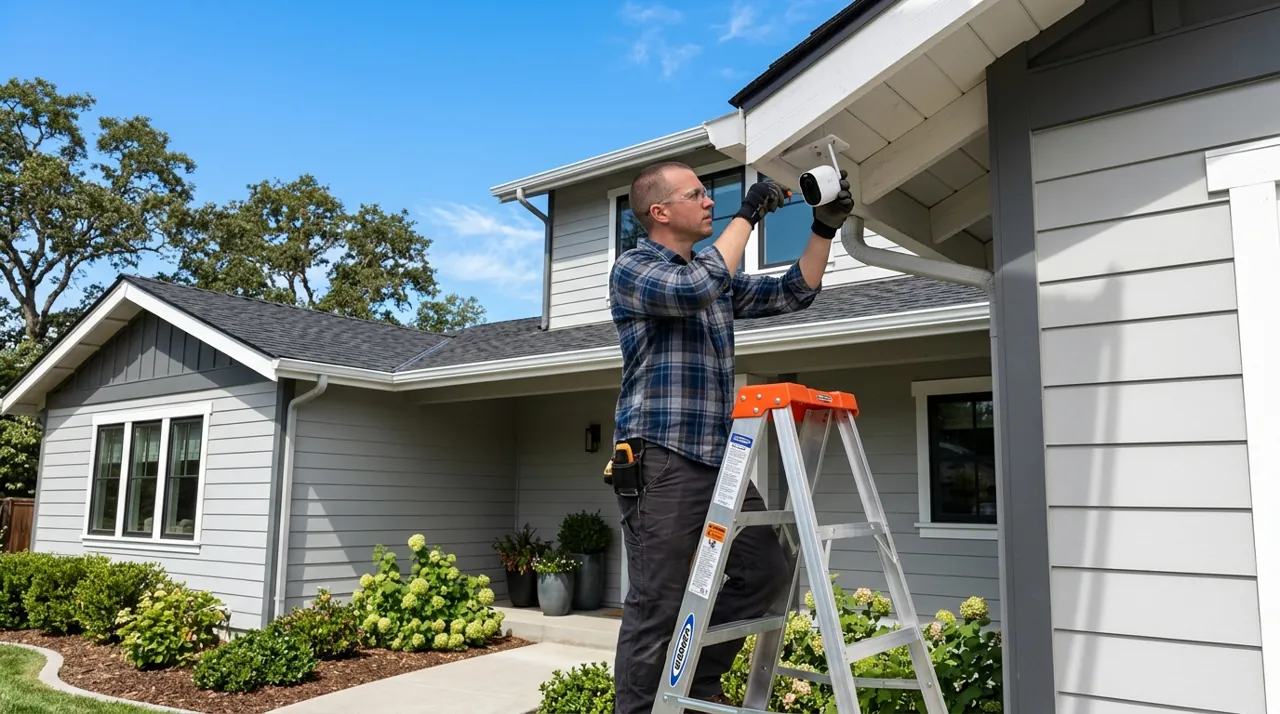
Short answer: yes, you can install a security camera yourself, and most homeowners do. The overwhelming majority of consumer security cameras — battery-powered models, WiFi cameras that plug into an outlet, and video doorbells that mount with adhesive or a simple bracket — are designed specifically for a self-install with no electrician and no special tools beyond a screwdriver. The camera categories that genuinely test a DIYer's comfort level are PoE systems requiring Ethernet cable runs, and any camera tied into existing mains-voltage wiring, both of which are covered in more detail below.
Recommended Cameras for a DIY Install

Best for a fifteen-minute DIY install with no wiring.

Best for a simple bracket-and-screw self-install.

Best for the DIY-hardest option, for anyone comfortable running Ethernet.
Can You Install a Security Camera Yourself? By Camera Type
Battery cameras are the easiest category by a wide margin. Most mount with a bracket and two or three screws, or with adhesive tape for a fully drill-free option, and pairing with the app is guided step by step by the manufacturer. A first-time installer with no prior experience typically has a battery camera running within fifteen to thirty minutes, including the app setup and a test recording.
WiFi cameras that plug into an outlet are nearly as simple, adding only the need for a nearby power source to the same basic mounting process. Video doorbells fall into the same easy tier when they are battery-powered with adhesive mounting, and only get marginally more involved when connecting to existing low-voltage doorbell wiring, which is still well within reach for most comfortable DIYers.
Where Self-Installation Gets Genuinely Harder
PoE cameras and multi-camera NVR systems are the real DIY test. Running Ethernet cable through walls, attics or conduit to multiple camera positions is a substantially bigger project than mounting a single battery camera, and it benefits from basic familiarity with cable termination, even though the connectors themselves are not difficult to learn. Owners who complete these installs successfully generally describe budgeting a full weekend for a four-to-eight-camera system, longer if the cable runs are not straightforward.
Anything involving mains-voltage electrical work — a hardwired floodlight camera spliced into an existing fixture, or work inside a breaker panel or junction box — is the one category where hiring a licensed electrician is the safer and, in many jurisdictions, the legally expected choice rather than a DIY option.
What First-Time Installers Actually Report
Across owner reviews, the most common installation complaint has nothing to do with mounting hardware at all — it is WiFi pairing friction, particularly on 5GHz-only routers or mesh networks that a camera cannot join without a band-specific setup step. The mounting itself is rarely where people get stuck. Reading a camera's negative reviews specifically for setup complaints before buying is a reasonable way to gauge how smooth a particular model's self-install actually is in practice, independent of the marketing copy.
When Hiring Help Genuinely Makes Sense
Beyond the mains-voltage case, hiring an installer or a handyman makes sense for anyone installing a large multi-camera PoE system with cable runs through finished walls or across a large property, where the labor of fishing cable is the majority of the job rather than the camera itself. It also makes sense for anyone simply short on time — a professional install typically runs a fraction of the camera system's own cost and removes the entire cabling question from the homeowner's plate. See how to install a security camera for the full installation walkthrough across every power type, and how to install without drilling for the drill-free path specifically.