
Affiliate Disclosure: Some links on this page are affiliate links. As an Amazon Associate, we earn from qualifying purchases — at no extra cost to you. We do not buy, install, or physically handle the cameras we cover; our rankings come from aggregated owner reviews, ratings and expert consensus. Commissions never change our verdicts. We're reader-supported: commissions fund hosting, research and updates, so if a guide helped, buying through our links keeps it going. How we rank · full disclosure.
Short answer: yes. A security camera works well as a baby monitor. A meaningful share of parents choose one deliberately over a purpose-built monitor. A camera positioned in a nursery delivers live video, two-way audio, motion and sound alerts, and night vision. Those are the core functions any baby monitor provides. It also adds features dedicated monitors typically lack: remote viewing from anywhere with an internet connection, recorded clip history, and one app that already manages the rest of the household's cameras.
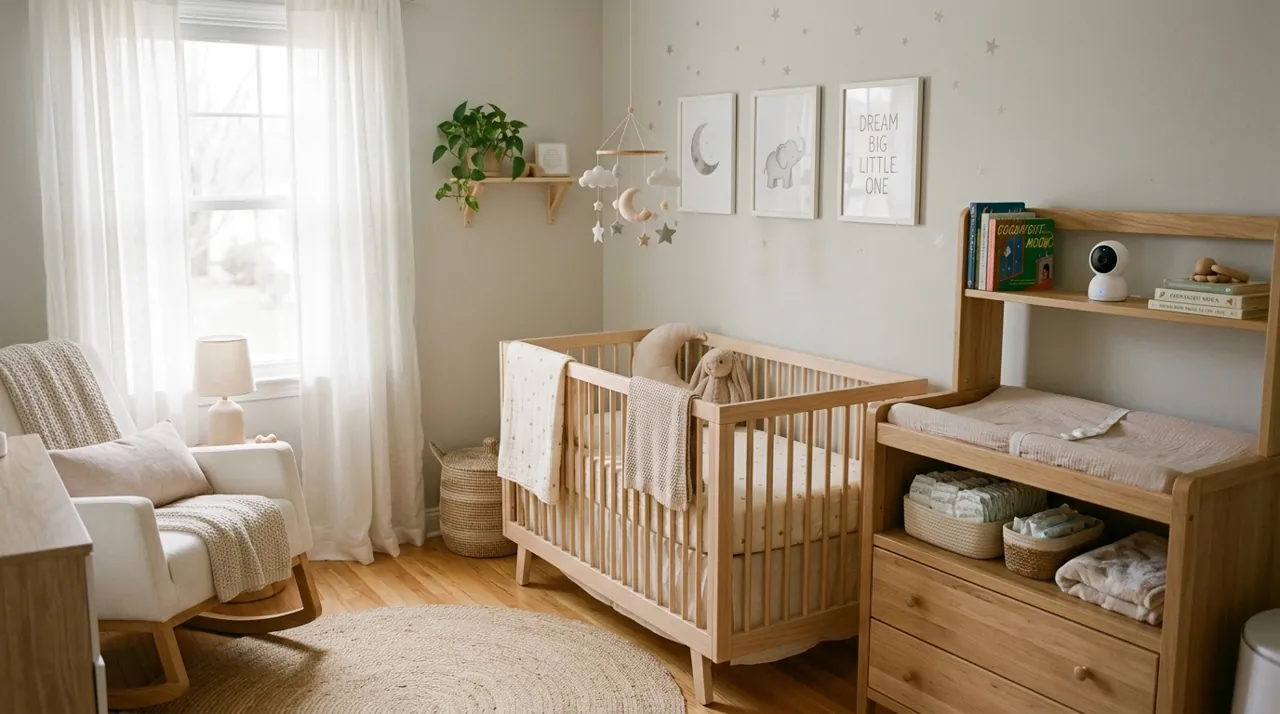
Recommended Cameras for Nursery Use

Best for a fast-loading live view, the property that matters most for a nursery.

Best for pan-tilt coverage that follows a mobile toddler around a room.

Best for local recording with no subscription for continuous nursery use.
Can Security Cameras Be Used as Baby Monitors? What Works Well
Live view and night vision are the two functions that matter most in a nursery. General security cameras handle both competently. Often they do it better than budget dedicated monitors, which sometimes cut corners on night vision quality to hit a lower price point. Two-way audio lets a parent speak or play a soothing voice into the room remotely. That serves a similar purpose to the lullaby features some dedicated monitors ship with, without needing a built-in audio library.
Remote access from outside the home is the single biggest practical advantage a security camera brings. Most non-WiFi baby monitors only work within the radio range between the nursery unit and the parent unit, which in practice means inside or right around the home. A parent stepping out while a grandparent watches the baby, or checking in from work during a nap, is a genuinely common use case. App-based remote viewing was already built for exactly that.
Where a Dedicated Baby Monitor's Night Vision Still Has an Edge
Purpose-built monitors run on their own private radio frequency rather than household WiFi. That gives them one clear advantage: a WiFi outage or network congestion cannot disrupt them the way it can a WiFi security camera. This matters to parents who specifically distrust relying on the home network for something this important. Dedicated monitors also frequently include nursery-specific features a general security camera lacks outright, like built-in lullabies, temperature and humidity readouts, and cry-detection tuned specifically for infant sounds rather than general motion or noise.
Battery-powered baby-monitor parent units that work with no phone at all are also worth considering. They suit anyone who specifically wants to avoid keeping a phone as the primary monitoring device, a genuine and common preference among new parents trying to reduce screen dependency.
Privacy and Placement Considerations Specific to a Nursery
A camera in a nursery still carries the same privacy considerations as any indoor camera, and deserves the same care. Keep it aimed at the crib and general room, not at a changing table or anywhere a caregiver might be undressing the child. If the camera has cloud storage, understand what happens to that footage and who can access it. For households using a nanny or other in-home childcare, disclosing the camera's presence is both the honest choice and the legally cleaner one, particularly because audio-recording consent rules vary by state. See are home security cameras legal for the fuller legal picture on recording in shared household spaces.
Choosing the Right Camera for a Nursery Specifically
Instant, reliable live view matters more in a nursery than in any other room in the house, because the entire point of checking is speed. A camera that takes several seconds to load a live feed is genuinely frustrating for a parent trying to quickly confirm a baby is fine. Cameras with a strong reputation for fast, dependable live loading in owner reviews are worth prioritizing over ones with marginally sharper specs but a slower or less consistent app. A pan-tilt camera that can follow a mobile toddler around a room, rather than a fixed lens that only covers a crib, extends the camera's usefulness well past infancy.
Sound-based alerts deserve equal attention to motion alerts for this specific use case. A crying baby is often audible before they are visibly moving in frame, so a camera with reliable sound detection catches that moment sooner than motion detection alone would.
See a camera without an app for parents who specifically want to avoid a phone-dependent setup, and indoor cameras for the full range of options suited to nursery use.
Covering More Than One Room as a Baby Grows
A single fixed camera aimed at a crib works well for the newborn stage. As a child starts moving around a room, and eventually the house, coverage needs tend to expand well past what a dedicated single-purpose baby monitor was ever designed for. This is where a general security camera system has a genuine long-term advantage. The same app and account already managing a nursery camera can add a playroom camera, a living room camera or an entry camera as the family's needs grow, all under one unified system.
Two-Way Audio: How Parents Actually Use It
Two-way audio is the feature that most directly stands in for a monitor's built-in soothing sounds. Instead of playing a pre-loaded lullaby, a parent opens the app and speaks directly into the room through the camera's speaker. A familiar voice saying "I'm here," or humming a few bars of a bedtime song, often settles a fussing baby faster than a generic white-noise track. That is because it is a recognizable voice, not a recording. The tradeoff is that it needs the parent's active participation. It works best as a responsive tool used in the moment, not a set-and-forget comfort measure.
Audio quality varies more across budget and premium cameras than video quality does. A camera with tinny, delayed or garbled two-way audio undercuts this use case, even if its picture is perfectly sharp. Read owner reviews for comments on audio clarity and talk-back latency, not just video sharpness, before buying a camera for nursery duty.
Common Mistakes and Misconceptions
The most common misconception is assuming any general-purpose security camera will feel exactly like a dedicated baby monitor out of the box. It will not. There is no lullaby library, no built-in temperature and humidity readout, and the parent unit is a phone rather than a small dedicated screen that lives on a nightstand. Parents who miss those specific conveniences sometimes end up happier running both: a basic dedicated monitor for the nightstand, and a security camera for remote access and recording.
A second common mistake is buying a camera with a wide field of view meant for a living room or driveway, then expecting it to double as a tightly framed crib view. Field of view and mounting height both matter for how close and how framed the crib appears on screen. A camera mounted too far away, or too wide-angle, shows a technically visible but practically unhelpful small image of the crib in the corner of a much larger room. Check a camera's field-of-view spec and plan the mounting distance before buying to avoid this.
Finally, some parents assume a nursery camera needs a completely separate purchase and setup from their existing security system. In most cases it does not. It is simply one more camera added to the same app, the same account and the same subscription tier already in use for the rest of the home.
Sources & References
- Securing Your Internet-Connected Devices at Home — Federal Trade Commission
- Tapo C211 Pan/Tilt Home Security Wi-Fi Camera — TP-Link Tapo
- Wyze Cam v4 — Wyze
- Reporters Recording Guide — Reporters Committee for Freedom of the Press