
Affiliate Disclosure: Some links on this page are affiliate links. As an Amazon Associate, we earn from qualifying purchases — at no extra cost to you. We do not buy, install, or physically handle the cameras we cover; our rankings come from aggregated owner reviews, ratings and expert consensus. Commissions never change our verdicts. We're reader-supported: commissions fund hosting, research and updates, so if a guide helped, buying through our links keeps it going. How we rank · full disclosure.
Short version: on a pet camera with a treat dispenser, use the manufacturer’s recommended treat size to avoid dispenser jams, be mindful of portion control since remote tossing makes over-treating easy, and know that core features work for cats too even though marketing and barking-alert features are dog-focused.
A treat-dispensing pet camera adds one specific mechanism a standard camera doesn't have: the ability to remotely toss a treat through the app. Everything else, video, two-way audio, motion alerts, mostly overlaps with a regular indoor camera. This guide covers what actually differs between Furbo and Petcube, how subscriptions and cloud storage typically work in this category, and the practical details, treat jams, portion control, WiFi dependence, that matter more once you're actually living with one day to day.
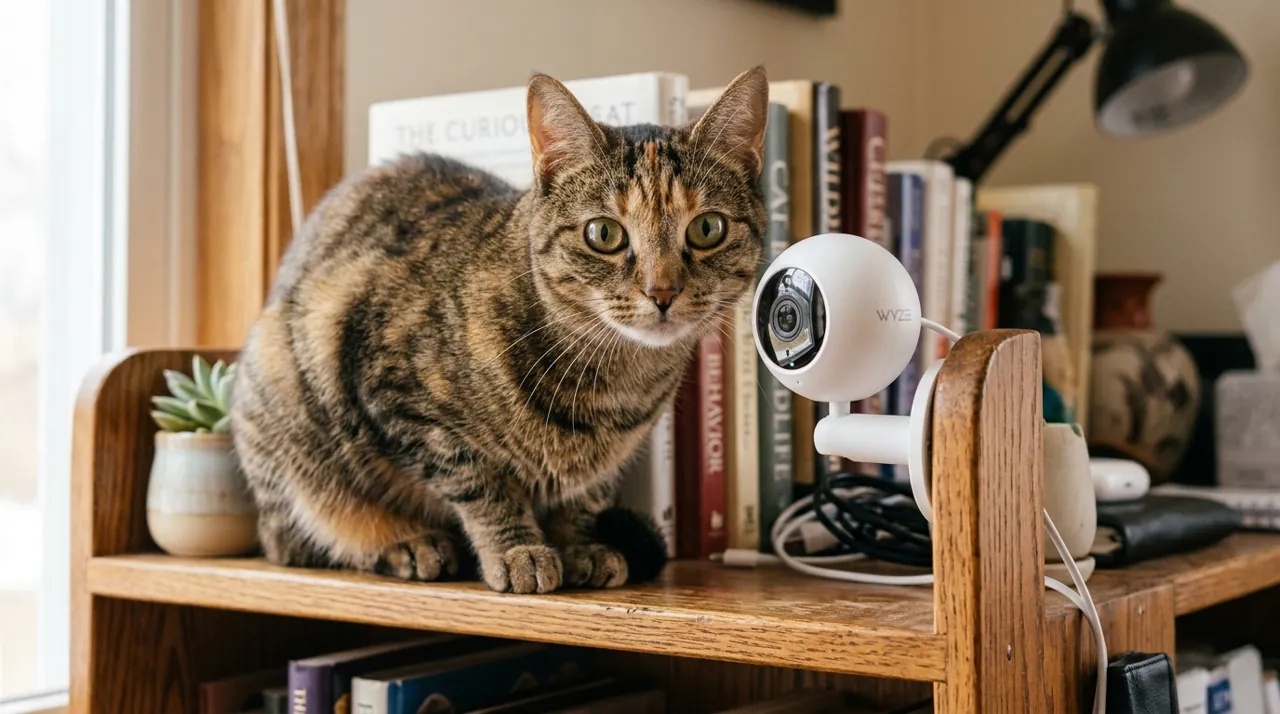
What a Treat-Dispensing Pet Camera Actually Adds
Strip away the branding and the core addition is simple: a mechanical dispenser that launches a treat on command from the app. Everything else, live video, two-way audio, motion or bark alerts, is functionality a standard indoor camera already offers. That's worth knowing before paying a premium for the treat feature specifically. If remote positive reinforcement, rewarding calm behavior or distracting a pet during separation anxiety, isn't something you'll actually use regularly, a standard camera does the rest of the job at a lower price. Owners who do use the treat feature regularly tend to describe it as the deciding reason they chose this category over a cheaper standard camera in the first place.
Furbo vs Petcube: The Core Differences
Furbo popularized this category and holds the deepest review base and longest track record on this hub. Petcube is the established second brand, generally positioned at a lower price point with a smaller review base. Beyond brand and price, differences show up in view angle (fixed wide-angle versus a rotating 360-degree design on newer Furbo models), and in exactly which features sit behind a subscription. Compare the specific models rather than assuming brand alone tells you everything, since individual models within each brand vary meaningfully.
Subscription Plans: What's Free vs What Costs Extra
Subscription requirements vary significantly within both brands' current lineups, not just between them. Some models include core treat-tossing and live view at no ongoing cost, while others gate features like extended cloud video history, advanced AI detection, or barking-pattern analysis behind a paid plan. Check the specific listing's subscription terms before buying rather than assuming a feature you want is included, since this is one of the more common sources of buyer disappointment in this category.
Treat Size, Shape and Jamming
Dispenser mechanisms are built around a specific treat size and shape range, typically small and round or cylindrical. An oversized, oddly shaped or crumbly treat is the leading reported cause of a jam. Check the manufacturer's treat guidance before stocking up, and expect an occasional jam regardless of treat choice, since most models include a simple manual-clear process for exactly this scenario.
Portion Control and Overfeeding
Remote treat tossing removes the natural friction of physically getting up to give a treat, which makes over-treating out of habit or guilt a genuine risk while you're away. Set a personal daily treat limit through the app if your pet is prone to weight gain, and treat the feature with the same portion discipline you'd use in person.
Using a Pet Camera for Cats
Both major brands market primarily around dogs, and barking-alert features specifically don't apply to a cat. The core video, two-way audio and treat-tossing functions work regardless of species, and plenty of owners use these cameras successfully with cats. Check current reviews from cat owners specifically if that's your household, since the bulk of marketing and reviews skew toward dog owners and may not reflect a cat-specific experience.
Placement and WiFi Considerations
Mount the camera at a height a jumping or standing pet can't reach, both to protect the hardware and to keep the treat's toss trajectory consistent. A stable WiFi signal at the mounting location matters more here than for a typical security camera, since live view, alerts and treat tossing all depend on connectivity working in real time, not just for occasional recorded clips.
Multi-Pet Households
A single camera doesn't distinguish which pet is in frame when it tosses a treat or sends an alert; it treats the room generally rather than any one animal specifically. Some newer models add AI-based individual-pet recognition, but check the specific listing rather than assuming this is standard. Multi-pet households often place one camera per room a pet spends significant time in, rather than expecting one unit to track several animals individually. That approach also gives each pet its own toss target, which reduces the food-competition dynamic that can develop when two pets chase the same tossed treat.
Two-Way Audio and Separation Anxiety
Talking to a pet through the app, combined with a tossed treat, is one of the more commonly cited uses for these cameras in owner reviews, especially for a dog with mild separation anxiety. Hearing a familiar voice paired with a treat reward can help redirect anxious behavior during the early minutes after you leave. Results vary meaningfully by individual pet and by the severity of the anxiety. Treat a pet camera as one management tool among several rather than a fix on its own, and involve a vet or trainer if separation anxiety is severe or worsening.
Alerts, Recording and What You Actually Get
Motion and barking alerts push a notification to your phone so you know something happened without watching a live feed constantly. Whether that event is also saved for later review depends on the specific model and plan; some cameras clip-record only around a detected event, others rely entirely on cloud storage tied to a subscription, and a few offer no stored history without a paid plan at all. If reviewing footage after the fact matters to you, more than just getting a real-time alert, check the specific product's recording and storage terms closely before buying, since this varies more within this category than buyers often expect going in.
Common Questions
For product picks, see best pet camera with treat dispenser. For a standard camera without the treat-tossing feature, see the indoor cameras hub.
Sources & References
- Petcube Care Plans — Petcube
- Petcube Bites 2 Lite — Petcube
- Furbo Nanny — Furbo