
Affiliate Disclosure
Some links on this page are affiliate links. As an Amazon Associate, we earn from qualifying purchases — at no extra cost to you. We do not buy, install, or physically handle the cameras we cover; our rankings come from aggregated owner reviews, ratings and expert consensus. Commissions never change our verdicts. How we rank · full disclosure.
Short answer: a typical outdoor security camera benefits from lens cleaning roughly every one to three months under normal conditions, and more frequently — closer to monthly — during high-pollen season, after dust storms, or in any environment with heavy airborne debris. Indoor cameras need far less frequent attention, often just an occasional wipe every few months, since they are shielded from the weather and debris that accumulate on exterior lenses so much faster.
Recommended Cameras for Easy Maintenance

Best for a weather-resistant lens that holds up to regular cleaning.

Best for a sealed dome housing that sheds debris well between cleanings.

Best for a light-plus-camera unit worth cleaning both elements of together.
How Often Should I Clean a Security Camera Lens? Signs It Needs It Sooner
Rather than relying purely on a fixed schedule, watching for specific signs is a more reliable guide. A gradually softening or hazier daytime image, footage that looks noticeably worse than it did when the camera was new, or a night vision image that has degraded beyond what a simple lighting explanation accounts for are all signals worth checking the lens for directly. Spider webs are a particularly common and fast-developing outdoor problem — a camera can accumulate a web directly across the lens within days in the right conditions, well before a scheduled cleaning would catch it.
Seasonal patterns matter too. Spring pollen coats exterior surfaces including camera lenses in a fine yellow film that can meaningfully degrade image clarity within weeks in high-pollen regions. Storm seasons deposit dust, debris and water spots faster than calm weather does. Adjusting cleaning frequency to match these seasonal realities, rather than sticking rigidly to a fixed interval regardless of conditions, keeps image quality more consistent year-round.
How to Clean a Lens Without Damaging It
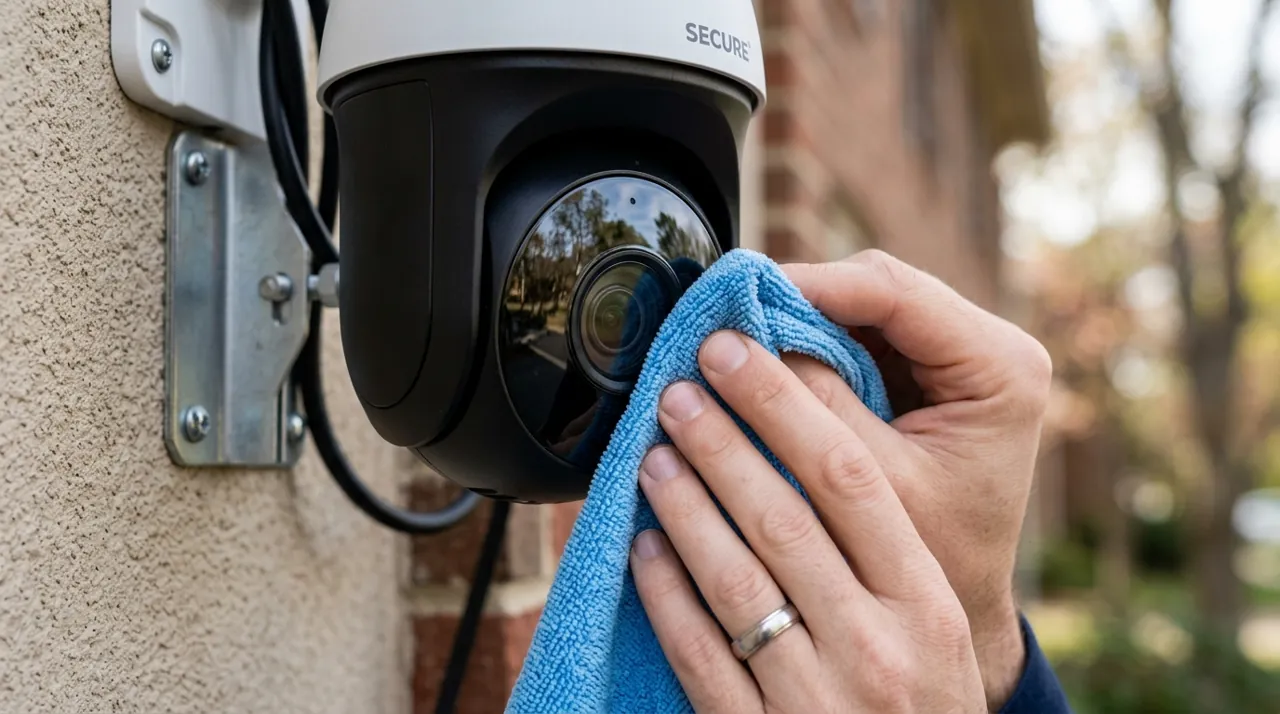
A soft, lint-free microfiber cloth — the same type used for eyeglasses or camera lenses generally — is the safest tool for the job, used dry for light dust or very lightly dampened with water for more stubborn grime. Avoid paper towels and rough fabrics, which can introduce fine scratches over repeated use even when they seem soft enough in the moment. Avoid harsh household glass cleaners or solvents unless specifically labeled safe for camera optics, since some chemical formulations can damage protective coatings on the lens over time.
For cameras mounted at height, a small stepladder or an extension pole with a soft attachment is safer and more effective than trying to reach an awkward angle, and it is worth combining a lens cleaning pass with a general check of the mount and cable connections while already up there.
Building a Simple Maintenance Habit
Pairing lens cleaning with an existing seasonal task — gutter cleaning, exterior light-bulb checks, a general spring and fall home walkthrough — makes it far more likely to actually happen consistently than relying on remembering a separate camera-specific schedule. Some owners set a simple recurring phone reminder every couple of months as a lower-effort alternative. Either approach beats the common pattern of only noticing a dirty lens after image quality has degraded enough to be genuinely annoying.
See why does my night vision look blurry for how a dirty lens specifically affects night performance, and how long do security cameras typically last for how ongoing maintenance affects a camera's overall lifespan.