
Affiliate Disclosure
Some links on this page are affiliate links. As an Amazon Associate, we earn from qualifying purchases — at no extra cost to you. We do not buy, install, or physically handle the cameras we cover; our rankings come from aggregated owner reviews, ratings and expert consensus. Commissions never change our verdicts. How we rank · full disclosure.
The short version: the Ring Indoor Cam is the best nanny cam for most households at an entry-level price, and the reason is the sliding cover over the lens rather than anything on the spec sheet. If you want the smartest alerts without a monthly bill, the Google Nest Cam Indoor, at a premium price, runs its detection on the camera itself. The entry-level Tapo 1080p is the sensible budget answer with the right kind of night vision for a sleeping child, and the Aqara E1 is the pick for Apple households that want end-to-end encrypted storage.
A nanny cam is bought for a different reason from every other camera on this site. It is not there to catch an intruder at a chokepoint; it is there to give a parent visibility into a room where somebody they employ is caring for their child. That changes the specification list completely, and it adds an obligation that a driveway camera does not carry — the person in frame is a person you have a relationship with, and they should know the camera exists.
This page ranks against that brief: verifiable privacy hardware, night vision that does not wake anybody, audio you can actually hold a sentence through, and alerts that arrive. For the broader indoor shortlist and full placement guidance, start from the indoor cameras hub.
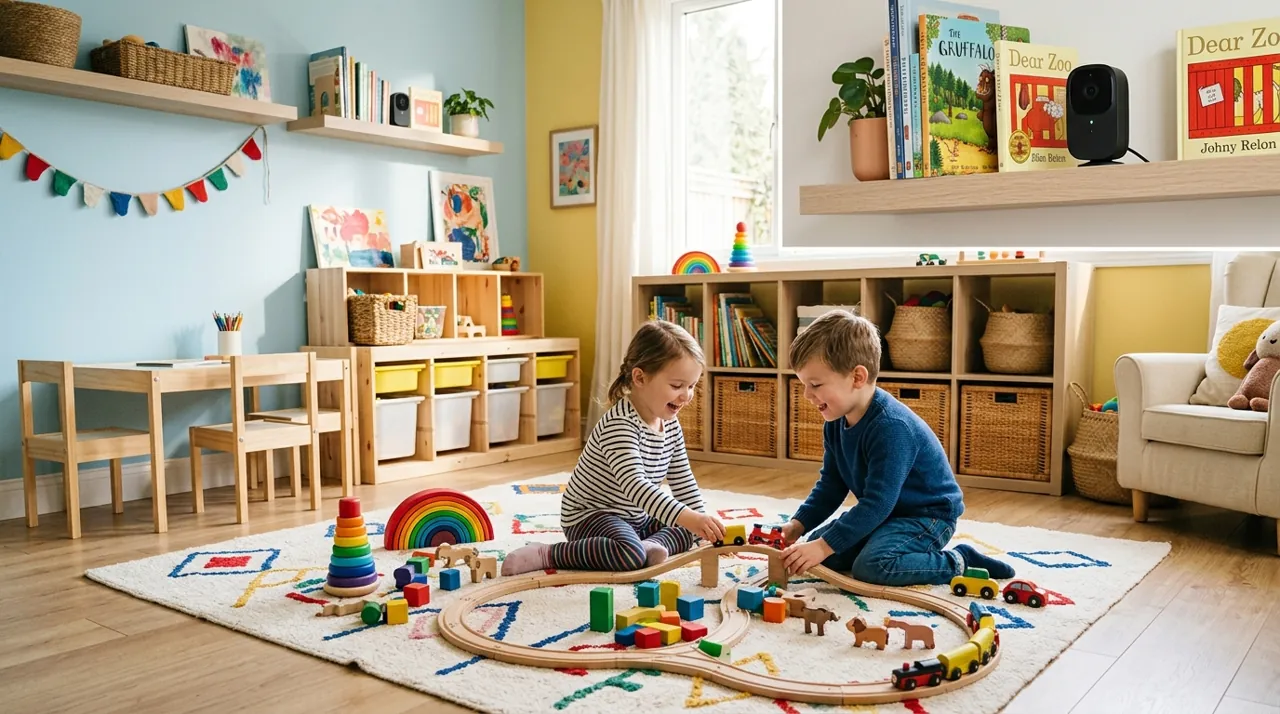
Top Rated Nanny Cams at a Glance
What Actually Matters in a Nanny Cam
The direct answer: a physical privacy cover first, infrared night vision second, audio quality third. Resolution is the specification buyers over-weight most and the one that changes the outcome least at the eight-to-fifteen-foot distances found inside a house.
A Physical Privacy Shutter
This is the one requirement we would refuse to compromise on. A software privacy toggle asks you to trust firmware; a sliding cover or a lens that rotates into its housing is a fact anyone in the room can confirm from across it. That verifiability does two jobs at once. It gives you certainty when the camera should be off — evenings, weekends, when the caregiver is on a break — and it gives the caregiver a reassurance that does not depend on believing you or the manufacturer. The Ring Indoor Cam covers the lens and mutes the microphone with one slide. The Aqara E1 rotates the lens away in privacy mode.
Infrared, Not Spotlight, Night Vision
Infrared LEDs are invisible to human eyes. The camera sees a monochrome image, the room stays dark, and a sleeping child stays asleep. Colour night vision, increasingly common on cheap cameras, generally means a white spotlight switches on when light drops — excellent for identifying a face in a driveway and precisely wrong above a cot. Every camera on this page does infrared. If a model you are considering has a spotlight, check the spotlight can be turned off independently of night mode before you buy.
Two-Way Audio You Can Hold a Sentence Through
Two-way talk on a nanny cam is used differently from other cameras. It is a short exchange with an adult, or a few words of reassurance to a child, not a shout at a delivery driver. Latency and half-duplex behaviour matter accordingly: cameras that clip the first syllable or force each side to wait turn a conversation into a mess. Owner reviews put Ring and Nest clearly ahead here, with the budget Tapo usable but overlapping.
Alert Reliability Over Alert Cleverness
A late notification is worse than useless, because it arrives after the moment it describes. This is the property Ring owners praise most and it is the reason a 1080p camera outranks sharper rivals on this page. Nest approaches the problem differently, running person and animal detection on the device so the alert is both fast and accurate without a subscription behind it.
The Ranked Field: Star Rating, Consensus and Price

Best for a camera in a shared living space where privacy has to be visible, not promised.
- Manual privacy cover that physically blocks the lens and mutes the microphone.
- 1080p with a wide 143-degree field of view.
- Two-way talk with noise cancellation.
- The most consistently praised notification reliability in the category.
Why buy it: The sliding cover is the only privacy control on this page you can confirm by looking at it rather than trusting an app toggle.

Best for households that want accurate person alerts without paying a monthly fee.
- On-device intelligence for person, animal and vehicle detection.
- Three hours of free event history with no subscription.
- Wired power for uninterrupted daytime coverage.
- Tight Google Home and Nest Hub integration.
Why buy it: Detection runs on the camera itself rather than in the cloud, which is both the most accurate option here and the least data sent offsite.

Best for a nursery or playroom camera bought without a second thought about cost.
- 1080p with infrared night vision to 30 feet, no visible light emitted.
- Two-way audio with a built-in siren.
- Cloud or microSD card storage.
- Small enough to sit unobtrusively on a dresser.
Why buy it: Infrared rather than a spotlight makes it the right kind of night vision for a sleeping baby, at a price that lets you cover two rooms.

Best for HomeKit Secure Video households that want end-to-end encrypted storage.
- 2K resolution, the sharpest sensor on this page.
- HomeKit Secure Video support with end-to-end encryption.
- Physical privacy mode that rotates the lens away from the room.
- Local microSD recording as well as cloud.
Why buy it: HomeKit Secure Video keeps footage encrypted end to end in your own iCloud rather than on a camera company’s servers.
Comparison Table: Privacy Cover, Price and Rating
| Product | Best for | Price | Buy |
|---|---|---|---|
| Ring Indoor Cam | Best Overall | $49.99 | Price |
| Google Nest Cam Indoor (Wired, 3rd Gen) | Best Premium | $99.99 | Price |
| TP-Link Tapo 1080P Indoor Camera | Best Budget | $17.99 | Price |
| Aqara 2K Indoor Camera E1 | Best for Apple Households | $63.46 | Price |
Disclosure: Telling the Caregiver, Briefly and Factually
Informing a nanny, babysitter or in-home caregiver that a camera is present is standard practice in this category, and in a number of jurisdictions notice is a legal expectation rather than a courtesy. Families who handle it well tend to do the same three things.
Put it in writing at the start. A short clause in the employment agreement listing which rooms have cameras, and confirming that no camera is in a bathroom or in a live-in caregiver’s own bedroom, resolves the issue permanently. Raising it at hiring is far easier than raising it later.
Leave audio recording off. Video law and audio law are not the same. Audio is governed by wiretap and eavesdropping statutes, which in roughly a dozen states require the consent of every party to a conversation rather than just one. Two-way talk you initiate is a different thing from continuously recording a room, and switching recorded audio off removes the sharpest edge of the legal question while costing you almost nothing.
Do not hide the camera. Concealed cameras are what turn a reasonable monitoring arrangement into a dispute, and a visible camera on a shelf deters and reassures in a way a hidden one cannot. A physical shutter helps here too: a caregiver who can see the lens is covered during their break has been given something real rather than a promise.
This is general information and not legal advice. State law varies substantially, particularly on audio, and it is worth checking your own before you rely on any of it.
How We Rank
We do not buy, install or physically handle these cameras. There is no test house here and we are not going to invent one. What we do is read the evidence that already exists at scale: aggregated owner star ratings weighted by review volume, so a 4.6 from 950 buyers does not automatically outrank a 4.4 from 27,000; the recurring themes in negative reviews, which are far more informative than the positive ones; and the specification differences owners raise unprompted. Every star rating and review count here comes from licensed Amazon listing data rather than being typed by us, and a product with no verified rating renders no stars at all. Full method on how we rank.
Every Nanny Cam Reviewed From Owner Reviews
1. Ring Indoor Cam — Best Overall
The highest-rated indoor camera sold in the US, backed by one of the deepest review bases we track, and the one whose defining feature matches this brief exactly. What owners praise: the manual privacy cover, mentioned constantly and specifically by buyers using it in shared spaces; notifications that arrive within seconds; a live view that loads on the first tap; two-way talk that sounds natural; and setup simple enough for a grandparent to complete. What owners complain about: without a Ring Protect subscription no video is saved at all, which for a nanny cam is a serious limitation rather than an inconvenience; there is no microSD slot; and 1080p is behind the sharper cameras below it.
2. Google Nest Cam Indoor (Wired, 3rd Gen) — Best Premium
The most expensive camera here, at a premium price, and the only one running its detection intelligence on the device rather than in the cloud. What owners praise: alert accuracy a clear step above everything else on this page, three hours of free event history with no subscription, effortless casting to a Nest Hub or TV, and build quality that matches the price. On-device processing also means less footage leaving the house, which is a meaningful point in a child’s room. What owners complain about: the price against an entry-level camera that covers the same cot; a review base under a thousand ratings, thin next to the veterans here; no physical lens shutter, only a status light and software controls; and wired-only placement.
3. TP-Link Tapo 1080P Indoor Camera — Best Budget
The cheapest camera here, at an entry-level price, and with a deep base of ratings, one of the most thoroughly validated. What owners praise: infrared night vision that lights nothing, which is the correct behaviour above a cot; genuinely useful two-way audio for the money; microSD recording with no monthly fee; and a size that lets it sit on a dresser without dominating the room. Reviews from parents using it as a baby monitor are overwhelmingly positive. What owners complain about: basic motion detection that cannot separate a person from a shadow, so alert volume runs high until zones are narrowed; no physical lens cover; and a cloud tier limited enough that the memory card is effectively mandatory.
4. Aqara 2K Indoor Camera E1 — Best for Apple Households
The sharpest sensor on this page and the only one supporting HomeKit Secure Video, which encrypts footage end to end into your own iCloud storage rather than a camera company’s servers. What owners praise: 2K detail, the privacy mode that physically rotates the lens away from the room, local microSD recording alongside cloud, and an architecture that appeals strongly to buyers who distrust camera vendors as data custodians. What owners complain about: the lowest average rating here, on a modest review base, with reviews citing setup friction and app quirks outside the Apple ecosystem; a higher price than the Ring for a thinner track record; and HomeKit Secure Video requiring an iCloud plan and a home hub to work as advertised.
Placement, Power and the Practical Details
Height and angle. Five to seven feet, angled slightly down, with a wall rather than a window behind whoever is in frame. That combination produces the one thing footage has to deliver: a clear view of faces and hands rather than silhouettes.
Never a bathroom, never a caregiver’s bedroom. This is not a judgement call. Those two placements convert a legitimate arrangement into a serious legal exposure, and there is no household requirement that justifies either.
Cable management in a child’s room. Every camera here is mains powered with a lead around six feet long, and a loose cord within reach of a cot or a toddler is a genuine hazard rather than an aesthetic problem. Mount out of reach, run the cable flush to the wall, and secure it properly.
WiFi band. Most of these are 2.4GHz devices. Pairing fails most often on routers publishing 2.4GHz and 5GHz under one network name, and temporarily splitting the bands resolves the majority of setup complaints in owner reviews.
What Owner Reviews Actually Complain About
Four complaints recur across every brand and price point in this category.
The subscription discovery. Buyers who went to review a clip and found nothing had been saved. For a nanny cam this is the worst version of the complaint, because the whole point was having the record. On this page, the Tapo and Aqara record to a card with no plan; the Ring does not.
Notification volume. A camera in a room that is occupied all day generates constant motion. Detection zones and reduced sensitivity are essential here rather than optional, and almost nobody configures them on day one.
Night vision glare. Infrared bouncing off a window, a mirror or a glass cot mobile washes the image out. Repositioning fixes it; owners often assume the camera is faulty instead.
App and WiFi reliability. Live views that spin and cameras that drop off the network. The higher-priced models are meaningfully better here, and it is most of what the premium actually buys.
How to Choose Between These Four
If a caregiver works in the room: the Ring Indoor Cam, for the verifiable privacy cover, and budget the subscription as part of the purchase.
If you want accurate alerts with no monthly fee: the Nest Cam, and accept the thinner review base and the absence of a physical shutter.
If it is a nursery and the budget is tight: the entry-level Tapo, whose infrared night vision is exactly right above a cot.
If your household runs on Apple and data custody is the worry: the Aqara E1 with HomeKit Secure Video.
Still working out whether an indoor camera is the right first purchase at all? The indoor cameras hub covers the placement and privacy decisions in full, and the buying guides hub handles installation and subscription questions before you spend anything.
Pros and Cons: Best Overall, Best Value, Best Premium
Ring Indoor Cam (Best Overall): pros — physical privacy shutter, largest review base of any camera here; cons — subscription required for recorded history, 1080p only.
Nest Cam (Best Accuracy): pros — on-device AI detection works free, no monthly fee for basic alerts; cons — no physical privacy cover, thinner review base.
Tapo C100 (Best Budget): pros — invisible infrared night vision suited to a sleeping baby, entry-level price, no subscription; cons — basic motion detection, fixed lens.
Budget-conscious households who also want a subscription-free option with color night vision should look at Wyze's Cam v4 or eufy's local-storage indoor cameras as alternatives — see best Wyze cameras and best eufy cameras.
Warranty and Return Policy
Standard one-year hardware warranties apply across these brands. The genuinely important test window here is the first week: confirm the privacy cover physically blocks the lens, confirm night vision performs the way you need for the room's actual lighting, and confirm the caregiver disclosure conversation has happened before the camera goes live.
The Verdict on the Best Nanny Cams in 2026
The Ring Indoor Cam is the nanny cam we would point most readers toward, and the deciding factor is a two-dollar piece of plastic rather than the sensor behind it. A cover you can slide across the lens is the only privacy control in this category that survives contact with scepticism — yours and your caregiver’s. Add the highest owner rating in the indoor category and notification reliability that owners single out above everything else, and it is the strongest all-round answer here. Budget the subscription honestly, because without it you have a live window rather than a record.
If that recurring cost is the sticking point, the Nest Cam gives you accurate on-device alerts and three hours of free history for a higher one-off price, and the entry-level Tapo covers a nursery competently with the right kind of night vision and a memory card instead of a plan. Whichever you buy, put the disclosure in writing, leave recorded audio switched off, and spend ten minutes on detection zones before you spend anything else.
Related Accessories

Best for local recording on a camera with a card slot.

Best for angling a camera precisely under an eave, soffit or shelf.

Best for a clean, weatherproof cable entry point on an outdoor mount.