
Affiliate Disclosure
Some links on this page are affiliate links. As an Amazon Associate, we earn from qualifying purchases — at no extra cost to you. We do not buy, install, or physically handle the cameras we cover; our rankings come from aggregated owner reviews, ratings and expert consensus. Commissions never change our verdicts. How we rank · full disclosure.
Short answer: a typical WiFi router reaches roughly 100 to 150 feet outdoors with a clear line of sight, and considerably less indoors once walls, floors and interference are factored in — often closer to 30 to 60 feet through several interior walls before signal quality becomes unreliable for a continuous-streaming device like a camera. These figures vary meaningfully by router hardware, the WiFi band in use, and the specific building materials involved, which is why the same nominal distance produces a rock-solid connection in one house and a struggling one in another.
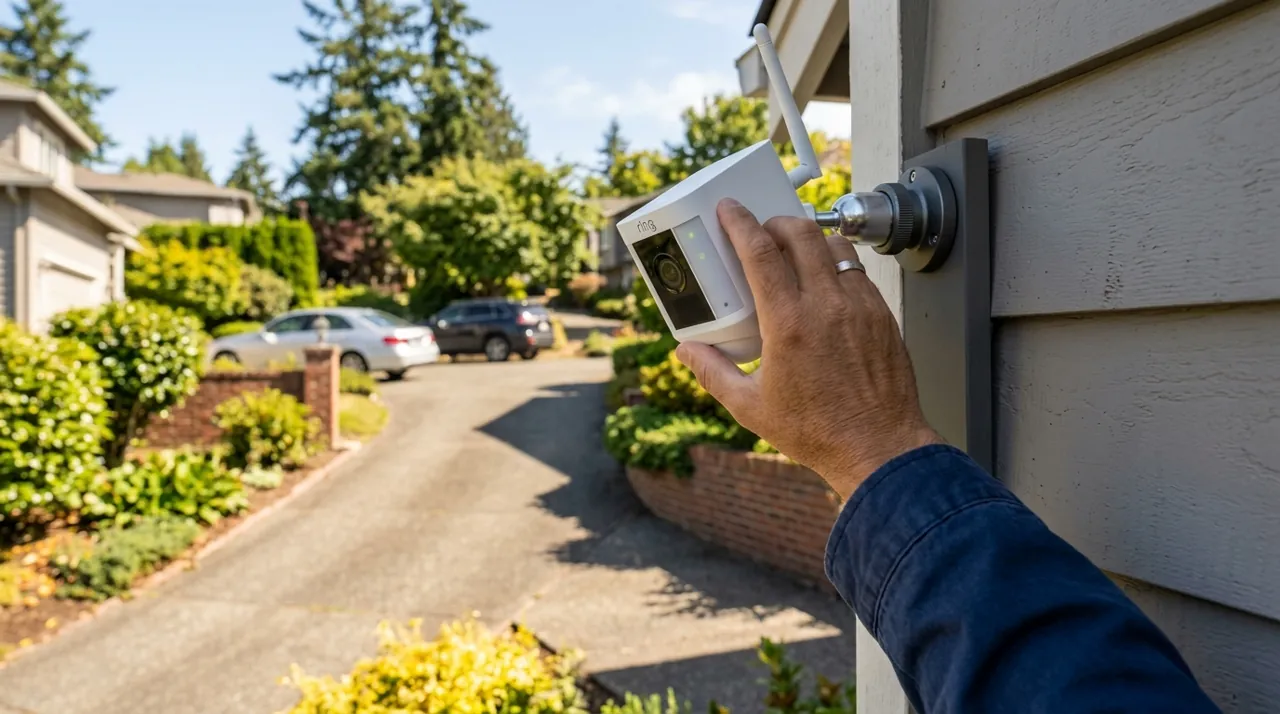
Recommended Cameras and Router Alternatives

Best for a camera with a well-documented practical WiFi range.

Best for 2.4GHz support, which extends range further than 5GHz-only cameras.

Best for a wired option with no meaningful distance limit at all.
How Far Can a Security Camera Be From the Router? What Actually Determines It
Raw distance is only one input into WiFi range, and often not the most important one. Wall count and material matter enormously — drywall barely dents a signal, while masonry, concrete, and especially anything with metal mesh or foil-backed insulation can cut range dramatically over a much shorter physical distance than open air would allow. A camera positioned just outside a house but behind a brick exterior wall can have a weaker connection than one twice as far away with an unobstructed path, which is why "how far" rarely has one universal number that applies across every home.
Band choice shifts the practical range meaningfully. 2.4GHz penetrates walls and travels further than 5GHz, trading bandwidth for reach, which is exactly why many cameras built for outdoor and longer-distance placement support only 2.4GHz rather than the faster but shorter-range 5GHz band. A camera struggling at a distance that should be well within range is worth checking specifically for which band it connected to during setup.
How to Actually Test Your Camera's Real-World Range
The most reliable way to know whether a specific position will work is to test it directly rather than estimate from a generic distance figure. Most camera apps display a signal strength indicator during setup, and checking that reading at the actual intended mounting position — not just near the router — tells you immediately whether the connection will be reliable. A smartphone's own WiFi signal indicator at the same physical spot is a reasonable rough proxy if the camera itself is not yet installed, though the camera's own radio and antenna design can perform somewhat differently than a phone's.
Extending Range When a Position Falls Short
A WiFi extender or repeater is the traditional fix, rebroadcasting the router's signal from a point closer to the camera, though extenders can introduce their own latency and occasionally halve available bandwidth on the extended segment. A mesh WiFi system, using multiple coordinated access points spread around the property, is the more robust modern solution, generally delivering more consistent coverage across a larger area than a single router-plus-extender setup, particularly for a property with multiple distant camera positions rather than just one.
For a position that remains unreliable despite these fixes, a wired or PoE camera sidesteps the entire WiFi range question, since it communicates over Ethernet cable rather than a wireless signal with a practical distance limit at all. See why does my camera keep disconnecting from WiFi for the broader troubleshooting picture, and wired PoE cameras for the range-independent alternative.