
Affiliate Disclosure
Some links on this page are affiliate links. As an Amazon Associate, we earn from qualifying purchases — at no extra cost to you. We do not buy, install, or physically handle the cameras we cover; our rankings come from aggregated owner reviews, ratings and expert consensus. Commissions never change our verdicts. How we rank · full disclosure.
Short answer: many security cameras work with Google Home, but the depth of that integration depends heavily on the brand. Google's own Nest cameras integrate natively and fully, appearing directly in the Google Home app with live feeds, event history and voice control all built in. Cameras from other manufacturers — Ring, Wyze, Tapo and similar — generally connect through a looser third-party integration that typically supports live view and basic voice commands, but does not carry over every feature the camera's own app offers.
Cameras With Google Home Support

Best for native Google Home integration with on-device AI detection.

Best for budget-friendly Google Home compatibility.

Best for Google Home support alongside its stronger Alexa integration.
Do Security Cameras Work With Google Home? The Short Version
Yes, a large share of consumer security cameras support some level of Google Home integration today, because Google Home has become one of the two dominant smart-home platforms alongside Amazon's Alexa ecosystem. The real question is not whether a camera works with Google Home at all, but how deep that integration actually goes — and that answer depends entirely on whether the brand built for Google specifically or simply supports it as one compatibility option among several.
Native Nest Integration vs Everything Else
A Google Nest camera is designed from the ground up to live inside the Google ecosystem, which shows in the details: on-device AI detection distinguishing people, animals and vehicles works without a subscription, event history and live view sit directly in the Google Home app with no separate login, and voice commands through any Google Assistant device respond reliably because the integration was never an afterthought.
Third-party cameras connect through published integrations that Google Home supports for compatible brands, and the practical result is usually solid but visibly thinner: live view on request generally works well, but advanced features — activity zones, cloud clip playback, two-way talk through the Google interface specifically — are inconsistent from brand to brand and sometimes missing entirely. The camera's own app remains the fuller control surface even after Google Home integration is set up.
What a Mixed-Brand Household Actually Experiences
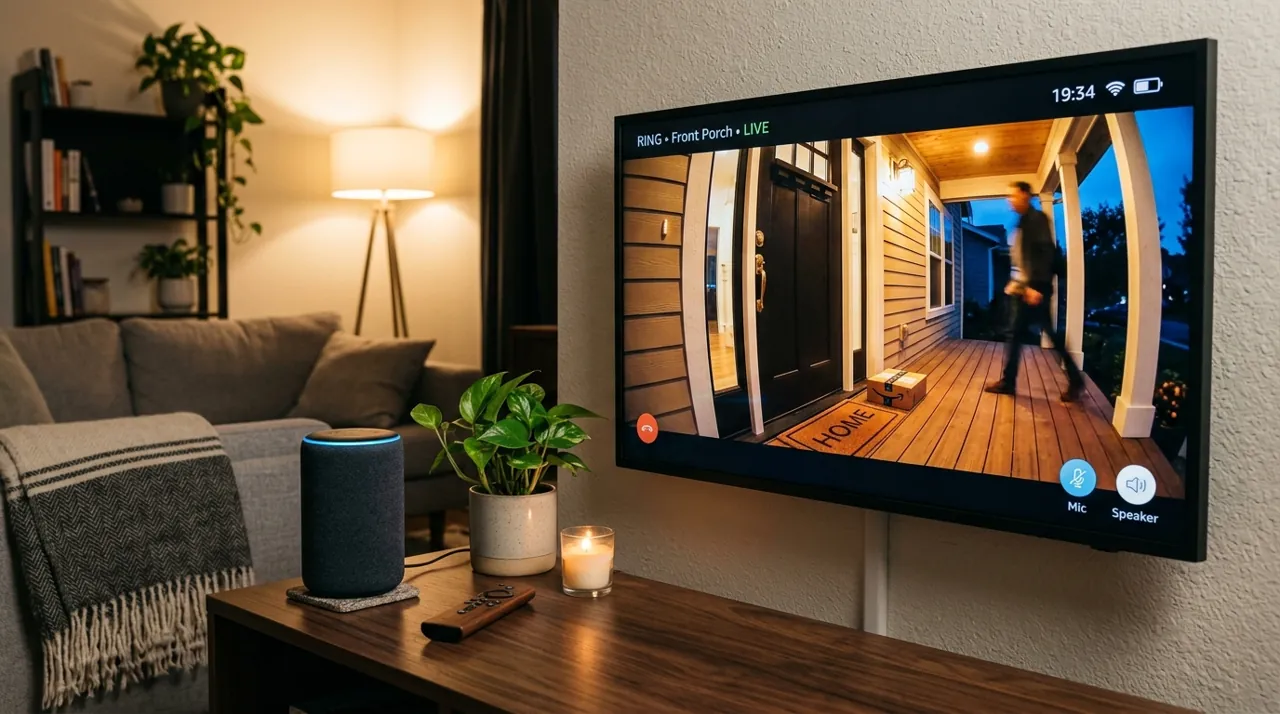
Many households do not run a single-brand system, which is where the Google Home experience gets genuinely uneven. A Nest camera, a Ring doorbell and a Wyze indoor camera can all technically appear in the same Google Home app, but each arrives with a different depth of feature support, and switching between them for a quick check can feel inconsistent in a way a single-brand household never encounters. Owners running mixed systems consistently report that Google Home becomes the convenient at-a-glance layer for checking who is at the door, while the individual camera apps remain where the real configuration work happens.
What to Check Before Buying for Google Home
Look for explicit "Works with Google Home" or "Works with Google Assistant" labeling on the product listing rather than assuming compatibility, since not every camera brand supports it and support can change between hardware generations of the same product line. If seeing every camera on one smart display is the priority, weigh that specifically against how well the brand's Google integration is reviewed — a camera with excellent hardware but a poorly rated third-party bridge will frustrate that specific use case even though the camera itself works fine standalone.
For the Alexa side of the same question, and for households running a mixed ecosystem, see do security cameras work with Apple HomeKit and viewing multiple camera brands in one app for how the fragmentation across ecosystems actually plays out day to day.
Getting a Camera Actually Linked to Google Home
The setup process itself is generally straightforward when the camera supports it: open the Google Home app, choose to add a new device, select the camera's brand from the list of supported integrations, and sign in with the credentials for the camera's own account when prompted. The most common setup snag owners report is not finding their specific camera in the supported-device list at all, which usually means the brand does not currently support the integration rather than a setup mistake — worth checking the brand's own support page for current compatibility before spending time troubleshooting.