
Affiliate Disclosure
Some links on this page are affiliate links. As an Amazon Associate, we earn from qualifying purchases — at no extra cost to you. We do not buy, install, or physically handle the cameras we cover; our rankings come from aggregated owner reviews, ratings and expert consensus. Commissions never change our verdicts. How we rank · full disclosure.
Short answer: most consumer security cameras use 2.4GHz WiFi specifically, not 5GHz, and this is a deliberate engineering choice rather than a limitation. 2.4GHz travels further and penetrates walls better than 5GHz, both of which matter more for a camera than raw bandwidth does, since even a modest-resolution video stream fits comfortably within 2.4GHz's available bandwidth. A smaller number of premium and dual-band cameras support 5GHz as well, generally as an option layered on top of 2.4GHz support rather than a replacement for it.
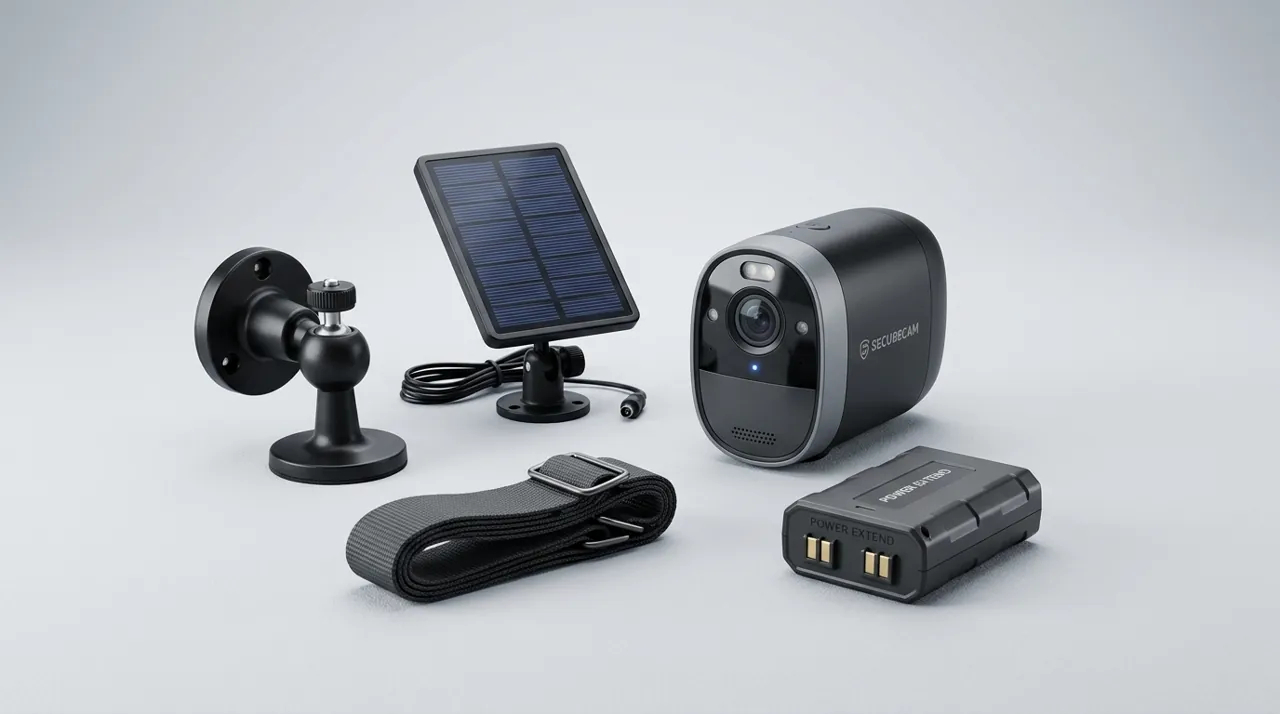
Recommended Cameras by Band Support

Best for 2.4GHz support for the widest range and compatibility.

Best for reliable 2.4GHz connectivity documented across a large review base.

Best for a wired option that skips the band question entirely.
Do Security Cameras Need 5GHz or 2.4GHz WiFi? Why 2.4GHz Wins for This Job
The two bands make fundamentally different tradeoffs. 2.4GHz has a lower frequency, which physically travels further and passes through walls and other obstructions more effectively than the higher-frequency 5GHz signal, at the cost of lower maximum bandwidth and more susceptibility to interference from other household devices operating in the same crowded band. 5GHz offers substantially more bandwidth and less interference but with a shorter effective range and worse wall penetration.
For a security camera, range and reliability at distance generally matter more than raw bandwidth, since even continuous video streaming at reasonable quality fits well within what 2.4GHz can carry. This is precisely why manufacturers overwhelmingly design consumer cameras around 2.4GHz — it is the better engineering fit for a device that frequently sits at the edge of a router's practical range, like an outdoor camera at the far corner of a property, rather than sitting right next to the router the way a streaming device or a game console typically does.
A Common, Invisible Setup Mistake
Many modern routers broadcast a single combined network name that automatically steers devices to whichever band the router's logic favors, rather than exposing 2.4GHz and 5GHz as separately named networks. This convenience feature can quietly connect a 2.4GHz-only camera attempt to fail, or connect a dual-band camera to 5GHz in a position where 2.4GHz's range would have served it far better, producing exactly the intermittent, hard-to-diagnose disconnection pattern that frustrates so many camera owners. Splitting the router's networks into separately named 2.4GHz and 5GHz options, where the router's settings allow it, and manually selecting the correct one during camera setup, removes this ambiguity entirely.
Checking Compatibility Before You Buy
Camera specifications generally state supported bands explicitly, and it is worth checking before buying rather than assuming — a camera advertised simply as "WiFi" without specifying the band is very likely 2.4GHz-only, which is fine for most positions but worth confirming if the intended router setup only broadcasts a combined or 5GHz-primary network. For anyone specifically troubleshooting an existing camera that seems to connect but behaves unreliably, confirming which band it actually landed on is one of the fastest diagnostic steps available.
See why does my camera keep disconnecting from WiFi for the broader troubleshooting picture this band question often sits inside, and how far can a camera be from the router for how band choice affects real-world range.